Every computer, server, and phone your business retires has spent its working life collecting data. Client records, financial files, email archives, saved passwords, and far more sit on those drives long after the device leaves someone's desk. When that hardware is sold, donated, recycled, or thrown away without the data being properly destroyed, all of it can walk straight out the door with the device. This is the part of the technology lifecycle that businesses think about least and regret most.
How to Securely Dispose of Old IT Equipment and Protect Your Data

By nazy rafaeil
20 May 2026

Secure IT asset disposal is the process of retiring old equipment in a way that permanently destroys the data on it, meets your legal obligations, and handles the physical hardware responsibly. It is not the same as dropping old laptops at a recycler or letting them gather dust in a storage closet. Done properly, it closes one of the most overlooked gaps in business security. Done carelessly, it has put company data into the hands of strangers and triggered real regulatory penalties.
This guide explains why disposal carries so much risk, why deleting files does not actually remove them, the methods that genuinely destroy data, the step by step process to follow, and how to choose a disposal provider you can trust. By the end you will know how to retire hardware without retiring your data security along with it.
Why Secure IT Asset Disposal Matters
Secure IT asset disposal protects your business from data breaches, regulatory fines, and environmental liability when you retire old equipment. Discarded computers, drives, and even copiers often still hold recoverable sensitive data. Proper disposal permanently destroys that data, documents the process, and recycles the hardware responsibly.
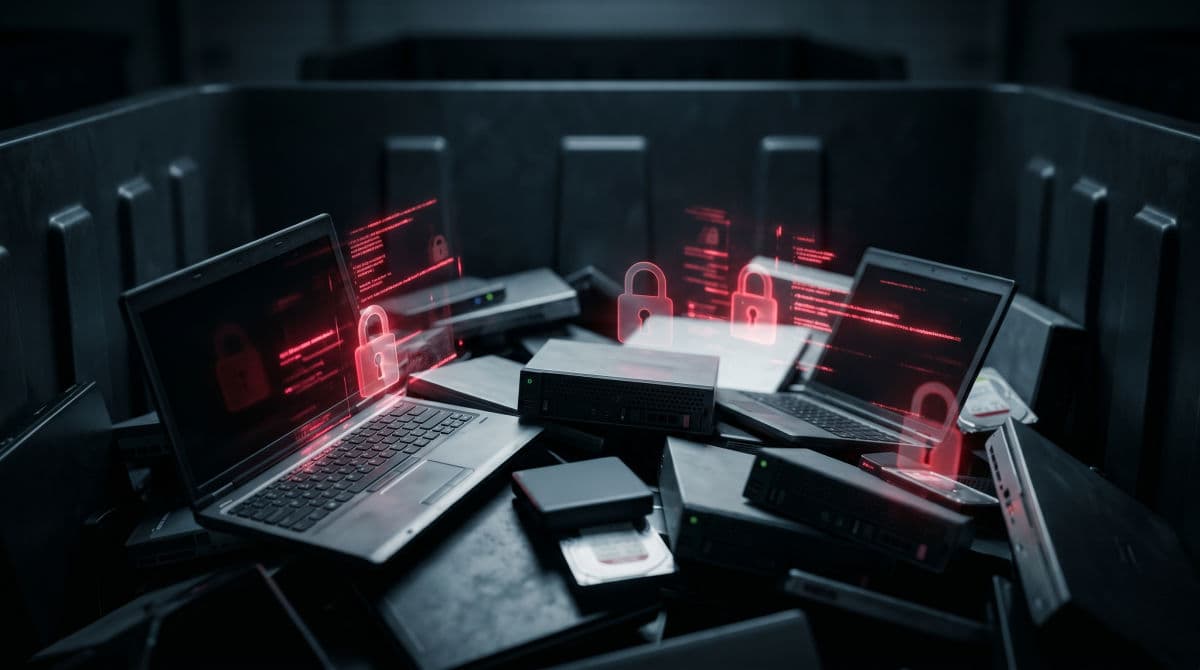
The Data Breach Risk Hiding in Discarded Devices
A retired laptop is not empty just because nobody uses it anymore. Unless the data has been deliberately destroyed, it is still there and still readable. Devices that leave a business through resale, donation, or a careless trip to the dumpster have repeatedly turned up in the hands of strangers with company files intact. Treating disposal as a security task, the same way you treat passwords and firewalls, closes a gap that many cybersecurity programs leave wide open.
Compliance and Legal Exposure
Improper disposal is not only a security problem, it is a legal one. Regulations that govern how you store and protect data also govern how you destroy it, and a drive full of regulated information that is thrown out without being sanitized can become a reportable breach. For businesses in regulated industries, disposal is a genuine compliance and risk management obligation, not an afterthought, and regulators have penalized businesses for getting it wrong.
Environmental Responsibility
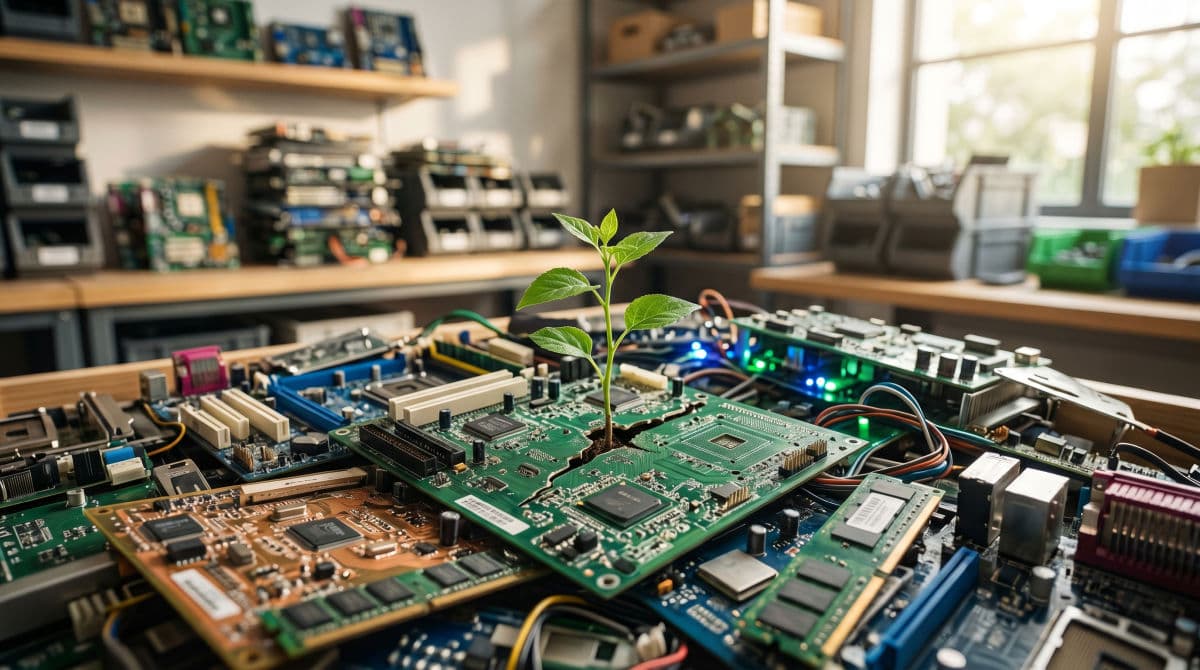
There is also a responsibility that has nothing to do with data. Electronic waste is one of the fastest growing waste streams in the world, and old hardware contains both valuable recoverable materials and substances that should never reach a landfill. Responsible disposal means the hardware is recycled or remarketed properly, which protects the environment and increasingly matters to clients and partners who pay attention to how a business operates.
Why Deleting Files and Factory Resets Are Not Enough
The single most common mistake in IT asset disposal is believing the data is already gone. It usually is not.
What Actually Happens When You Delete a File
When you delete a file or empty the recycle bin, the file does not leave the drive. The operating system simply removes its reference to where that file lives and marks the space as available to be reused later. The data itself stays exactly where it was until something else happens to overwrite it. Until then, widely available recovery tools can bring it back with very little effort.
Why Formatting and Factory Reset Fall Short
Formatting a drive or running a factory reset feels more thorough, but a standard format often does much the same thing, clearing the index rather than the data. Some reset routines do better than others, and the results vary by device and operating system. The problem is that you cannot tell by looking. A drive that appears blank can still hold recoverable information, which is why disposal should never rely on a reset alone.
The Difference Between Hard Drives and SSDs
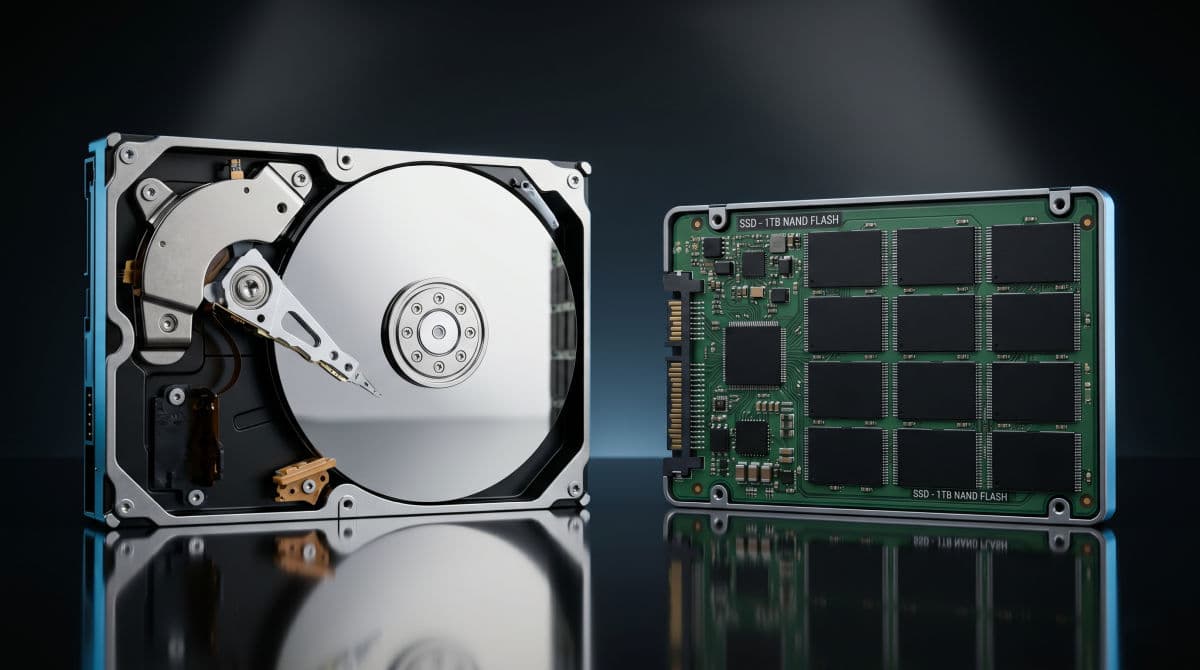
The type of drive matters. Traditional hard drives store data magnetically, which makes them straightforward to overwrite and possible to erase with a magnetic field. Solid state drives work very differently. They use flash memory and spread data across cells in ways that a simple overwrite cannot reliably reach, and they cannot be erased magnetically at all. An SSD needs a method built for it, which is a point many disposal routines miss and a frequent source of data left behind.
Which of Your Devices Actually Hold Data
Before you can dispose of anything safely, you need to know which devices carry data, and the list is longer than most businesses expect. Desktops, laptops, and servers are obvious. So are external drives, USB sticks, and backup tapes. Less obvious are smartphones and tablets, which hold email and credentials, and networking equipment such as firewalls and routers, which store configurations and access information. The most commonly forgotten devices are office copiers and multifunction printers, many of which contain an internal hard drive that quietly stores an image of everything they have scanned, copied, or faxed. Any device that has touched your data needs to be accounted for at disposal time.
Secure Data Destruction Methods Explained
There is no single correct way to destroy data. The right method depends on the device, the sensitivity of the information, and whether the hardware will be reused afterward. The recognized reference point in the United States is the NIST 800-88 standard for media sanitization, which groups approaches into clearing, purging, and destroying.
Data Erasure and Software Wiping
Data erasure uses specialized software to overwrite every accessible part of a drive, then verifies that the overwrite succeeded and produces a record of the result. Because the hardware survives the process, an erased drive can be safely reused, resold, or donated. This is an excellent choice for functional drives, provided the software is appropriate for the drive type, since solid state drives need erasure tools designed specifically for them.
Cryptographic Erasure
Many modern drives encrypt their own contents automatically. Cryptographic erasure takes advantage of this by destroying the encryption key, which leaves the data on the drive permanently scrambled and unreadable. It is fast and well suited to self-encrypting solid state drives. Its reliability depends entirely on the drive having used strong encryption in the first place, so it works best as part of a known, verified setup.
Degaussing
Degaussing exposes a drive to a powerful magnetic field that wipes magnetic media completely. It is effective and quick for traditional hard drives and backup tapes, and it renders the drive unusable afterward. The critical limitation is that degaussing does nothing to a solid state drive, because there is no magnetic storage to disrupt. Using it on an SSD destroys nothing and leaves the data fully intact.
Physical Destruction
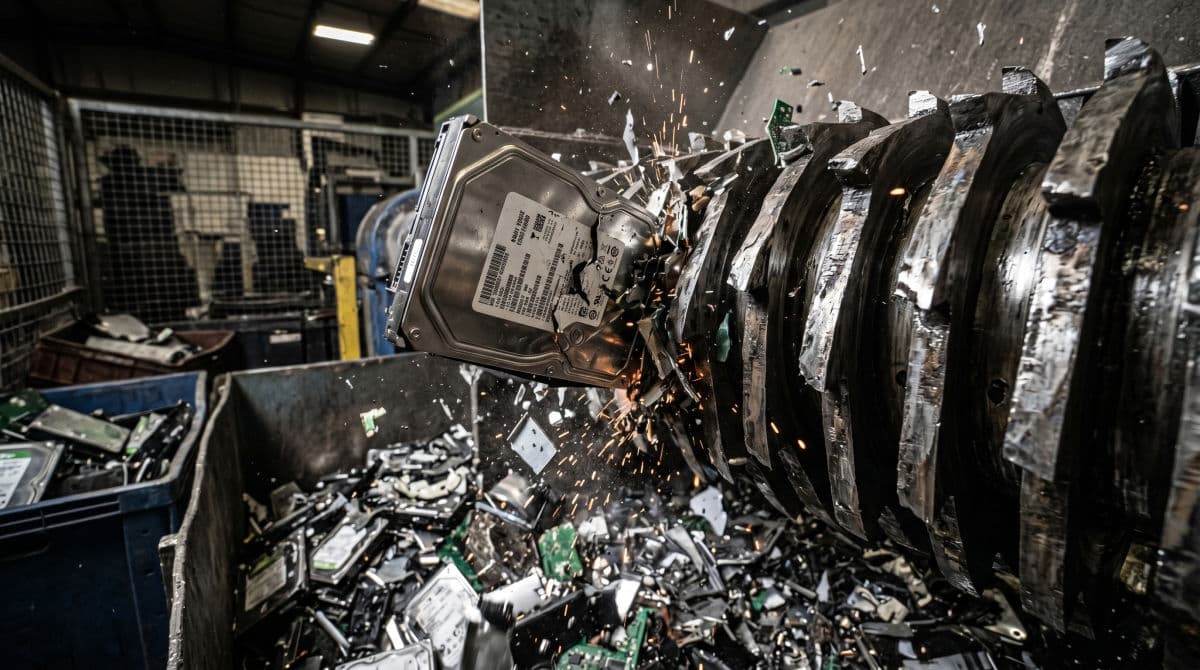
Physical destruction means shredding, crushing, or disintegrating the drive so that reconstruction is impossible. It is the strongest option, the right choice for the most sensitive information, for drives that have failed and cannot be wiped, and for situations where a regulation or policy requires it. The tradeoff is that the hardware cannot be reused, so the remaining fragments should still go to a proper recycler.
Matching the Method to the Device
In practice, the choice follows a simple logic. A functional hard drive that will be reused suits verified data erasure. A drive that will not be reused, or that holds highly sensitive data, suits degaussing or physical destruction. Solid state drives call for SSD-aware erasure, cryptographic erasure, or physical destruction, never degaussing. The most regulated and sensitive data generally points toward physical destruction, because it leaves no room for doubt.
The Secure IT Asset Disposal Process Step by Step
A reliable disposal process is not complicated, but it does need to be followed every time. Treating it as a defined procedure rather than an occasional cleanup is what keeps devices from slipping through unaccounted for.
Step 1: Inventory Every Asset
Start by knowing exactly what you are retiring. Record each device, its type, model, and serial number, and note whether it contains a data-bearing drive. This is far easier when it grows naturally out of ongoing IT asset management, because a business that tracks its assets through their working life is not scrambling to find them at the end of it.
Step 2: Back Up Anything You Still Need
Before a single drive is wiped or destroyed, confirm that anything worth keeping has been preserved. Files, archives, and configurations sometimes live only on the device being retired. A quick check against your data backup and recovery systems prevents the painful discovery that something important left with the hardware.
Step 3: Sanitize or Destroy the Data
With backups confirmed, apply the destruction method that fits each device, using the logic described earlier. Match the method to the drive type and the sensitivity of the data, and make sure solid state drives are handled with a method built for them rather than one meant for magnetic drives.
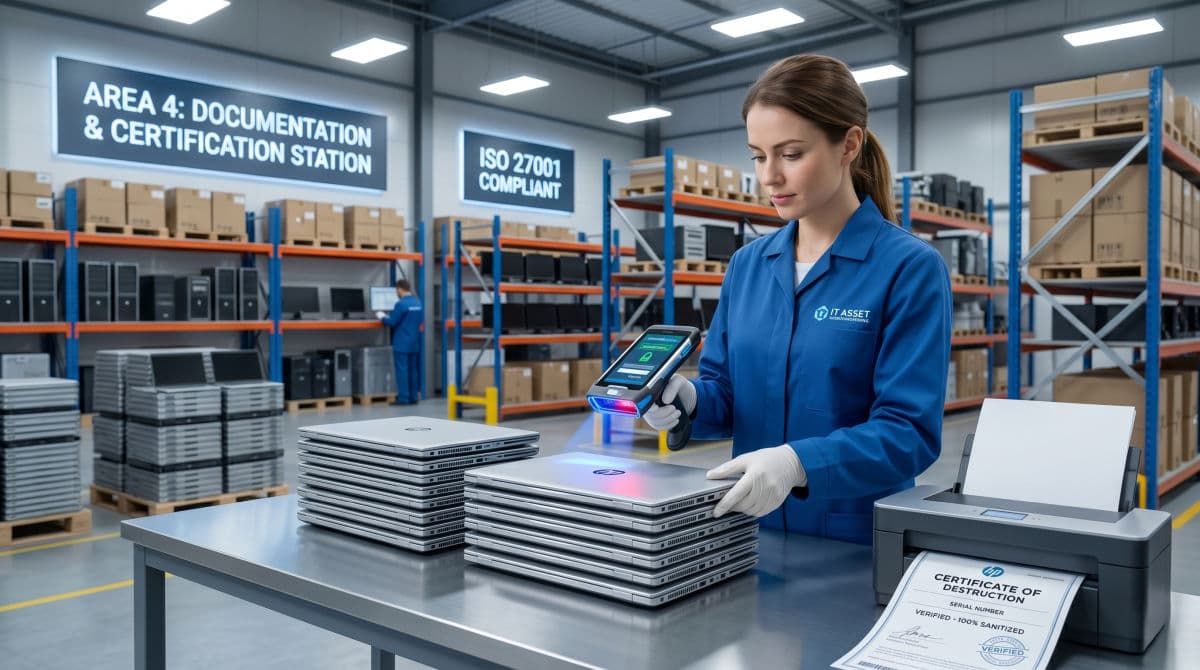
Step 4: Document the Destruction and Get Certificates
Destruction that is not documented is difficult to prove later. Record what was destroyed, by which method, and on which date, tied to each device's serial number. When a provider performs the work, they should give you a certificate of destruction for each device. This documentation is your evidence during an audit and your protection if a question ever arises.
Step 5: Recycle or Remarket Responsibly
Once the data is gone, the hardware still needs a responsible destination. Functional equipment can be remarketed or donated, and equipment that has reached the end of its life should go to a certified electronics recycler that recovers materials properly rather than dumping them. This final step protects the environment and keeps your business clear of any liability tied to improper e-waste handling.
Compliance and Legal Obligations You Cannot Ignore
For many businesses, secure disposal is not optional. Several frameworks place specific obligations on how data-bearing equipment is retired.
HIPAA
Healthcare organizations and their partners must protect electronic health information across its entire life, and that includes the moment a device is retired. HIPAA expects documented policies for disposing of media that has held patient data, and improper disposal of devices holding health records has led to regulatory enforcement. A healthcare practice cannot consider its compliance complete if its disposal practices are an open question.
PCI DSS
Businesses that handle payment card data are required to render that data unrecoverable when the media holding it is retired. A drive that once processed or stored cardholder information cannot simply be discarded, and disposal records are part of demonstrating that the requirement has been met.
State Data Disposal Laws
Beyond industry frameworks, many states have their own data disposal laws that require businesses to take reasonable steps to destroy personal information before discarding the media it sits on. The specifics vary by state, but the underlying expectation is consistent, which is that personal data must be destroyed, not just abandoned.
Chain of Custody and Documentation
Running through all of these obligations is the need for proof. A documented chain of custody tracks each device from the moment it leaves service to the moment its data is destroyed, recording who handled it at every step. Combined with certificates of destruction, this paper trail is what turns good intentions into something you can actually demonstrate to an auditor or a regulator.
How to Choose an IT Asset Disposal Provider
Most businesses are better served using a specialist for disposal rather than handling it entirely in house, particularly once volume, sensitivity, or compliance enters the picture. The challenge is that disposal providers vary widely in quality, and a weak one reintroduces the very risk you were trying to remove. A capable managed IT services partner can either handle disposal directly or coordinate it with a vetted specialist as part of your lifecycle.
Look for the Right Certifications
Certifications are the clearest signal of a serious provider. For responsible electronics recycling, look for R2v3 or e-Stewards certification. For secure data destruction specifically, NAID AAA certification indicates that the provider's destruction practices are audited against a recognized standard. A provider who cannot point to credentials like these is asking you to take their word for it.
Demand Certificates of Destruction
A reputable provider issues a certificate of destruction for every data-bearing device, identifying it by serial number and recording the method and date of destruction. If a provider treats certificates as an optional extra, or cannot tie destruction to individual devices, you have no real evidence that the work was done.
Verify the Chain of Custody
Ask the provider to explain exactly how your equipment is tracked from pickup to destruction. A strong provider has a documented, auditable chain of custody and can tell you where your devices are at every stage. Vague answers here are a warning, because the gap between pickup and destruction is exactly where devices go missing.
Ask Where the Hardware Actually Goes
Finally, ask what happens to the equipment downstream. A trustworthy provider is transparent about whether hardware is remarketed, recycled, or destroyed, and about the downstream partners involved. Transparency here protects both your data and your reputation, since responsibility for improperly handled e-waste can follow it back to your business.
Common Mistakes Businesses Make With IT Asset Disposal
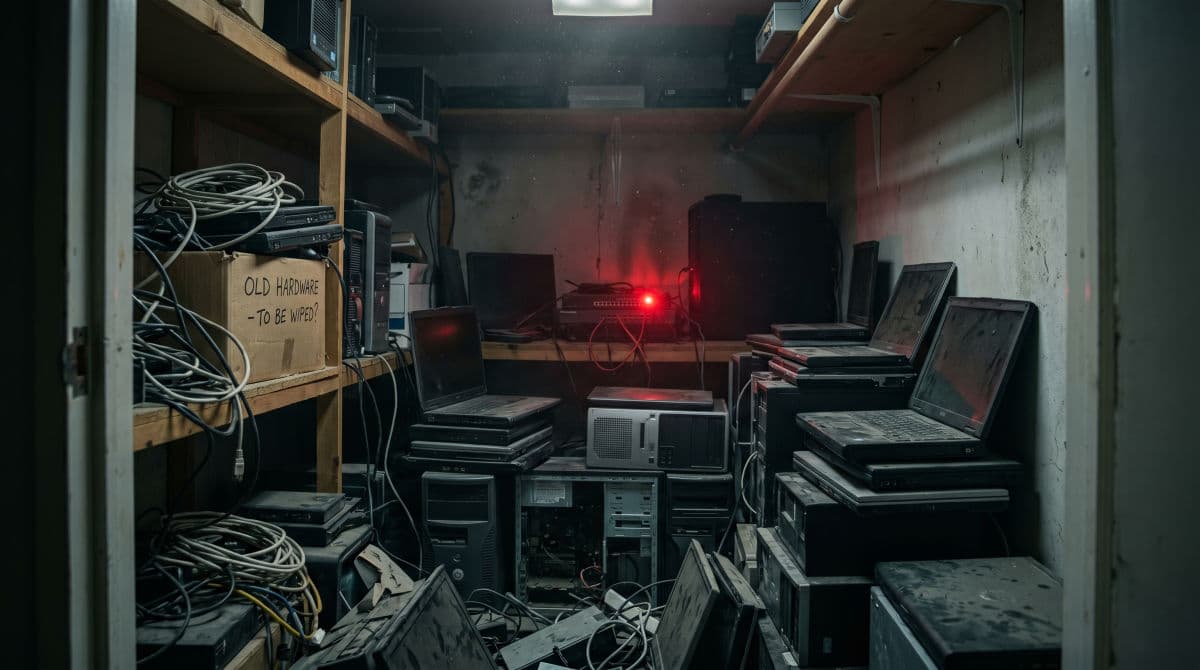
A few mistakes show up again and again, and each one is avoidable. The most common is the storage closet full of retired devices, where old laptops and drives accumulate for years. Every one of them is a data risk sitting unmanaged, and the pile only grows harder to account for. Closely related is relying on a delete or a factory reset and assuming the data is gone, when in most cases it is still fully recoverable.
Other mistakes are about process. Businesses donate or resell equipment without first verifying that the drives were sanitized, turning a generous act into a data leak. They use an uncertified recycler chosen on price, with no idea where the hardware ends up. They keep no documentation, so there is no certificate and no proof if a regulator ever asks. And they forget the non-obvious devices, especially copiers and printers with internal drives, which leave the building still holding years of scanned documents. Avoiding these comes down to one habit, which is treating disposal as a deliberate, documented part of your IT process rather than an occasional cleanup.
How GlobeVM Handles Secure IT Asset Disposal
At GlobeVM, we treat disposal as the final stage of managing your technology, not as a separate errand. For the businesses we support across the Los Angeles area, that means retired equipment is accounted for, data is destroyed using the method appropriate to each device, and the work is documented with the certificates and chain of custody records you need for compliance.
We pay particular attention to the realities our clients face, including the disposal obligations that come with HIPAA for healthcare and dental practices and with payment data for businesses that process it. Because we manage the full technology lifecycle, we can make sure devices are tracked from the day they are deployed to the day their data is destroyed, with no gap in between. If you are not confident about what happens to your old hardware, or whether your disposal practices would hold up to scrutiny, that uncertainty is worth resolving. Schedule a free IT assessment and we will give you an honest picture of where you stand.
Frequently Asked Questions
No. Deleting a file or formatting a drive removes the system's reference to the data, not the data itself. The information stays on the drive and remains recoverable with common tools until it is deliberately overwritten or the drive is destroyed.
Yes, if the drive was not properly sanitized. Solid state drives need a method built for them, such as SSD-aware erasure, cryptographic erasure, or physical destruction. Degaussing does not work on solid state drives at all, since they store no data magnetically.
A certificate of destruction is a document from your disposal provider confirming that a specific device's data was destroyed. It identifies the device by serial number and records the method and date. It is your evidence that disposal was handled properly if an auditor or regulator asks.
It is safe only after the data has been destroyed with a verified method. Reusing equipment is good for the environment and often welcome, but the data must be gone first. Confirm the drive was sanitized and documented before any device leaves your control.
Final Thoughts on Retiring Hardware Safely
Disposal is the last stage of the technology lifecycle and the one businesses are most likely to overlook, yet the data on a retired device outlives the device itself. A laptop in a closet or a copier on a loading dock can carry years of sensitive information out of your business if that data is never destroyed. Secure IT asset disposal closes that gap by treating retirement as a security task, with the right destruction method for each device, proper documentation, and responsible recycling of the hardware.
The businesses that handle this well are simply the ones that made disposal a deliberate, repeatable process instead of an afterthought. If you are in the Los Angeles area and you are not certain your old equipment is being retired safely, GlobeVM can help you build that process and confirm that nothing, and no data, is leaving your business unaccounted for.
Comments
0 Comments