Effective IT Asset Management is the backbone of a secure, productive, and cost-efficient business. Without a clear system to track, maintain, and eventually replace technology, companies face unnecessary expenses, compliance failures, and severe cybersecurity vulnerabilities. This guide explains how to manage your business technology intentionally, ensuring every device and software license adds value from the day it is purchased until it is securely recycled.
Mastering IT Asset Management: From Procurement to Secure Recycling

By nazy rafaeil
19 May 2026

What Is IT Asset Management?
IT Asset Management (ITAM) is the continuous process of tracking, managing, securing, maintaining, replacing, and retiring technology assets throughout their full lifecycle. It provides business leaders with complete visibility into the technology their company owns, where it is located, who is using it, and how much it costs to maintain.
Technology assets go far beyond standard office computers. In a modern business environment, an IT asset can include laptops, desktops, servers, firewalls, network switches, routers, wireless access points, printers, and mobile devices. It also extends to digital and cloud-based assets, including software licenses, Microsoft 365 accounts, cloud hosting services, data backup systems, and endpoint security tools.
Importantly, IT Asset Management is not just a static inventory list or a spreadsheet of serial numbers. It is a strategic business practice. A properly implemented ITAM process connects cost control, cybersecurity defenses, regulatory compliance, employee productivity, and long-term technology planning into one cohesive system. When business owners know exactly what technology they have, they can make informed decisions about hardware budgets, security policies, and operational improvements.
Why IT Asset Management Matters for Businesses
Many companies view technology purchases as isolated events. A computer breaks, so they buy a new one. A new employee starts, so they order a laptop. Over time, this reactive approach creates an unmanageable and risky environment. Businesses need a structured process for managing technology assets to maintain control over their operations and their budgets.
Without structured IT Asset Management, businesses experience common and expensive problems. Employees lose devices, and management has no record of what was lost. Companies continue paying for software licenses long after employees have left the organization. Outdated hardware runs slowly, frustrating staff and killing productivity. Perhaps most dangerously, unknown systems or personal devices connect to the corporate network, creating massive security blind spots. Equipment warranties expire without anyone noticing, turning free hardware replacements into sudden, unbudgeted expenses.
For small and mid-sized businesses, law firms, CPA firms, healthcare offices, and professional service firms, these inefficiencies are not just annoying; they directly impact profitability and client trust. An organized asset management strategy helps reduce risk by ensuring every device is secured and monitored. It controls costs by eliminating duplicate software subscriptions and preventing unnecessary hardware purchases. It supports compliance by proving exactly where sensitive data lives and how it is protected. Ultimately, organized technology keeps employees productive, allowing them to focus on their work instead of dealing with failing computers.
The Full IT Asset Lifecycle
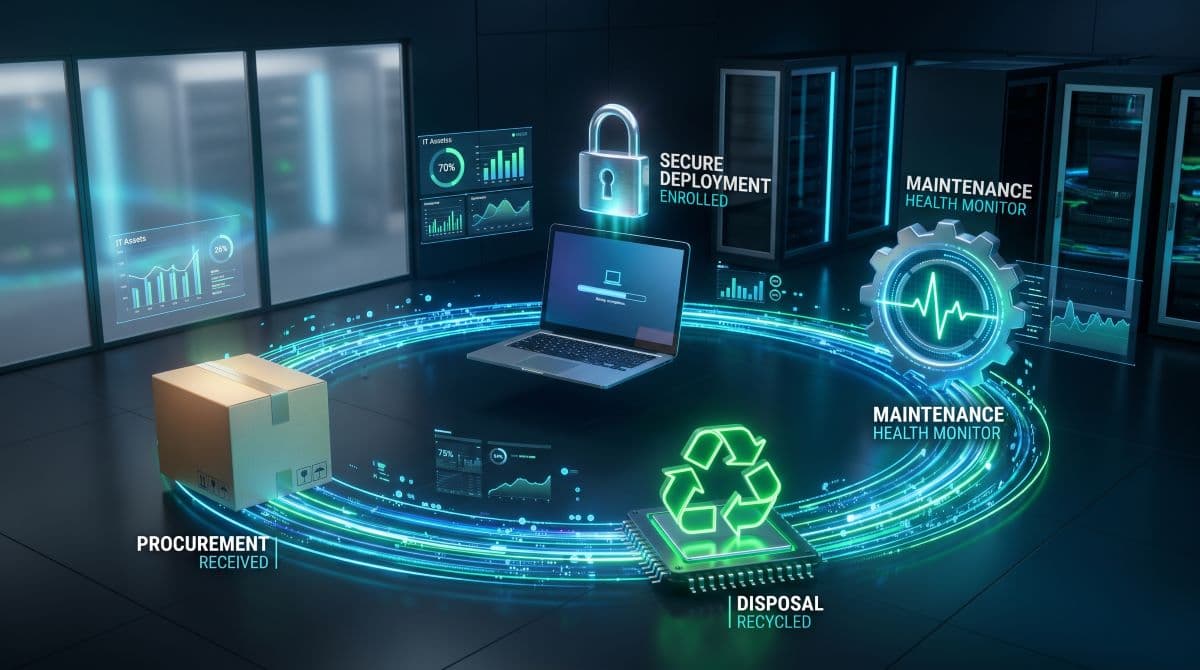
To understand IT Asset Management, business leaders must view technology through the lens of a complete lifecycle. A piece of hardware or a software license does not simply exist; it moves through distinct stages from the moment it is requested to the moment it is destroyed. Understanding the full IT asset lifecycle is crucial because skipping a single stage can create immediate cost, security, or compliance issues.
The standard lifecycle of a business technology asset includes the following stages:
- Planning: Evaluating business needs, setting a budget, and determining the exact specifications required for the role or task.
- Procurement: Selecting the right vendor, negotiating prices, ensuring warranty coverage, and purchasing the equipment.
- Receiving: Verifying that the correct equipment arrived intact and matching it against the purchase order.
- Inventory Registration: Recording the asset’s details (serial number, model, purchase date) into a centralized IT Asset Management system.
- Deployment: Assigning the device to a specific user or location.
- Configuration: Installing the operating system, necessary software, and company-specific applications.
- Security Hardening: Applying encryption, setting up antivirus or endpoint protection, configuring access controls, and removing unnecessary default software.
- Monitoring: Connecting the device to a Remote IT Monitoring and Management system to track its health and performance.
- Maintenance: Applying regular software patches, updating operating systems, and resolving minor technical glitches.
- Support: Providing helpdesk assistance to the employee using the device to ensure ongoing productivity.
- Upgrade or Replacement: Identifying when the device is no longer cost-effective to maintain or when it poses a security risk, and planning for its successor.
- Data Wiping: Securely erasing all company and client data from the hard drive to prevent unauthorized access.
- Retirement: Officially removing the device from the active inventory and revoking all associated software licenses and network access.
- Recycling or Disposal: Physically destroying the storage drive if necessary and recycling the hardware through a certified e-waste facility.
When a company skips the planning stage, they buy incompatible equipment. If they skip security hardening, they hand an unprotected device to an employee. If they skip secure data wiping at the end of the lifecycle, they risk a severe data breach. Every stage is a critical link in the chain.
IT Asset Inventory: The Foundation of IT Asset Management
You cannot secure, maintain, replace, or retire assets properly without knowing they exist. This makes a complete and accurate IT asset inventory the absolute foundation of IT Asset Management. Relying on employee memory, outdated purchase receipts, or an unmaintained spreadsheet is a guaranteed path to lost equipment and security vulnerabilities.
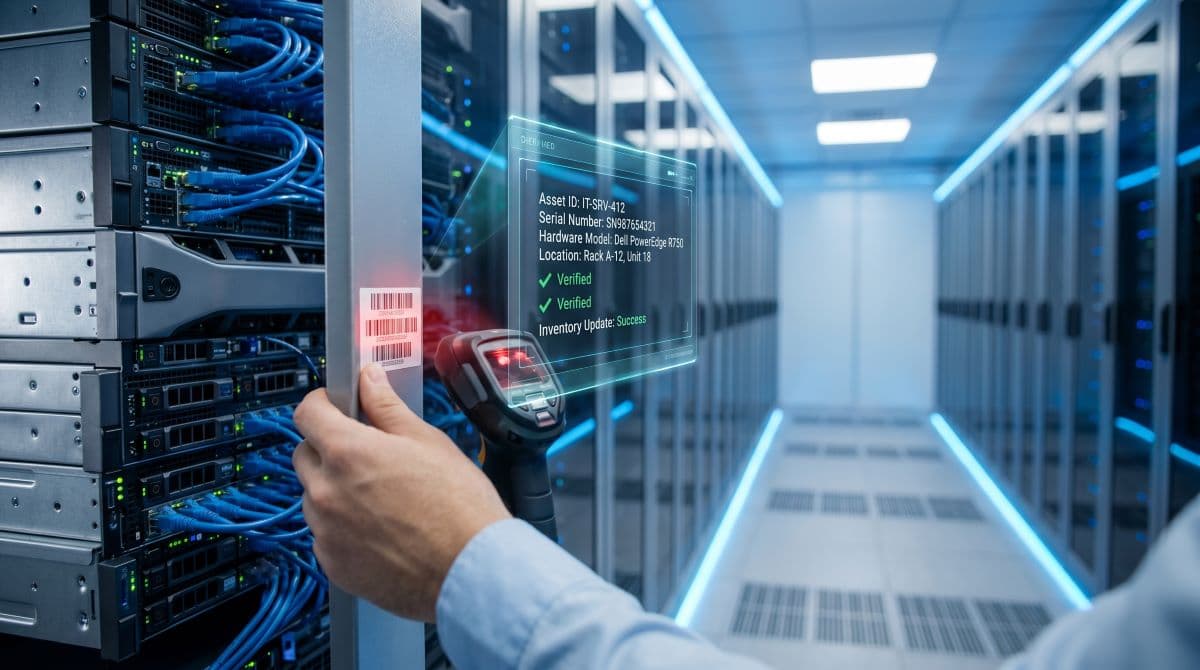
A professional IT asset inventory system tracks highly specific data points for every single piece of hardware and software in the organization. For a business to have genuine control over its technology, the inventory must include:
- Asset name and recognizable ID
- Asset type (laptop, server, switch, etc.)
- Hardware serial number or service tag
- Manufacturer and specific model
- Assigned user and corresponding department
- Physical or remote location
- Original purchase date and vendor
- Warranty status and expiration date
- Operating system version
- List of installed software and applications
- Security status (antivirus installed and active)
- Patch status (is the software up to date?)
- Encryption status (is the hard drive protected?)
- Backup status (are the files actively backed up?)
- Current lifecycle stage (active, spare, retired)
- Scheduled replacement date
- Disposal status and certificate of destruction
Building this foundation allows an IT team to look at a dashboard and immediately know if a laptop in the accounting department is missing a critical security update, or if the server running the office management software is out of warranty. Without this foundation, IT management is entirely based on guesswork.
According to the Cybersecurity and Infrastructure Security Agency (CISA), maintaining an accurate inventory of hardware and software assets is a primary requirement for defending against modern cyber threats. You cannot protect what you cannot see.
Planning and Procurement: Buying the Right IT Equipment
Technology procurement should never be an impulse decision. How businesses approach technology purchases dictates how much money they will spend on support and maintenance over the next three to five years.
A primary goal in procurement should be hardware standardization. When a company buys laptops from five different manufacturers at different times, the IT environment becomes fragmented. Different brands require different chargers, different driver updates, and different troubleshooting methods. Standardizing hardware—for example, deciding that all administrative staff receive a specific model of business-class desktop—makes deployment faster, support easier, and hardware compatibility highly predictable.
Procurement must also focus on actual business needs rather than simply finding the cheapest option. Consumer-grade laptops bought from a local retail store might save a company a few hundred dollars upfront. However, these devices usually lack the hardware encryption chips (TPM) required for data security, they feature weaker physical build quality, and they typically come with limited consumer warranties that take weeks to fulfill. Buying the cheapest device almost always creates higher costs later in the form of increased helpdesk tickets, early hardware failure, and lost employee productivity.
A managed IT provider guides businesses through the procurement process by selecting business-class equipment that balances performance, security features, vendor support, and long-term budget constraints, keeping the total cost of ownership as low as possible.
Deployment and Secure Configuration
Receiving a new computer is just the beginning. The deployment and secure configuration phase dictates how safe that device will be when it connects to the company data.
Before a device is ever handed to an employee or connected to the corporate network, a strict configuration process must take place. The operating system must be updated to the latest secure version. Enterprise-grade security software and endpoint protection must be installed and verified. If the device is a laptop or a mobile device that leaves the office, full-disk encryption must be activated to ensure data remains safe even if the device is stolen.
During deployment, the IT team must set appropriate access permissions. Employees should operate on standard user accounts, not administrative accounts, to prevent accidental software installations or malware infections. The device must be integrated into the company’s Managed Office 365 environment, email must be configured securely, and cloud storage must be mapped.
Crucially, the device must be enrolled in the company’s automated backup system and remote monitoring software. Finally, the IT team must document all of these steps and officially assign the device to the user in the IT Asset Management inventory. Poor deployment creates security gaps from the very first day a device is used, leaving the business exposed to unnecessary risk.
Maintenance, Monitoring, and Support
IT Asset Management does not stop once a device is on an employee’s desk; it is a continuous, daily process. Maintenance, monitoring, and support are necessary to keep the asset functioning securely for its entire intended lifespan.
The most critical aspect of maintenance is patch management. Operating systems and third-party software constantly discover security flaws. Software vendors release patches to fix these flaws. If a business does not apply these updates systematically, hackers will exploit them. Maintenance also involves verifying that endpoint protection (antivirus/EDR) is actively scanning and communicating with the management console.
Monitoring is the proactive side of support. By using professional IT tools, technicians can monitor hardware health checks remotely. They can see if a hard drive is showing signs of imminent failure or if a server's memory is consistently maxed out, causing the network to run slowly. They also continuously verify Data Backup and Disaster Recovery processes to ensure critical files are actually being saved.
When companies combine proactive monitoring with responsive Helpdesk and IT Support, they drastically reduce unplanned downtime. They catch small hardware anomalies and software errors before they turn into expensive, business-stopping system failures.
Cybersecurity Risks of Poor IT Asset Management
There is a direct and undeniable link between poor asset management and severe cybersecurity breaches. Hackers do not usually break in by defeating complex security firewalls; they look for forgotten, unmanaged, and vulnerable entry points.
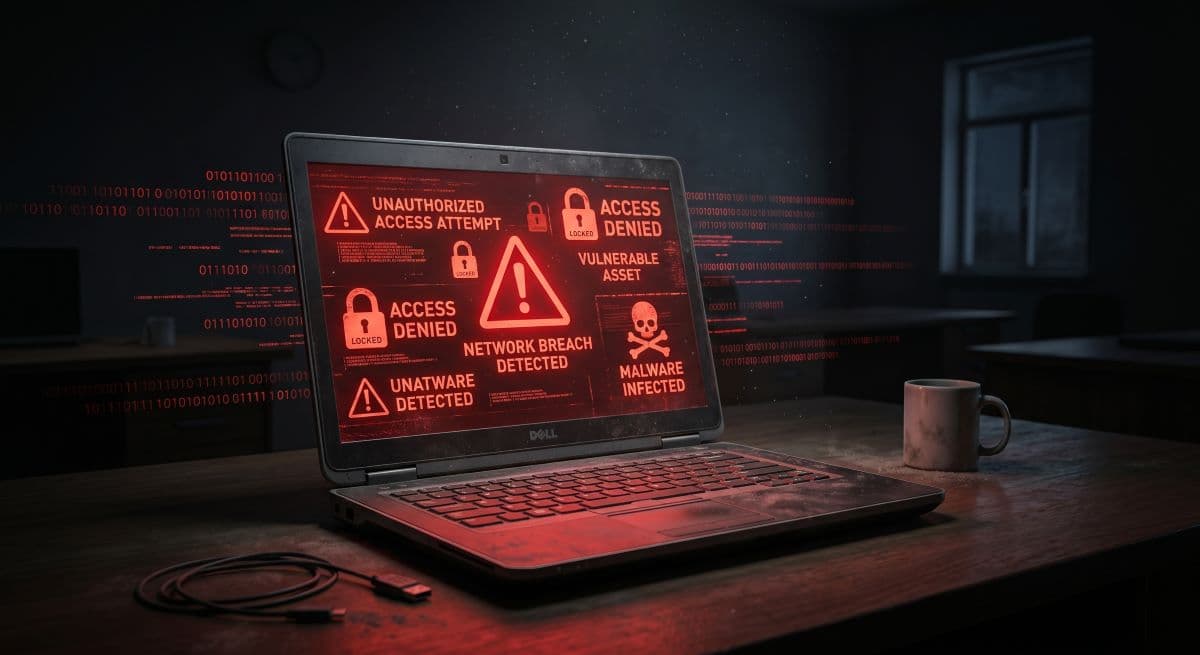
If a business does not have a strict ITAM process, unknown devices will connect to the network. Employees might bring personal tablets or unverified USB drives into the office. Outdated operating systems that no longer receive security updates (like Windows 7 or older Server editions) are left running because no one planned for their replacement. Unpatched software becomes an open door for ransomware.
Another massive risk involves forgotten user accounts and unused software. When an employee leaves a company, poor IT management often leaves their email account active, their VPN access open, and their cloud storage accessible. Cybercriminals actively scan for dormant accounts to use as entry points. Similarly, old firewalls or network switches that sit in an IT closet without firmware updates are prime targets for network infiltration.
Furthermore, devices that are disposed of or recycled without secure data wiping can hand confidential client data directly to malicious actors. The fundamental rule of business security is that organizations cannot protect what they cannot track. A complete Cybersecurity Solution is impossible without a complete asset inventory.
IT Asset Management and Compliance
For businesses that operate in regulated industries, IT Asset Management is not optional; it is a legal and regulatory requirement. Healthcare offices must follow HIPAA. CPA firms and financial service businesses must adhere to strict FTC Safeguards and IRS data protection regulations. Law firms must protect attorney-client privilege and sensitive case files.
These regulations require businesses to prove they are actively protecting confidential information. ITAM provides the exact documentation auditors look for. It proves access control, showing exactly who has an assigned device and what permissions they hold. It establishes device accountability. It ensures software licensing is legal and up to date, preventing copyright audits and fines.
Compliance regulations specifically mandate that businesses maintain a formal hardware lifecycle, ensure encryption across all endpoints, and implement secure disposal protocols. When an auditor asks how patient data or financial records are protected, a structured ITAM system provides a clear, documented answer showing that data protection policies are enforced across every single piece of company hardware. It proves the business takes risk management seriously.
Software, Licenses, and Cloud Assets
Physical hardware is only half of the technology equation. IT Asset Management heavily involves the tracking and administration of software, licenses, and cloud assets. These digital assets often represent a larger ongoing expense than physical computers.
Digital asset management covers Microsoft 365 licenses, cloud storage accounts (like OneDrive or Dropbox), Software-as-a-Service (SaaS) subscriptions, accounting software, backup tools, endpoint security software, and corporate VPN accounts.
Without oversight, companies suffer from "subscription sprawl" and "shadow IT"—where different departments purchase redundant software using company credit cards without telling management. A business might pay for fifty email accounts when they only have forty employees. They might renew expensive design software for an employee who moved to a different department months ago.
Careful license tracking helps businesses reduce financial waste. It prevents unauthorized access by ensuring only active employees have active accounts. Most importantly, it controls monthly technology spending, ensuring the business only pays for the tools it actually uses.

End-of-Life Planning and Hardware Replacement
Technology degrades over time. Hard drives fail, batteries lose their charge, and older processors cannot keep up with modern software demands. Businesses need a planned hardware replacement cycle to maintain smooth operations.
Relying on hardware until it completely dies is a dangerous financial strategy. Slow devices frustrate employees, directly reducing their daily output. When a warranty expires, any hardware failure requires the business to pay out of pocket for expensive replacement parts and emergency labor. If an outdated, end-of-life server fails unexpectedly, the entire office could be forced offline for days while a replacement is sourced, configured, and restored from backups.
Planned replacement cycles (such as replacing laptops every three to four years, and servers every five years) turn IT spending from unpredictable emergency costs into predictable operating expenses. It helps with annual budgeting, maintains a high standard of security, and prevents sudden downtime. While older equipment might occasionally be repurposed for very limited, low-risk roles (like a dedicated display monitor or a guest kiosk), it must still be monitored, secured, and properly managed.
Secure Data Wiping, Disposal, and Recycling
The end of a device’s lifecycle is arguably the most critical phase for data security. What happens before a computer or server leaves the business premises matters immensely.
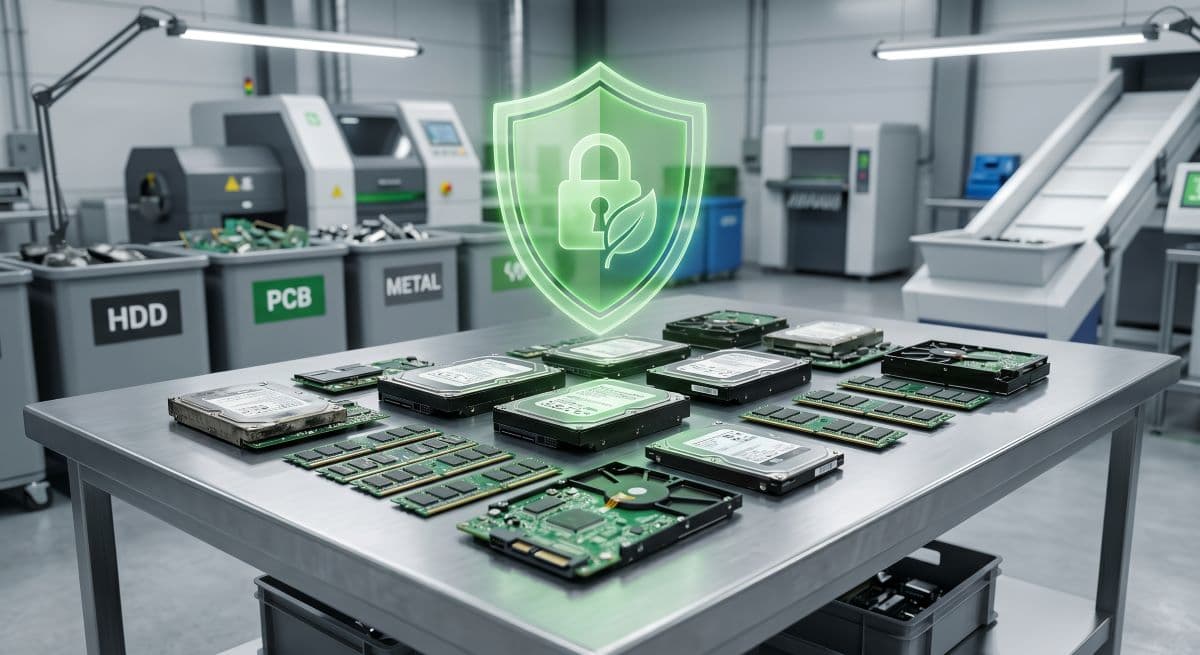
A simple factory reset or dragging files to the digital recycle bin is not enough for business data protection. Data recovery software can easily retrieve files from a standard formatted drive. Before disposal, storage drives must undergo secure data wiping using professional data destruction methods. If a drive contains highly sensitive regulatory data, physical drive destruction (shredding or crushing) is often the safest choice.
The disposal process requires strict documentation. The IT team must request a certificate of destruction from the recycling facility. The specific device must be removed from the company’s remote monitoring tools, antivirus portals, and network management systems. User access must be revoked, and the IT team must verify that all unique data from that device was safely moved to the network or cloud backups. Only after these steps are verified should the hardware be handed over for responsible e-waste recycling. Failing to handle data securely during recycling creates severe privacy violations, legal liabilities, and reputational damage.
Common IT Asset Management Mistakes
Even with good intentions, many businesses make crucial errors in managing their technology. Understanding these common mistakes helps prevent avoidable cost and security problems.
- Using outdated spreadsheets: Tracking assets manually on a spreadsheet almost guarantees the data will be incorrect within a few months.
- Failing to assign asset owners: When a device belongs to "the office" rather than a specific person, accountability disappears, and equipment is easily lost.
- Not tracking warranty dates: Businesses miss out on free repairs and replacements because they do not know a device is still under manufacturer coverage.
- Buying inconsistent hardware: Purchasing random brands and models on sale creates a nightmare for IT support and compatibility.
- Ignoring software licenses: Paying for unused seats, or conversely, using unlicensed software that triggers costly vendor audits.
- Forgetting offboarding procedures: Taking back the physical laptop but forgetting to disable the employee's VPN, email, and cloud access.
- Leaving old devices connected to the network: Storing a plugged-in, unpatched Windows 7 machine in a closet creates a massive security vulnerability.
- Recycling devices without secure data wiping: Donating or throwing away old hard drives with company data still recoverable on them.
- Not auditing the inventory: Assuming the system is accurate without periodically conducting physical checks to match devices to documentation.
- Waiting until equipment fails before replacing it: Causing days of unplanned downtime because a server finally died instead of replacing it during a scheduled maintenance window.
How Managed IT Services Improve IT Asset Management
Building and maintaining a professional IT Asset Management process requires time, specific software tools, and technical discipline. For most companies, handling this internally distracts from their core business operations. This is where a managed IT provider changes the equation.
A managed IT partner handles the entire lifecycle on the company's behalf. They perform initial asset discovery to map out exactly what is on the network. They set up the professional inventory platform. When the business needs new equipment, the provider offers procurement guidance, securing business-class hardware at appropriate prices. They handle secure deployment, ensuring every laptop and desktop is locked down before an employee touches it.
Throughout the lifecycle, the provider handles remote monitoring, patch management, and backup verification. They track warranty expirations and advise the business on hardware replacement planning well before an emergency occurs. At the end of the lifecycle, they manage secure disposal and provide compliance documentation.
Partnering with a provider like GlobeVM for Managed IT Services ensures that technology stays organized, secure, properly monitored, and aligned with the actual goals of the business.
IT Asset Management Checklist for Businesses
To begin gaining control over your business technology, follow this practical ITAM checklist:
- Create a complete and centralized digital asset inventory.
- Assign a specific human owner or designated location to every device.
- Track hardware serial numbers, service tags, and warranty expiration dates.
- Standardize hardware purchases to specific business-class models.
- Secure and configure every endpoint thoroughly before deployment.
- Enable full-disk encryption on laptops and portable devices.
- Monitor device health, antivirus status, and patch levels remotely.
- Review software licenses, M365 accounts, and SaaS subscriptions regularly.
- Plan hardware replacements proactively before systems fail.
- Remove all software access immediately during employee offboarding.
- Wipe data securely and professionally before equipment disposal.
- Document recycling and obtain certificates of data destruction.
- Review and audit the ITAM process and inventory at least annually.
How GlobeVM Can Help with IT Asset Management
Managing technology should not be a source of stress for business owners. GlobeVM serves as a practical, experienced technology partner for businesses that want better control over their IT assets, monthly costs, cybersecurity posture, and daily operations.
We help companies move away from reactive, break-fix technology management. Our team provides comprehensive IT support, enterprise-grade cybersecurity, continuous remote monitoring, and reliable backup planning. We take the guesswork out of hardware planning, helping you procure the right equipment and ensuring network management is handled professionally. From the moment a new computer is ordered to the day it requires secure device retirement and compliance documentation, GlobeVM supports your business at every step of the technology lifecycle. If you need help organizing and securing your IT environment, we provide the structure and expertise required to keep your business running safely and efficiently.
Frequently Asked Questions
IT Asset Management is the business process of tracking, securing, maintaining, replacing, and retiring hardware and software throughout its entire lifecycle to control costs and reduce security risks.
It helps small businesses avoid unexpected hardware replacement costs, prevents money from being wasted on unused software subscriptions, and closes critical cybersecurity gaps caused by unmanaged or forgotten devices.
A proper inventory must include the device name, model, serial number, assigned user, warranty expiration date, operating system version, installed software, and current security and patch status.
It improves cybersecurity by ensuring every device connecting to the network is known, updated, encrypted, and protected by security software, preventing hackers from exploiting forgotten or unpatched equipment.
Conclusion
A well-executed IT Asset Management strategy is fundamental to running a stable and secure modern business. By tracking and managing hardware and software from the initial planning stage all the way through to secure recycling, companies can drastically improve their operational efficiency. Proper management ensures tight cost control by eliminating wasted licenses and standardizing hardware purchases. It guarantees cybersecurity by keeping systems patched and monitored, while making regulatory compliance much easier to prove during audits. Most importantly, it keeps employee productivity high by ensuring staff always have reliable, secure tools to do their jobs.
Instead of waiting for technology to break, businesses must plan for its entire lifecycle. If you are ready to take control of your hardware, software, and technology budgets, contact GlobeVM today.
Comments
0 Comments