
Walk through almost any small business today and you will find Apple devices doing real work: a MacBook in the owner's office, iPads at the front desk or in exam rooms, iPhones full of company email in everyone's pockets. What you usually will not find is anyone managing them. They were bought one at a time, set up by whoever unboxed them, and left to run on trust. Apple MDM, short for Apple mobile device management, exists to close that gap, and this article explains in plain terms what it does, why your business needs it even at a small scale, what Apple now provides for free, and how to right-size the whole thing without overbuying. Reviewed September 2026, after Apple's April 2026 platform change and the device-management changes announced at WWDC in June.
How Apple Devices Ended Up in Your Business
Apple's arrival in small business rarely happened as a plan. An owner preferred a Mac, a practice added iPads because they are ideal for intake forms and imaging, staff wanted iPhones, and one purchase at a time the company ended up with a fleet. Each device works beautifully on its own, which is exactly why nobody noticed that collectively they had become an unmanaged part of the business: full of company email, client files, saved passwords, and access to cloud accounts, with no central visibility, no enforced security settings, and no way to act quickly when one goes missing.

The Myth That Apple Devices Manage Themselves
The gap persists partly because of a comfortable belief that Apple devices are secure by default and therefore need no oversight. There is a kernel of truth in it: Apple builds strong security foundations into its hardware and software. But built-in capability is not the same as enforced protection. Encryption that a user can leave off, a passcode that is optional, updates that wait for someone to tap install, and a lost iPhone nobody can wipe are all real exposures on a platform that is, in principle, very secure. The risk on an unmanaged Mac is rarely exotic malware; it is the ordinary stuff, a stolen laptop without enforced encryption, an ex-employee's phone still syncing company mail, a device two years behind on updates. Management is what turns Apple's potential security into your actual security.
What Apple MDM Actually Does
Apple MDM is the system that lets a business centrally enroll, configure, secure, and support its Apple devices, using management hooks that Apple builds directly into macOS, iOS, and iPadOS. Instead of hoping every device is set up correctly, you define what correct means once, and it is applied and enforced everywhere. Whether people call it Mac MDM, iPad MDM, or iPhone management, it is the same framework across the three platforms. In practical terms, a managed Apple environment gives you the ability to:
- Enforce security baselines such as device encryption, passcodes, and screen locks on every device.
- Lock or wipe a lost or stolen device remotely, including erasing only company data where appropriate.
- Keep systems updated by deploying operating system and app updates on your schedule.
- Set up new devices automatically so they arrive configured for work out of the box.
- Separate work from personal on employee-owned devices without touching private content.
- See your whole fleet in one inventory: what exists, who has it, and what state it is in.
Three of those deserve a closer look, because they are where unmanaged businesses get hurt most often.
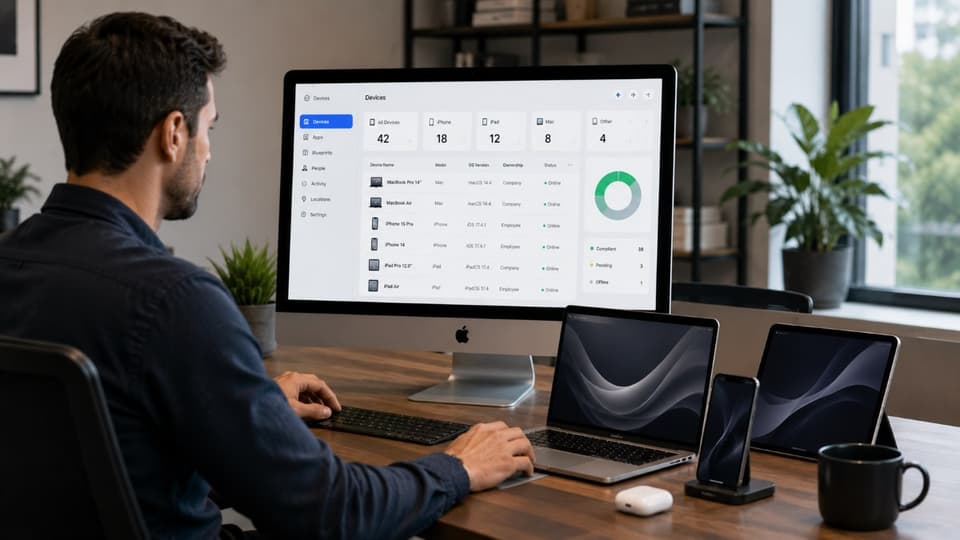
Security Baselines Without Touching Every Device
The quiet power of MDM is enforcement. Full-disk encryption on Macs, passcodes on iPhones and iPads, automatic screen locks, restrictions on risky settings: none of these depend on asking employees nicely or walking around the office checking. The policy applies when the device enrolls and stays applied, and if someone disables something they should not, you can see it and correct it. For a small business without an IT person on staff, this is the difference between security that exists in a memo and security that exists on the devices. Pairing those baselines with endpoint security that watches for threats on the device closes the other half of the picture, because MDM enforces configuration but does not, by itself, detect an attack in progress.
When a Device Is Lost or Stolen
Sooner or later a device goes missing, and the next hour determines whether it is an annoyance or an incident. With management in place, the response is calm: lock the device remotely, wipe it if it does not turn up, and document that you did. Without management, a lost iPad containing patient information or client files is an uncontrolled data exposure, and for a covered medical or dental practice that can trigger the breach obligations under the HIPAA Security Rule rather than a shrug. Encrypted, managed, remotely wipeable devices are what make the difference between "we lost some hardware" and "we lost control of data."
Updates You Can Actually Enforce
Most successful attacks on end-user devices exploit known flaws that a released update already fixed, which makes update discipline one of the highest-value habits in security. On unmanaged devices that discipline depends on each user's patience with restart prompts, which is to say it does not exist. MDM lets you deploy updates across the fleet on a schedule you control, with deadlines that eventually enforce themselves, so the business is not carrying months-old vulnerabilities because reminders were inconvenient.
One change matters here in 2026. At WWDC in June, Apple confirmed that the legacy MDM software update commands stop working on the OS 27 releases of iOS, iPadOS, and macOS arriving this fall; update enforcement now works only through declarative software update management, the newer model in which the device is told the desired state and enforces it itself. If your management tool still uses the old commands, you lose update enforcement the moment a device upgrades. Before the fall rollout, confirm that whatever manages your devices, Apple's own platform or a dedicated product, has moved to the declarative method, and ask your provider to show you an enforced update deadline working on a test device.
What Apple Gives You, and When You Need More
The tooling side of this got simpler recently, and it is worth understanding what changed, because older articles will point you at products that no longer exist in the same form.
Apple Business: The Free Foundation
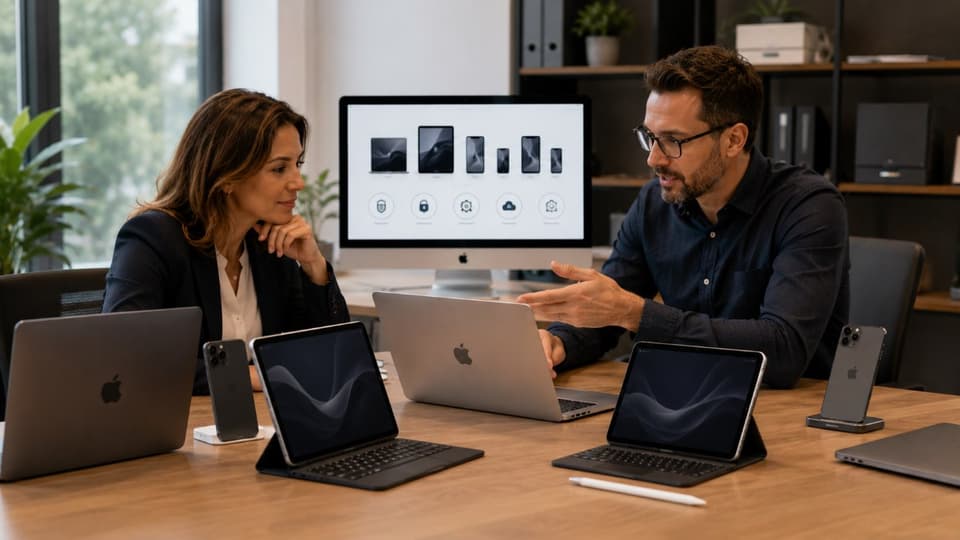
On April 14, 2026, Apple consolidated its business services into a single free platform called Apple Business, folding in what used to be Apple Business Manager, Apple Business Connect, and the formerly paid Apple Business Essentials subscription. The platform now includes built-in basic device management: Blueprints let you define preconfigured groups of settings and apps, new devices can be deployed zero-touch so they set themselves up for work out of the box, apps can be purchased and distributed centrally, and Managed Apple Accounts keep company data separate from employees' personal Apple accounts. For a small, mostly Apple business, this is a meaningful shift, because a real management baseline that used to require a paid product is now available at no cost, in more than 200 countries and regions rather than the handful the old subscription covered.
When a Dedicated MDM Platform Earns Its Keep
Apple's built-in management aims at ease and coverage, not depth, and there are honest reasons a business outgrows it. Dedicated MDM platforms offer more granular policies, richer automation, deeper reporting, and integrations with the rest of your security stack. The most decisive factor, though, is fleet mix: Apple Business manages Apple devices only, so a business running Windows computers alongside Macs and iPhones, which describes most offices, needs a management approach that covers everything rather than half. The table below sets the two options side by side; the right answer depends on your size, industry, and mix, and it is a configuration decision, not a brand loyalty question.
| Capability | Apple Business built-in management (free) | Dedicated MDM platform (paid) |
|---|---|---|
| Devices covered | Apple devices only | Apple plus Windows and Android in most products |
| Cost | No monthly fee for device management; paid add-ons for extra iCloud storage and AppleCare+ | Per-device or per-user subscription |
| Security baselines and remote wipe | Yes, through Blueprints | Yes, with finer-grained policies and conditional access |
| Zero-touch setup of new devices | Yes, for devices bought through Apple or an authorized reseller | Yes, same purchasing condition |
| Automation, reporting, and integrations | Basic; built for essentials rather than integration | Extensive; ties into helpdesk, identity, and security tools |
| Best fit | Small, mostly Apple offices that need the essentials enforced | Mixed fleets, regulated offices with audit demands, or anyone needing depth |
One purchasing detail is worth knowing before you buy your next device: enrollment works best when hardware is acquired through Apple or an authorized business channel, because those purchases can be registered to your organization automatically and set themselves up as company devices the moment they are unboxed. Devices bought at retail can still be brought under management, but the process takes extra steps and hands-on time. It costs nothing to set the purchasing habit early, and it is the difference between new hardware that arrives ready for work and new hardware that becomes an afternoon project. If your Macs and iPads need the deeper controls that come with supervision, our guide to Apple device supervision explains what that mode adds and why it depends on how the device was enrolled.
Managing Employee-Owned Devices
The question that makes owners most nervous is personal iPhones, and Apple's answer here is good. For employee-owned devices, enrollment can be scoped so the business manages only the work side: company email, apps, and data live in a managed space that can be configured and remotely removed, while personal photos, messages, and apps stay private and untouchable. The business gets the ability to cut off company data when someone leaves; the employee keeps a personal phone that remains personal. Being able to explain that boundary clearly is often what makes a device policy accepted rather than resented.
The Compliance Angle for Regulated Offices
If your business operates under privacy or security rules, device management stops being optional in practice. Regulations that require you to safeguard client or patient information expect you to control the devices that store and access it, and expectations like enforced encryption, access controls, and the ability to respond to a lost device are exactly what MDM provides and documents. Just as importantly, management produces evidence: when an auditor, insurer, or client questionnaire asks how mobile devices are secured, "our policy enforces encryption and we can wipe any device remotely, here is the inventory" is an answer, while "we ask staff to be careful" is not.
Folding device management into your broader compliance and risk management program is how the devices in pockets and exam rooms stop being the weakest part of an otherwise compliant business. Cyber insurance applications increasingly ask the same questions in nearly the same words, so the documentation earns its keep twice.
Do Five Macs Really Need Management?
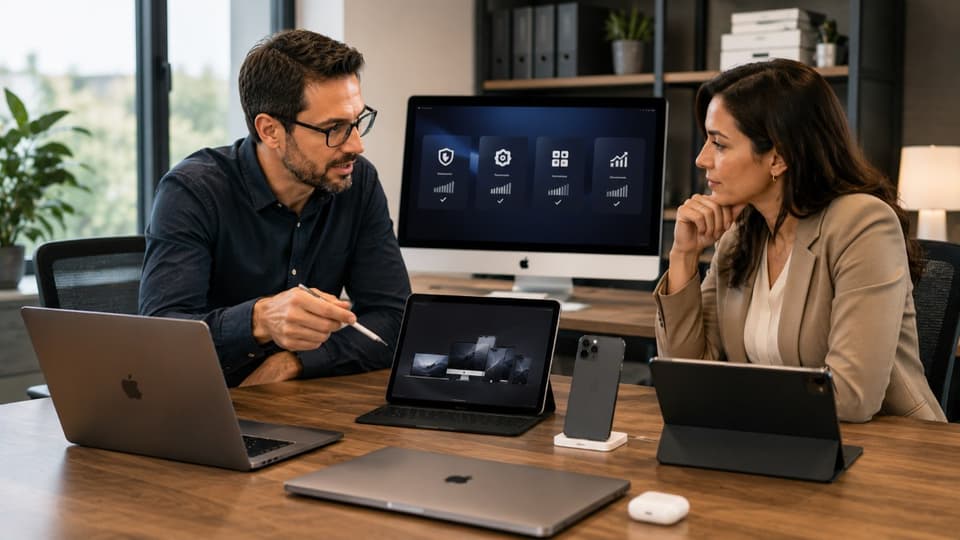
Fair question, and the honest answer is yes, scaled sensibly. The risk that matters at small scale is not managing thousands of devices; it is that any one device holds the keys to email, files, and client data, and at five devices each one represents a fifth of your business. What changes with size is the weight of the tooling, not the need. A five-Mac office may be well served by Apple's free built-in management enforcing encryption, passcodes, updates, and remote wipe. A twenty-device office with iPhones, iPads, and a mix of Windows machines needs a dedicated platform and someone who actually tends it. Either way, the setup is not the hard part; the ongoing attention is, which is why many small businesses have an Apple managed service provider run device management as part of the broader service rather than adding it to an office manager's job description.
There is also a practical support dividend that surprises people: managed devices are simply easier to help. When configurations are standardized and inventory is known, an helpdesk and IT support can fix problems faster, replace a broken device with a correctly configured one the same day, and onboard a new hire in minutes instead of an afternoon. Management pays for itself in boring Tuesdays, not just averted disasters. For a dental office in Santa Clarita or a law practice in Encino, the same provider that handles IT support in Santa Clarita and the surrounding valleys can enroll the fleet once and keep it tended.
Managed Devices, Managed Risk
The case for Apple MDM comes down to a simple observation: your Apple devices already carry business-critical data and access, so the only question is whether they are governed or ungoverned. Apple has quietly made the entry point free and easy, dedicated platforms cover the businesses that need more depth or a mixed fleet, and employee privacy on personal devices is a solved problem rather than a fight. Start with the basics that close the biggest exposures, enforced encryption, passcodes, updates, and remote wipe, and grow the tooling only as your fleet demands it.
For businesses in the west Valley, a local partner providing managed IT services in the San Fernando Valley can set up and run Apple device management as part of your overall IT, from first enrollment to day-to-day care.
If your Macs, iPhones, and iPads are doing business work without business oversight, GlobeVM can put Apple MDM in place at the right scale for your company, so every device is protected, updated, and recoverable from day one.