
Most businesses moved their email and files to the cloud years ago, and somewhere along the way a comfortable assumption settled in: it is in Microsoft 365 or Google Workspace, so it must be backed up. That assumption feels reasonable, and it is wrong in a way that surprises people at the worst possible moment. The cloud provider keeps the service running; it does not promise to get your deleted, encrypted, or purged data back. SaaS backup exists because of that gap, and this article walks through what your cloud apps protect, where the holes are, and what real protection looks like, so you can judge honestly whether your data is as safe as you think.
The Assumption That Cloud Means Backed Up
The confusion is understandable, because cloud providers really are excellent at part of the job. Microsoft and Google run resilient infrastructure, replicate data across facilities, and keep their services available with impressive consistency. If a data center has a problem, you will probably never notice. What gets lost in translation is that all of this protects the service, not your specific data from your specific mistakes. Infrastructure resilience means the platform survives a hardware failure; it does not mean your files survive an employee who deletes a folder, an attacker who encrypts a document library, or an account cleanup that purges a departed employee's mailbox.
What Providers Actually Promise
Read the fine print and the division of labor is explicit. Providers commit to keeping the platform up and secure at the infrastructure level, and they say plainly that your content is your responsibility. Microsoft's own service agreement goes as far as recommending that customers regularly back up their content using third-party apps and services, which is about as clear a statement as a vendor can make that the built-in protections are not a backup. This is not a hidden trick; it is the standard arrangement across the entire SaaS industry, and it has a name.
The Shared Responsibility Model
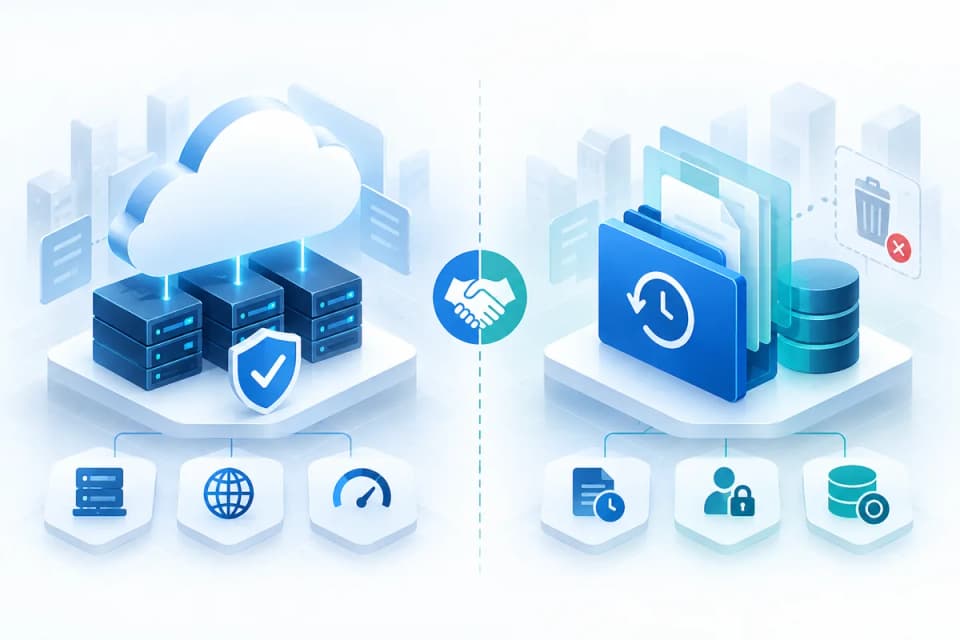
That name is the shared responsibility model, and it is the single most important concept in this whole topic. The provider is responsible for the infrastructure: the data centers, the network, the application itself. The customer is responsible for the data: who can access it, how long it is kept, and whether it can be recovered when something goes wrong. Every major SaaS vendor operates this way, and the model applies whether you have five users or five thousand. Once you see the split clearly, the question stops being "does Microsoft back up my data" and becomes "what have we put in place on our side of the line," which is the question that actually protects you.
What Native Retention Actually Gives You
None of this means your cloud apps offer nothing; they offer recycle bins, version history, and retention features, and these help with small, recently noticed mistakes. The problem is their limits, which most businesses discover only when they need more than the limits allow.
Recycle Bins and Short Recovery Windows
Native recovery in platforms like Microsoft 365 works on windows of time measured in days and weeks, not years. A deleted email or file sits in a recycle bin for a limited period and can be restored during that window; after it closes, the item is purged and the native tools cannot bring it back. That works fine when someone notices a mistake the same week. It fails completely for the most common real-world scenario, where a deletion is discovered months later, long after the window closed, when a client asks for a document or an audit requests records that quietly stopped existing.
Retention Is a Policy Tool, Not a Recovery Tool
Businesses with higher-tier licenses sometimes point to retention policies and litigation holds as their safety net, and this deserves a careful correction. Retention features exist to make sure data is kept for compliance and legal purposes; they decide what stays and for how long. They are not designed for operational recovery, do not offer a clean point-in-time restore of a mailbox or site to how it looked before an incident, and a misconfigured policy can itself purge data you needed. Retention answers "how long must we keep this." Backup answers "how do we get everything back." A business that cares about both needs both, and confusing one for the other is one of the most common gaps we see.
Microsoft Now Sells Its Own Backup, Which Proves the Point
If you want confirmation that native protections are not a backup, consider that Microsoft itself released a paid Microsoft 365 Backup service in 2024 as a separate add-on, covering mailboxes, OneDrive, and SharePoint with faster point-in-time restores. Its existence settles the argument: Microsoft built a backup product precisely because the standard subscription does not include one. It is a legitimate option, with one caveat worth knowing, which is that its copies live inside Microsoft's own cloud rather than in independent storage, so your primary data and your backup share the same environment. For some businesses that is acceptable; for others, especially those worried about a compromised tenant, an independent copy elsewhere is the whole point.
How SaaS Data Actually Gets Lost
It helps to be concrete about the scenarios, because "data loss" sounds abstract until it has a face. Three patterns account for most of the real incidents.
The Deletion Nobody Noticed in Time
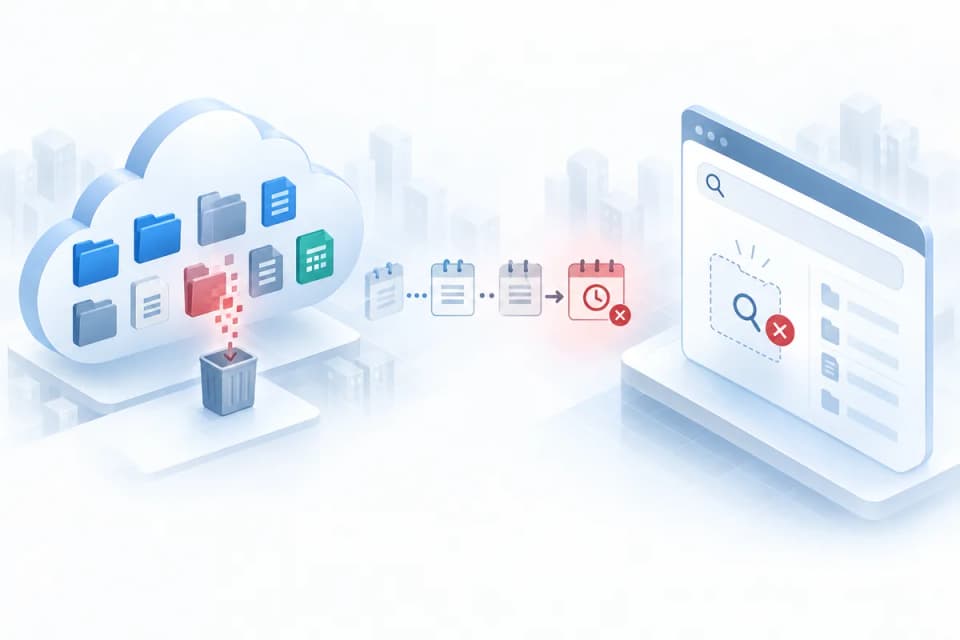
The most common loss is the quiet one: someone deletes a folder, a site, or a batch of files, often while tidying up, and nobody realizes anything is missing until long after the recovery window has closed. In a business with dozens of users, deletions can go unnoticed for months, and by the time a client or an auditor asks for the missing records, the native tools have nothing left to restore. No attacker required; just ordinary human housekeeping meeting a short retention window.
Ransomware Reaches the Cloud Through Sync
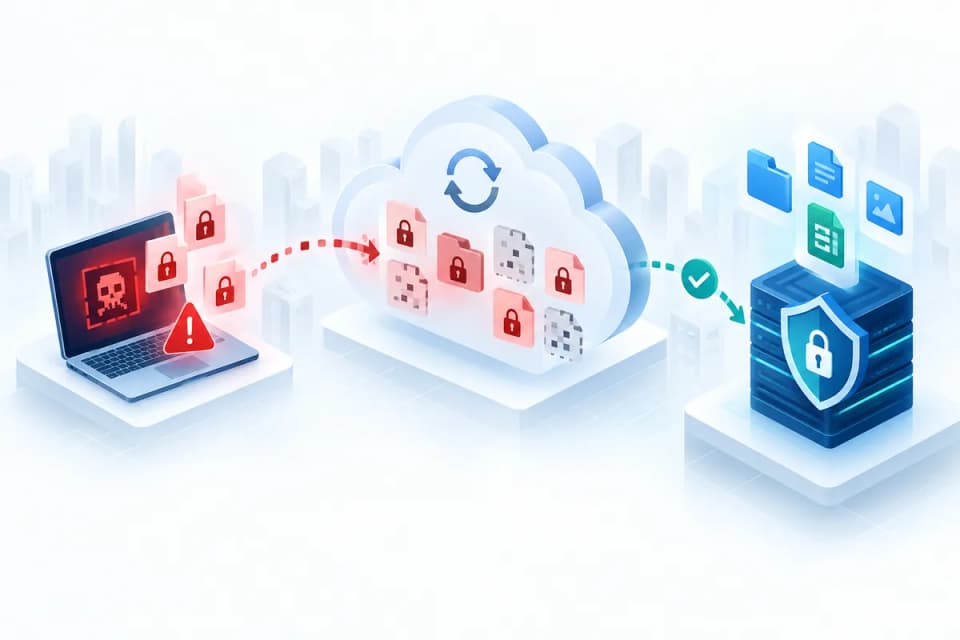
The second pattern surprises people who thought the cloud was immune to ransomware. When malware encrypts files on a computer, the sync client dutifully uploads those encrypted versions to OneDrive or SharePoint, replacing the good copies, and some modern strains deliberately churn through version history first so the older clean versions are gone too. The cloud does exactly what it was designed to do, which is faithfully mirror what happened on the endpoint. Recovering from this without an independent backup ranges from painful to impossible, which is why cloud data belongs in your ransomware incident response thinking, not outside it.
The Departing Employee's Data Clock
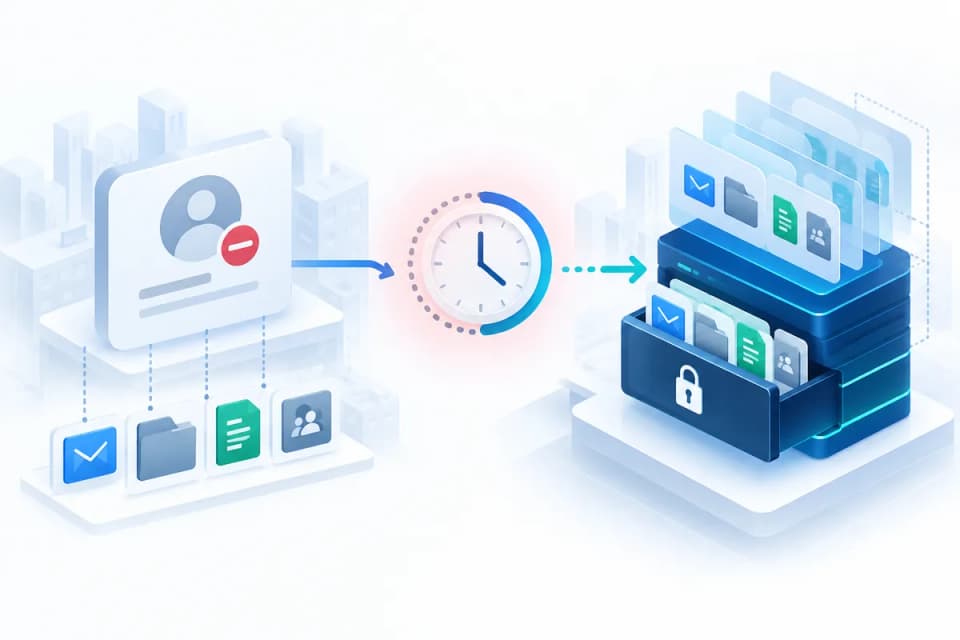
The third pattern is procedural: when an employee leaves and their license is removed or their account deleted, a countdown starts on their mailbox and files, and once it runs out the data is purged. If nobody transferred the client correspondence, project files, or records that person held, the business discovers the loss only when it goes looking, sometimes during a dispute or an audit when the stakes are highest. Offboarding and backup are separate disciplines, but this is where they meet, and a business with neither in order is exposed twice.
What Real SaaS Backup Looks Like
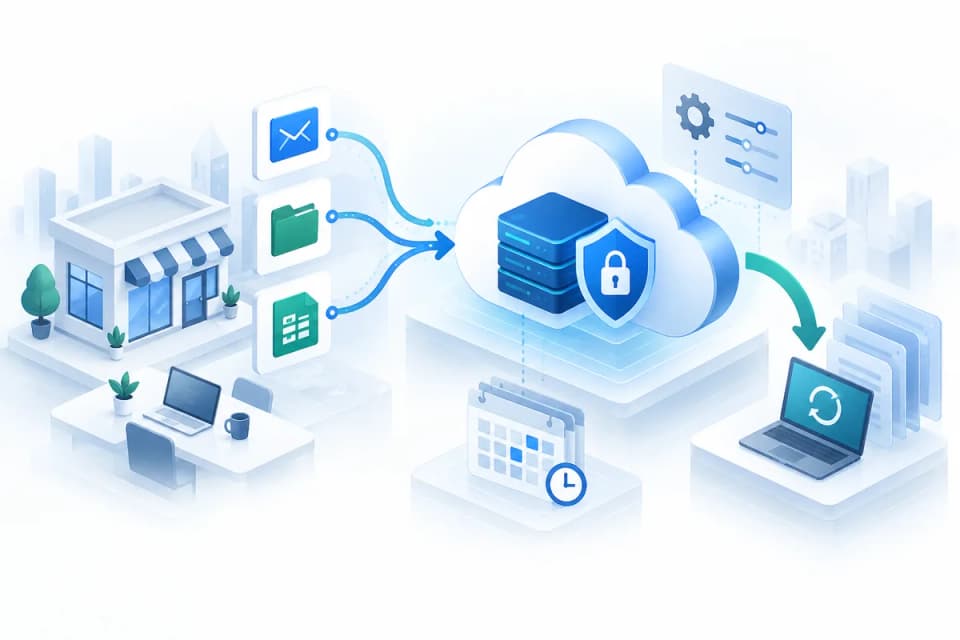
Against those scenarios, the shape of protection becomes clear. Real SaaS backup means an independent, automatic copy of your cloud data, kept outside the reach of the mistakes and attacks that threaten the original, with the ability to restore to a point in time and to recover a single item or a whole mailbox as needed. The contrast with native features is easiest to see side by side:
| Native retention (Microsoft 365 / Google Workspace) | Real SaaS backup | |
|---|---|---|
| Who controls it | The platform vendor; settings can be changed by any admin | You; an independent copy outside the tenant |
| Where the copy lives | Inside the same tenant it protects | Separate storage, separate credentials |
| Recovery window | Days to a few weeks in recycle bins; retention policies vary | Years, with a point-in-time history |
| Ransomware through sync | Encrypted files sync up and overwrite versions | Prior versions kept and restorable |
| Departing employee | Data follows the account and is deleted after the retention window | Mailbox and files preserved regardless of the account |
| Granular restore | Item by item from a bin, if still there | Single item, folder, mailbox, or whole tenant to a chosen date |
| Proof for compliance | Retention settings, not a recovery guarantee | A tested restore record |
The right-hand column is what closes the gaps in the loss scenarios above, and it follows the same principle as immutable backups on a server: a copy the attacker cannot rewrite, and it is the standard businesses in regulated fields are typically held to, since rules that require the ability to recover records are not satisfied by a recycle bin. Building this into a broader protection plan is exactly what a sound data backup and disaster recovery approach covers, treating cloud data with the same seriousness as anything on a server.
An Honest Take for Small Businesses
Now for the realistic part, because the answer is not that every business must buy every protection tomorrow. The sensible move is to match protection to what the data is worth. Start by asking which SaaS data would hurt to lose: for most businesses that is email first, then client files and financial records, and the honest answer usually reveals that the most important data the company holds now lives entirely in a cloud app with only native retention protecting it. Email deserves priority because it is the most commonly lost, the most commonly demanded in disputes, and the hardest to reconstruct.
Alongside backup, the configuration of the platform itself matters, because well-set retention policies and access controls reduce how often you need to restore at all. For businesses running Microsoft 365, properly configured managed Microsoft 365 services handle both sides of that equation, the settings that prevent loss and the backup that recovers from it.
Prevention and recovery reinforce each other in one more way worth naming: many losses begin as security failures, a compromised account or a synced infection, so hardening the platform shrinks the problem before backup ever has to solve it. Reviewing your Microsoft 365 security settings is the natural companion step to putting real backup in place.
Closing the Gap Before You Need It
The uncomfortable summary is this: the data your business would miss most probably lives in a cloud app, protected by recovery windows measured in days and weeks, under an arrangement where the provider explicitly makes recovery your responsibility. The comfortable summary is that the fix is straightforward and inexpensive relative to what it protects: an independent, automatic SaaS backup with retention you control, prioritized for email and your most critical files, paired with sensible platform settings. Businesses that put this in place never think about it again; businesses that do not tend to think about nothing else for a very bad week.
For a business in the Los Angeles area, a provider offering managed IT services in Los Angeles can assess what your cloud data needs and put the right protection in place.
For businesses across the wider region, a team offering IT support in Simi Valley can do the same, so the question of whether your data is recoverable gets answered before an incident asks it for you.
If you are not sure what would actually be recoverable if your cloud data were deleted or encrypted tomorrow, talk to GlobeVM about a review of your environment; we put real SaaS backup in place so the answer is measured in minutes of restore time instead of permanent loss.