
For a law firm, file sharing is not just a productivity question. Every document moving in or out of the firm potentially carries attorney-client privilege, work product protection, and confidential information whose exposure can damage a client, a case, and the firm itself. A single careless attachment can become a malpractice claim or a privilege waiver. This is why secure file sharing for law firms sits at the intersection of technology, legal ethics, and risk management, not in any one of them alone. This guide explains why the standards for legal practice are higher than for other businesses, what the rules of professional conduct actually require from your technology, how privilege can be lost through ordinary file-sharing mistakes, and what a defensible setup looks like. A note before we begin: this is an explanation of the technology and security side of the issue, not legal ethics advice, which belongs with your state bar's guidance and your own counsel. It is also the question our IT and cybersecurity for law firms practice is asked most often.
Why file sharing for law firms is different from any other business
Most businesses worry about file sharing because of data breach laws and reputational damage. Law firms carry all of that plus something else: a unique professional duty. The information a firm handles is not just sensitive, it is privileged. The attorney-client privilege protects confidential communications between a lawyer and client from compelled disclosure in court, and the work product doctrine protects materials prepared in anticipation of litigation. These protections are among the most valuable assets a client receives from their lawyer, and they can be damaged or lost through how the firm handles its files. Increasingly the standard is also written into client contracts: the security clauses in outside counsel guidelines routinely specify how documents may be transmitted and stored.
The stakes go beyond the technical. Even an inadvertent exposure can result in privilege being waived in a particular matter, complaints to a state disciplinary authority, and malpractice exposure. Clients increasingly understand this, and corporate clients especially are now asking their outside counsel detailed questions about how files are protected and shared. Secure file sharing for law firms is therefore not a procurement decision. It is an ethical and operational question that shapes how a firm protects its clients and itself.
The ethical foundation: what the rules of professional conduct require
Before looking at any tool, it helps to understand the standard your technology must meet. The American Bar Association's Model Rules of Professional Conduct, adopted in some form by most states, set the baseline. Two rules matter most for file sharing, along with a key formal opinion that interprets them.
Model Rule 1.1: Competence, including technology competence
Rule 1.1 requires lawyers to provide competent representation. A 2012 amendment to the comment accompanying this rule made explicit something the profession had long resisted: competence now includes keeping abreast of the benefits and risks of relevant technology. In practical terms, a lawyer cannot claim ignorance of how their email, cloud storage, or file-sharing tools work as a defense against having used them poorly. The duty to be technologically competent is part of being a competent lawyer.
Model Rule 1.6(c): Reasonable efforts to prevent disclosure
Rule 1.6 covers confidentiality, and a 2012 amendment added subsection (c), which requires lawyers to make reasonable efforts to prevent the inadvertent or unauthorized disclosure of, or unauthorized access to, information relating to the representation of a client. The phrase to focus on is "reasonable efforts." The rule does not require perfection. It requires that the firm take steps that a reasonable lawyer in similar circumstances would consider appropriate to protect client information, given the sensitivity of the matter and the available technology.
ABA Formal Opinion 477R: how to interpret "reasonable efforts"
In 2017, the ABA issued Formal Opinion 477R to provide updated guidance on what reasonable efforts means in the context of electronic communications. The opinion deliberately rejects a one-size-fits-all rule. Instead, it sets out factors a lawyer should weigh for any given communication, including the sensitivity of the information, the likelihood of disclosure if additional safeguards are not employed, the cost and difficulty of employing those safeguards, and the client's instructions. The opinion makes clear that routine email may be acceptable for routine matters, but highly sensitive matters such as mergers, intellectual property disputes, or sealed records may require stronger measures, including encryption or secure portals. The standard is contextual, which means a firm needs the capability to raise its security when the matter demands it.
How privilege actually gets lost through file sharing
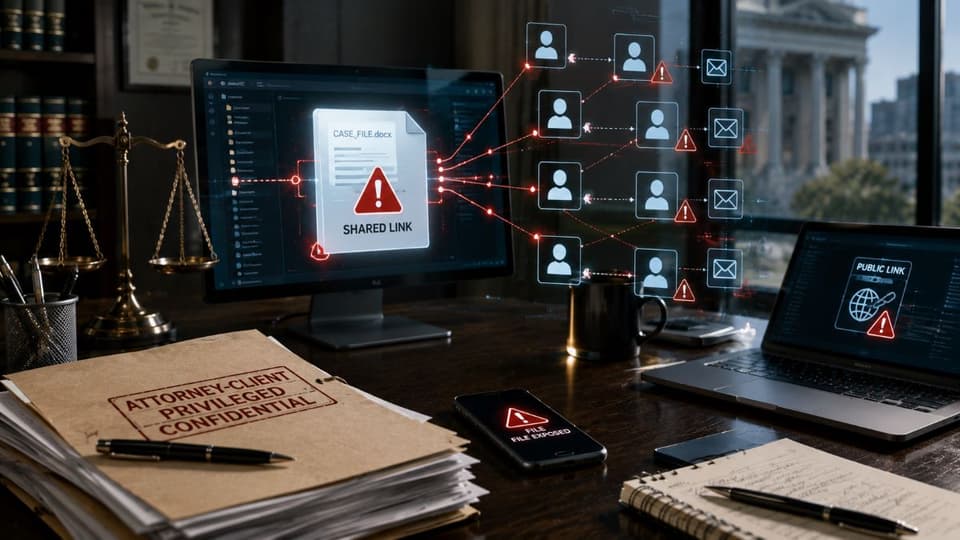
The legal consequences of poor file handling are not theoretical. Attorney-client privilege can be waived through disclosure, and inadvertent disclosure is one of the most common ways this happens. A wrong recipient on an email, a document mistakenly attached, a shared link with no expiration that ends up in the wrong inbox, a USB drive lost in a courthouse parking lot. Each is a routine human error that can have profound legal consequences.
Federal Rule of Evidence 502(b) does provide a limited safety net. It protects against privilege waiver from inadvertent disclosure in federal proceedings if the holder of the privilege took reasonable steps to prevent the disclosure and promptly took reasonable steps to rectify it. That phrase, "reasonable steps to prevent," is what makes the technology question matter so much. A firm that disclosed a document through an unsecured email with no access controls, no encryption, and no ability to revoke access has a harder argument under Rule 502(b) than a firm that used a secure portal with audit logs and granular permissions. Many states have similar but not identical rules. The standard, again, is reasonable preventive steps, and those steps are largely technological.
The risks of common file-sharing methods
Most firms still rely on a handful of habits that quietly create the conditions for problems. Recognizing the weaknesses is the first step.
| Method | Why privilege is at risk | Verdict |
|---|---|---|
| Email attachments | Copies land in every inbox and backup; wrong-recipient errors are permanent; no revocation | Only for non-confidential material, or with encryption and a verified recipient |
| Consumer cloud accounts (personal Dropbox, Google Drive) | Outside the firm's control; no audit trail; no agreement on confidentiality; links often public | Not acceptable for client data |
| FTP and legacy transfer servers | Often unencrypted; shared credentials; no per-file permissions | Retire |
| Text and messaging apps | No retention control; personal devices; screenshots | Not for documents |
| Client portal inside practice or document management | Encrypted, permissioned, logged, revocable, integrated with the matter | The default |
| Enterprise file-sharing platform with legal controls | Same protections, useful when the practice system lacks a portal | Acceptable with vendor due diligence and a signed agreement |
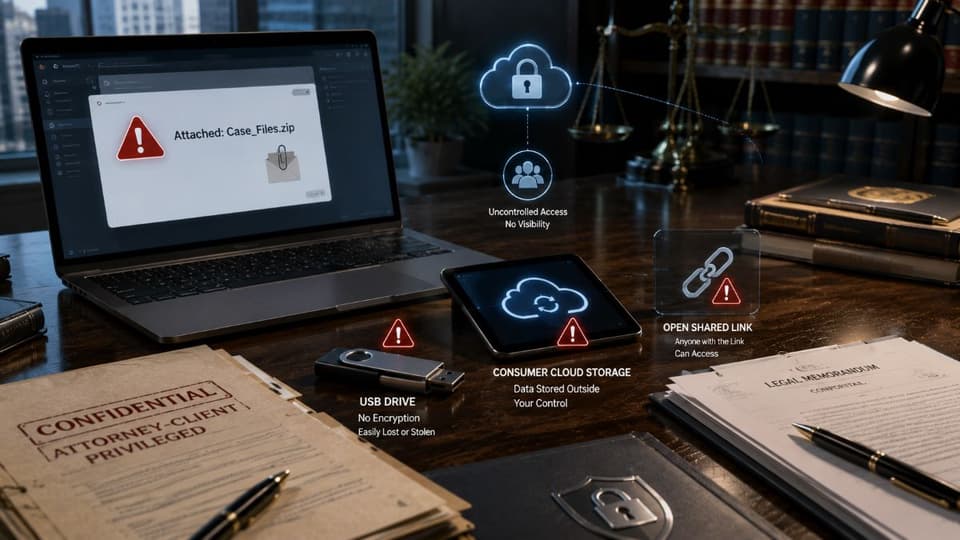
- Standard email and attachments. Ordinary email is not encrypted end-to-end. Once sent, the firm has no control over where the file goes, who forwards it, or how long it persists. A misaddressed email cannot be unsent. For sensitive client information, default email is a thin shield.
- Consumer cloud storage. Personal Dropbox, Google Drive, or OneDrive accounts used for client work expose firms to several problems at once. They sit outside the firm's control, often lack proper audit trails, and frequently violate the duty to oversee how client information is stored. They also create discovery complications when client data is mixed with personal files.
- Unrestricted shared links. Links that anyone with the URL can open, with no expiration and no audit trail, are functionally public if they leak. They also undermine any later argument that the firm took reasonable steps to limit disclosure.
- USB drives and portable storage. Physical drives are easily lost or stolen and are usually not encrypted by default. Each one is a potential breach in someone's bag.
- Inboxes as filing systems. Treating email as a long-term repository for case files spreads sensitive material across countless messages, makes consistent protection impossible, and creates serious problems during e-discovery.
None of these are inherently catastrophic in every instance, but they are the conditions under which the worst incidents occur. Replacing them, or supplementing them with appropriate controls, is the practical heart of meeting Rule 1.6(c).
What a secure file-sharing solution must actually have
The market is full of products that brand themselves as secure. The features that matter for a law firm are a smaller and more specific list. A solution worth considering should have all of these.
Strong encryption at rest and in transit
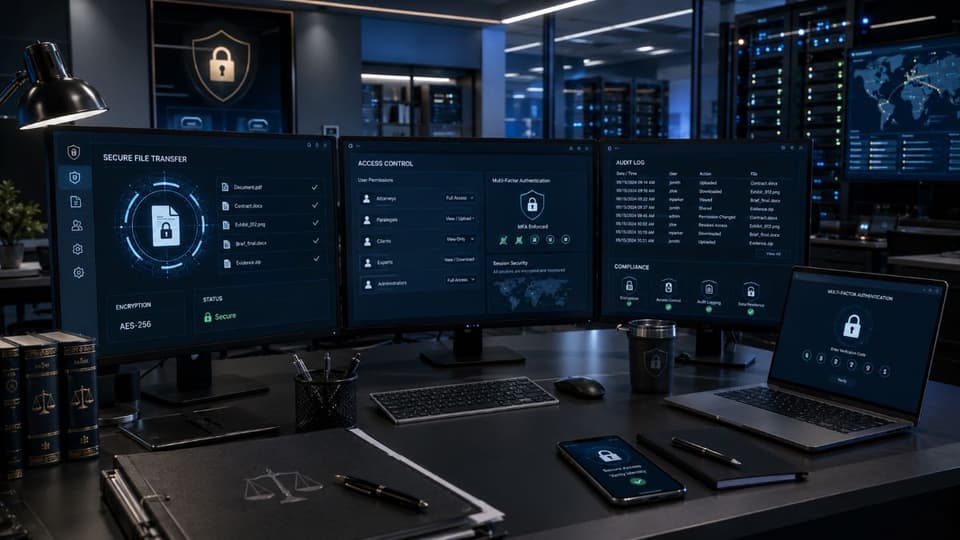
Client files should be encrypted while stored and while moving across networks. If files are intercepted or systems are accessed without authorization, encryption is what keeps the data unreadable. This is also one of the clearest demonstrations of the reasonable steps that Rule 502(b) contemplates. A capable cybersecurity solution built for legal practice treats encryption as a baseline, not an option.
Granular access controls and permissions
Not everyone in the firm needs access to every matter. A real secure file-sharing platform allows permissions to be set per matter, per folder, and per user, with the ability to grant view-only, comment, or edit rights. Sharing should default to the smallest necessary group, not the largest convenient one.
Detailed audit trails
You must be able to show who accessed which file, when, and what they did. Audit trails are essential for incident investigation, for demonstrating reasonable steps under Rule 502(b), and for responding to ethics inquiries. A firm that cannot reconstruct exactly what happened to a document is in a far weaker position when something goes wrong.
Link expiration, revocation, and download limits
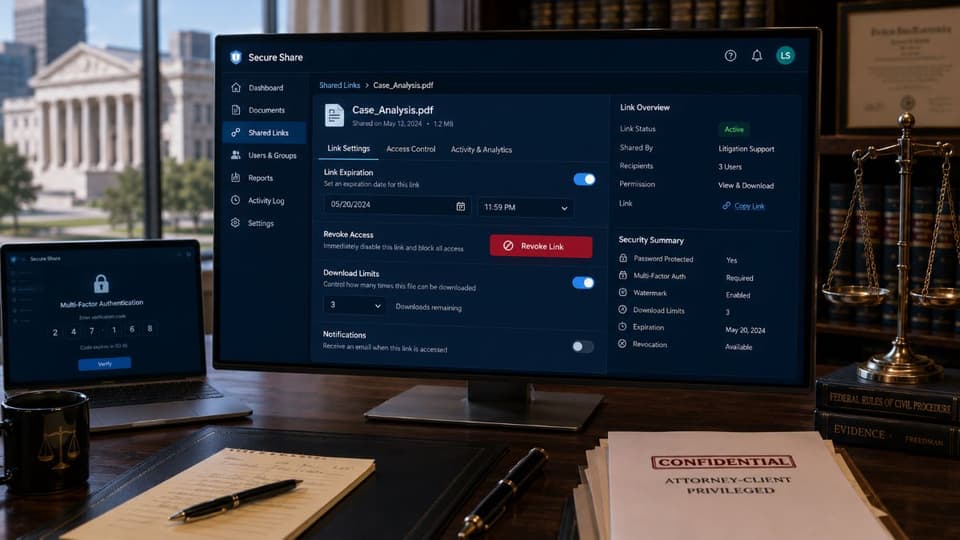
A shared link should be revocable. If you send a file to opposing counsel and notice the wrong document was attached, you should be able to kill the link immediately. Expiration dates and download limits reduce the risk of files lingering accessible long after the matter requiring them has ended.
Multi-factor authentication
Access to client files should always require more than a password. MFA is now expected by clients and by insurers, and it is the single most effective control against the account takeovers that cause many firm breaches. Layered protection like this works best when paired with continuous remote monitoring and management that surfaces unusual access patterns before they become incidents.
Integration with practice management and document management systems
If sharing files securely requires lawyers to leave their normal workflow, they will eventually stop. A platform that integrates with the firm's document management or practice management system, so files can be sent securely from where the firm already works, is far more likely to be used consistently.
Vendor due diligence and trustworthy hosting
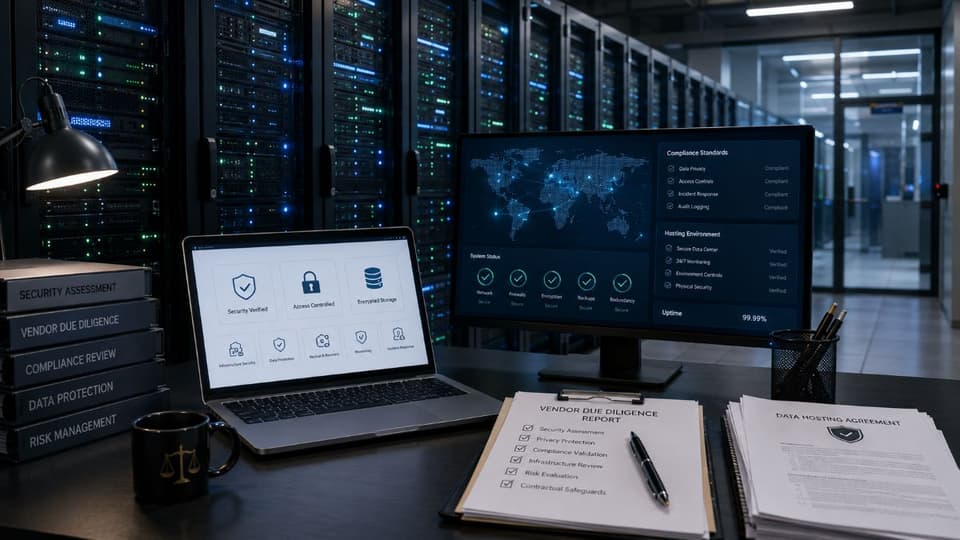
Because Rule 1.6(c) extends to how others handle client information on the firm's behalf, the choice of vendor matters. The firm should be able to confirm where data is stored, what security certifications the vendor maintains, whether the vendor has been independently audited, and what contractual breach-notification commitments are in place. A widely used managed Microsoft 365 environment can serve as the core, properly configured and overseen, but the same diligence applies to any platform layered on top.
Reliable backup and recovery
A secure platform also protects against loss. Client files must be recoverable from accidental deletion, ransomware, or system failure, and the recovery itself must be tested rather than assumed. Disciplined data backup and disaster recovery turns continuity from a hope into a documented capability.
A practical checklist for evaluating your firm's current setup
Strip away the marketing and the evaluation comes down to a clear set of checks. Work through these honestly against your own practice. For firms across the Los Angeles area, the review below is the same one we run as part of managed IT services in Los Angeles when a new client comes on board.
- You can identify every place client files actually live. If you cannot list them, you cannot protect them.
- Personal consumer accounts have been removed from client work. No private Dropboxes or personal Gmail attachments for matter files.
- Files in transit and at rest are encrypted. Confirm this with your provider rather than assuming it.
- Access is least-privilege and reviewed periodically. Former employees and rotated staff lose access promptly.
- Multi-factor authentication is on for every account touching client information. No exceptions for senior partners.
- Shared links expire, can be revoked, and produce an audit trail. You can prove who saw what and when.
- Vendor due diligence is documented. You can show how you selected and continue to oversee the platforms holding client data.
- You have an incident response plan that includes inadvertent disclosure. Not just cyberattacks, but the routine mistakes that actually waive privilege.
- Staff are trained, regularly. The strongest platform fails to a tired associate clicking the wrong recipient.
- Backups exist and have been test-restored. An untested backup is an assumption, not a safeguard.
For most small and mid-sized firms, building and maintaining all of this with an internal team is impractical, and trying to do so part-time tends to leave gaps that show up at the worst possible time. The intersection of legal ethics obligations, technology controls, and ongoing oversight is exactly where experienced managed IT services can keep a firm steadily compliant and steadily protected, rather than scrambling each time a question arises. A capable partner can also help with the broader compliance and risk management picture, since file sharing rarely stands alone.
If your firm wants a clear, objective assessment of whether its current file-sharing setup meets the standards expected of modern legal practice, the team at GlobeVM can review your environment, benchmark it against what secure file sharing for law firms requires today, and give you a prioritized plan to address any gaps before they become a problem.