

A website accessibility audit is one of those services where the same two words describe wildly different products. At one end, someone runs your homepage through a free scanner, exports the results as a PDF, and invoices you. At the other, a tester who uses a screen reader every day works through your checkout with the monitor turned off, and the findings change how your developers build for years. Businesses usually cannot tell the two apart until after they have paid, and the difference matters more than ever: accessibility now sits behind lawsuit exposure, government procurement, and a growing set of contractual questionnaires. This guide explains what a genuine audit contains, what automated tools can and cannot see, what the deliverable should look like, and the red flags that identify an audit you should not buy.
What a Website Accessibility Audit Is
A website accessibility audit is a structured evaluation of a site or application against the Web Content Accessibility Guidelines, WCAG, the internationally recognized standard that courts, regulators, and procurement offices all use as the practical benchmark. The audit identifies where the site prevents or degrades use by people with disabilities, screen reader users, keyboard-only users, people with low vision or color blindness, people with motor or cognitive disabilities, and documents each barrier against the specific WCAG success criterion it fails, with enough technical detail that a developer can fix it and a retest can confirm the fix.
That definition contains the quality bar. An audit that does not map findings to criteria, does not include human testing with assistive technology, or does not produce developer-actionable detail is not a smaller version of the real thing. It is a different product wearing the same name. Scope can also extend beyond the website itself, to web applications, customer portals, and the mobile experiences that now carry a large share of real traffic.
Automated Testing: Powerful, and Fractional
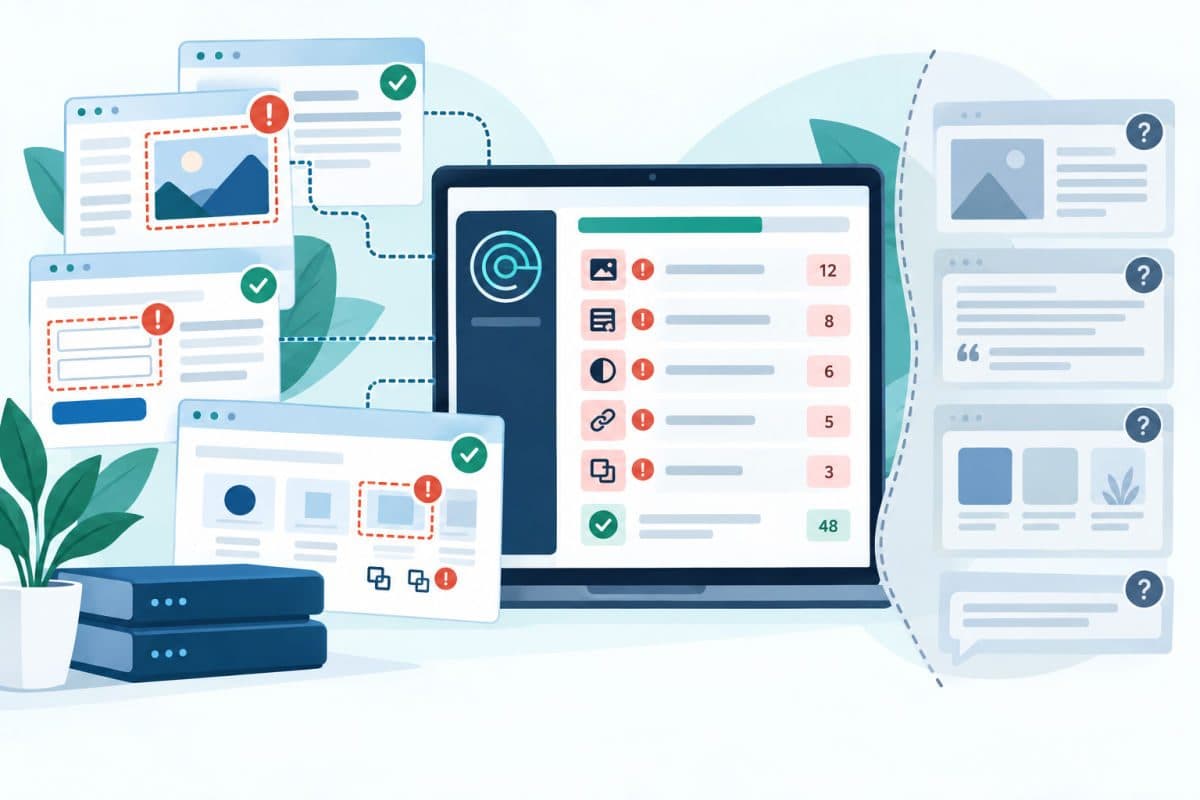
Every real audit starts with automated scanning, and it should. Tools in the axe and WAVE family, and audit features built into browsers, are excellent at finding the mechanical failures at scale: images with no alternative text, form fields with no labels, insufficient color contrast, missing document language, duplicate IDs, and empty links. Across a few hundred templates and thousands of pages, only automation can enumerate these consistently, and the volume it finds is usually humbling. The web's baseline is genuinely poor: year after year, large-scale surveys of the top million homepages find that roughly nineteen out of twenty fail basic WCAG checks that scanners can detect.
Here is the limit, and it is the single most important fact in this subject: automated tools can evaluate only a minority of WCAG requirements, because most of the standard requires judgment. A scanner can verify that an image has alternative text; it cannot tell whether that text is meaningful or whether "image123.jpg" was pasted into the field. It can confirm a button has a label; it cannot tell whether the label makes sense in context, whether focus order follows the visual flow, whether an error message actually helps a user recover, or whether a screen reader announces your custom date picker as anything other than silence. A scan-only report therefore proves the presence of problems while saying almost nothing about the absence of them, which is exactly backwards from what a business facing legal or procurement pressure needs.
Manual Testing: Where the Audit Earns Its Fee
The heart of a real audit is a human being operating the site the way disabled users actually do, and it runs in layers.
Keyboard-only testing puts the mouse away entirely. Every interactive element must be reachable with the Tab key, operable with Enter and Space, escapable without traps, and marked with a visible focus indicator so the user knows where they are. Menus, modals, carousels, and custom widgets fail here constantly, and a keyboard trap in a checkout is the kind of barrier that converts directly into an abandoned purchase or a legal complaint.
Screen reader testing runs the site's critical flows with the software blind users rely on, listening to what is actually announced. This is where the judgment-dependent criteria get evaluated: reading order, heading structure, form error handling, dynamic content announcements, and whether the page makes sense as a linear spoken experience. Testing with more than one screen reader matters because their behavior differs, and an experienced tester knows which differences are the site's fault.
Visual and cognitive checks cover zoom to 200 percent without loss of function, reflow on small screens, contrast in real page context, motion and animation controls, and time limits. And document testing covers the PDFs and downloadable files the site serves, which carry the same obligations as the pages and fail them even more often.
The Sample: Testing What Actually Matters
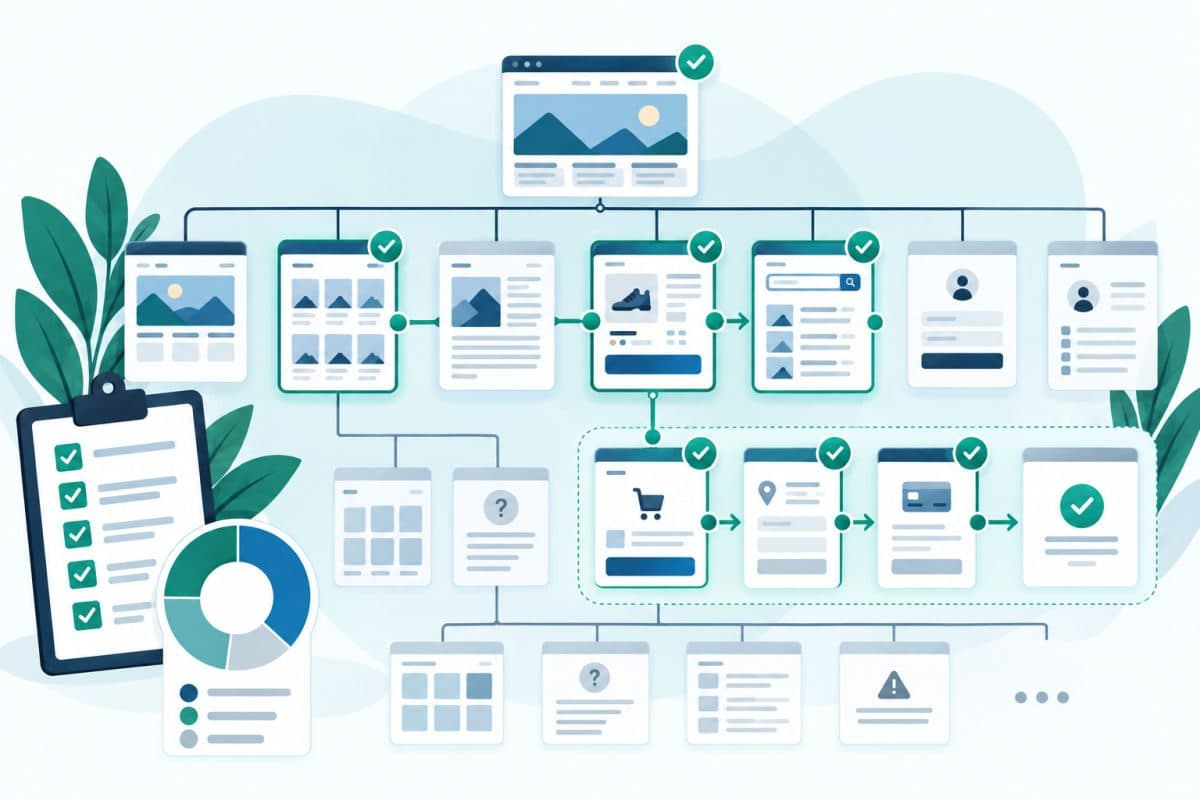
No audit tests every page, and it should not pretend to. A defensible audit tests a deliberate sample: every distinct template, home, category, detail, article, search results, and every critical user flow end to end, account creation, sign-in, the full purchase or booking path, forms, and account management. The sampling logic matters because barriers live in templates and components; fix an unlabeled button in the shared header and it is fixed on ten thousand pages at once. The audit document should state exactly what was tested, on which browsers and assistive technologies, and when, both for honesty and because that scope statement is what makes the results usable in any legal or procurement conversation later.
Which Standard to Audit Against
The correct target in practice is WCAG 2.1 Level AA at minimum, with the 2.2 additions included for anything in active development. The reasoning is straightforward: private-business legal exposure under the ADA and WCAG obligations for business websites is measured against current WCAG in complaints and settlements; the government market codified 2.0 AA for federal buyers and 2.1 AA for state and local entities, so the newer versions cover every bar at once; and the newer criteria are where mobile and low-vision users live. Auditing against an older version to make the results look better is a disservice the business eventually pays for with interest.
The Deliverable: What the Report Must Contain
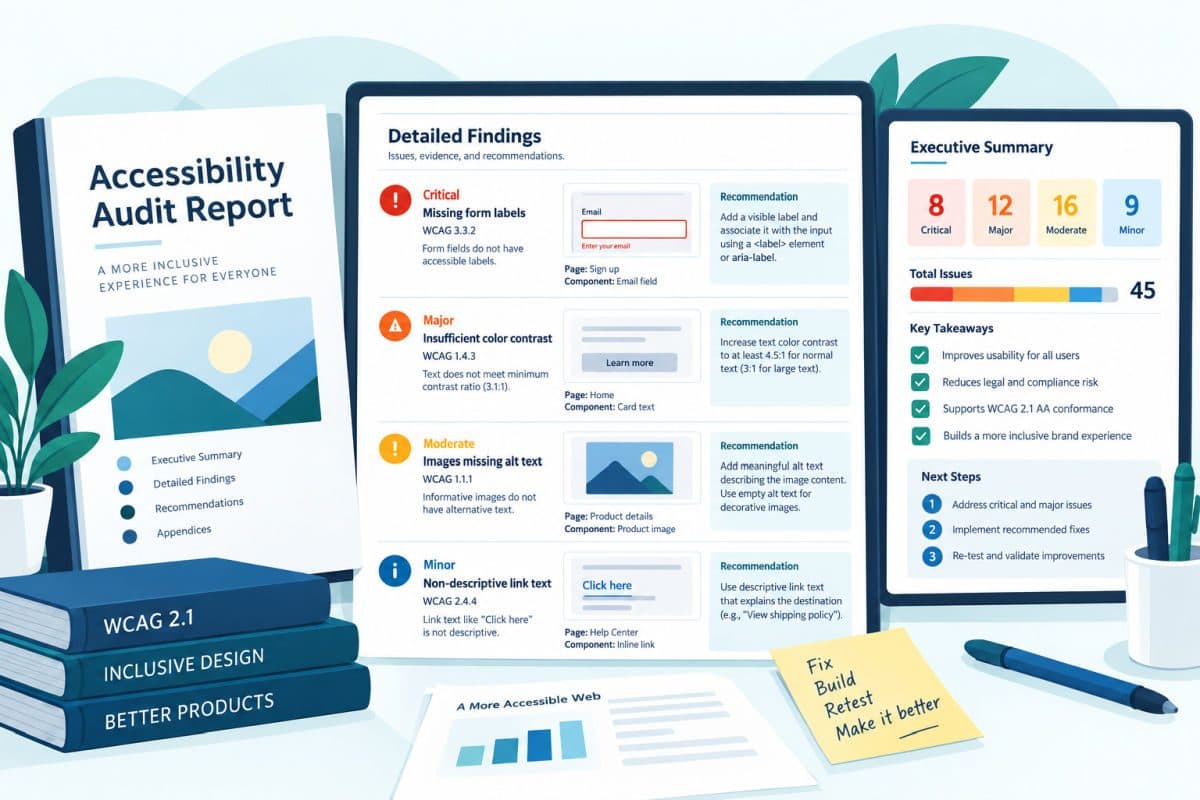
The report is what you are actually buying, and a professional one has a consistent anatomy. It opens with a scope and methodology statement, what was tested, with which tools and assistive technologies, against which WCAG version. It presents findings individually, each with the affected pages or component, the failed success criterion, the user impact in plain language, evidence such as a screenshot or code excerpt, and a specific remediation recommendation a developer can act on. Findings carry severity and priority, ordered by user impact and legal exposure rather than by page order, so the fix plan starts where it counts: barriers that block core tasks first, high-volume mechanical issues second, refinements last. And it closes with a summary suitable for leadership, honest about overall conformance rather than decorated with a percentage score that no standard actually defines.
Two artifacts often ride along with the report and are worth requesting explicitly. A conformance statement or, for vendors selling into government, an Accessibility Conformance Report on the current VPAT template, which procurement teams request by name. And a retest commitment, because findings without verification of fixes leave the job half done.
Red Flags of an Audit You Should Not Buy
The market's bad products advertise themselves if you know the signs. A report generated the same day it was ordered came from a scanner, whatever the cover page says. A vendor whose remediation plan is their own overlay widget is selling the subscription, not the audit, and the litigation record around overlay-equipped sites is reason enough to walk away. No mention of screen readers or keyboard testing in the methodology means the judgment-dependent majority of WCAG was never evaluated. A findings list with no criterion references and no code-level detail cannot be actioned or verified. A promised "100 percent compliance guarantee" misunderstands the standard it claims to certify. And a price too good to be true is priced correctly for what it contains.
After the Audit: Remediation and the Retest Loop
The audit is the map, not the journey. What follows is a remediation cycle: developers fix in priority order, content owners repair the editorial issues such as alternative text and heading structure, and the auditor retests the fixed items to confirm closure, because a meaningful share of first-pass fixes are partial. Sites that stay accessible add two habits, an accessibility check in the release process so new work does not reintroduce old barriers, and a periodic re-audit cadence, because sites change continuously. Sequencing this work across a large site without stalling the roadmap is a planning problem as much as a technical one, which is where remediation sprint planning keeps the effort honest and finite. And for organizations treating accessibility as a standing obligation rather than a one-time scramble, folding the audit cadence into a formal accessibility program keeps ownership, budget, and retest dates from evaporating between incidents. The audit-fix-verify rhythm will feel familiar to anyone who has run a cybersecurity audit: same discipline, different failure catalog.
What Drives the Cost
Prices vary widely because scope varies widely, and the honest way to think about cost is through its drivers: the number of distinct templates and flows, the complexity of custom interface components, whether documents and mobile apps are in scope, how many assistive technology and browser combinations are tested, and whether retesting is included. A small marketing site with standard components is a modest project; an e-commerce platform with custom checkout, account areas, and a PDF library is a substantially larger one. What should not vary is the methodology, and a vendor who cannot explain their cost in terms of these drivers is guessing at both ends.
For context on why the spend is rational: audits are priced in the low thousands to low tens of thousands depending on scope, while resolved accessibility claims routinely cost more than that in fees alone, and for San Fernando Valley businesses California's statutory damages layer raises the comparison further. The audit is the cheap end of this subject, run on your schedule instead of a plaintiff's.
Frequently Asked Questions
If your site has never had real assistive technology testing, or the only report you have is a scan, a scoped website accessibility audit of your templates and critical flows will show you exactly where users are blocked and exactly what to fix first.
Comments
0 Comments