A patient asks the front desk to text her the appointment change instead of calling, because she is at work and cannot answer the phone. The receptionist hesitates, because someone once said texting is not allowed, and then sends it anyway because the alternative is a missed appointment. Nobody documents anything, and the practice has just made a compliance decision by accident.
Can You Text a Patient? The Rules Your Front Desk Was Never Given

By George
23 August 2026

This happens in every medical and dental office in the region, several times a week. The rules on HIPAA patient communication are more permissive than most staff believe and more demanding than most practices actually follow, and the gap between those two facts is where the risk lives.
Start Here: HIPAA Does Not Ban Any Channel
Start by correcting the belief that certain technologies are forbidden. HIPAA does not prohibit email, text messages, voicemail, or phone calls with patients. It requires reasonable safeguards, a decision made on purpose, and documentation of that decision.
Appointment reminders are a useful example, because they are the most common communication a practice sends. Reminding a patient about an appointment is treated as a permitted use of protected health information under the treatment, payment, and health care operations provisions at 45 CFR 164.506(a), which means no separate authorization is required each time. What matters is how much you disclose and to whom.
The Minimum Necessary Rule Has an Exception People Miss
The minimum necessary standard at 45 CFR 164.502(b) is the one most staff have heard of and most misunderstand. It does not apply to disclosures made to the patient themselves, which is why a receptionist speaking directly with a patient on the phone is not capped on what may be discussed.
It very much does apply once the communication can reach anyone else: a voicemail on a household phone, a message read by a caregiver, a text on a shared device, or anything passing through a vendor's platform. That distinction carries most of the practical rule, and it explains why the same information can be fine in one channel and a problem in another.
Voicemail, Answering Machines, and the Person Who Picks Up
Leaving messages is permitted. Federal guidance is clear that a practice may leave a message on an answering machine or with a person who answers the phone, provided reasonable care is taken to limit what is disclosed, an allowance that sits alongside 45 CFR 164.510(b)(3).
The workable standard for a small practice is a short script: the practice name, the callback number, and a request to call, without the reason for the visit, the test, the provider's specialty, or anything about the condition. That message is useful to the patient and useless to anyone else who hears it, which is precisely the goal.
The Specialty Problem
One detail deserves care in specialty practices, and it is rarely covered in training. Saying the practice name can itself disclose a condition when the name announces the specialty, since a message from an oncology or behavioral health office reveals something even when the message says nothing.
Practices in that position usually solve it by using a neutral phrase for outbound voicemail and letting the patient call back to a line where identity can be confirmed. It is a small change and it removes the single most common accidental disclosure in this whole category.
Email and Text: Permitted, With a Duty to Warn
Here is where most practices are quietly out of step. Federal guidance is explicit that a patient has the right to receive their health information by unencrypted email if they ask for it, and that the practice must give a brief warning that there is some risk the information could be read by a third party in transit, then confirm the patient still wants it that way.
The reassuring part follows: where the patient was warned, accepted the risk, and asked for that method, the practice is not responsible for a disclosure that happens while the information is in transit. The obligation is the warning and the record of it, not a refusal to use the channel the patient prefers.
What This Looks Like in Practice
Translate that into front desk behavior and it becomes a short routine that any office can run without new software. None of the five steps below needs a purchase.
- Ask the preference at intake and record it in the chart: call, text, email, portal, and which number or address.
- Give the warning once, in plain language, and note in the record that it was given and accepted.
- Keep the content minimal in any channel that another person might see, regardless of what the patient agreed to.
- Honor changes immediately, because a patient can update the preference at any time.
- Never use the channel for anything the patient did not agree to, including marketing, which follows separate rules.
Where practices go wrong is treating the warning as a formality buried in an intake packet nobody reads. A warning that was genuinely given and recorded protects the practice; a checkbox on page nine does considerably less, and the difference shows up only when something goes wrong. This documentation habit belongs with the rest of your HIPAA compliance records rather than in an individual's memory.
Confidential Communications Are a Patient Right
Separately, patients may request that you communicate with them by alternative means or at alternative locations, for example only to a mobile number, never to the home address, or in a plain envelope. Under 45 CFR 164.522(b) a practice must accommodate reasonable requests of this kind, and for many patients this is the difference between safe care and none, particularly in behavioral health and family situations. Build a place in the chart for it so the request survives staff turnover.
Where the Real Risk Sits
The interception of a text message in transit is not what causes trouble in small practices. Three much more ordinary things do.
The Device on the Other End
A message arrives on a phone that may be shared, left face up on a kitchen counter, or backed up to a family account. Nothing the practice does controls that, which is exactly why the content of the message matters more than the encryption of the channel. Keep the substance in the portal or the visit, and use text and email for logistics.
The Vendor in the Middle
Any service that transmits or stores patient information on the practice's behalf, a reminder platform, a messaging tool, a cloud phone system that keeps voicemails, is a business associate and needs an agreement in place. Practices routinely sign up for a convenient reminder service in ten minutes without one, which converts a workflow improvement into an unpapered disclosure. The same due diligence applies to the mailbox platform itself, and that is why practice email security and vendor agreements belong in the same review.
The Staff Phone
The quietest problem is the receptionist texting patients from a personal mobile number because it is faster. The practice now has patient information on a device it does not control, no record of what was said, and no way to retrieve it when the employee leaves. Give staff a practice owned channel for this, or the workaround becomes the workflow.
What the Portal Is For
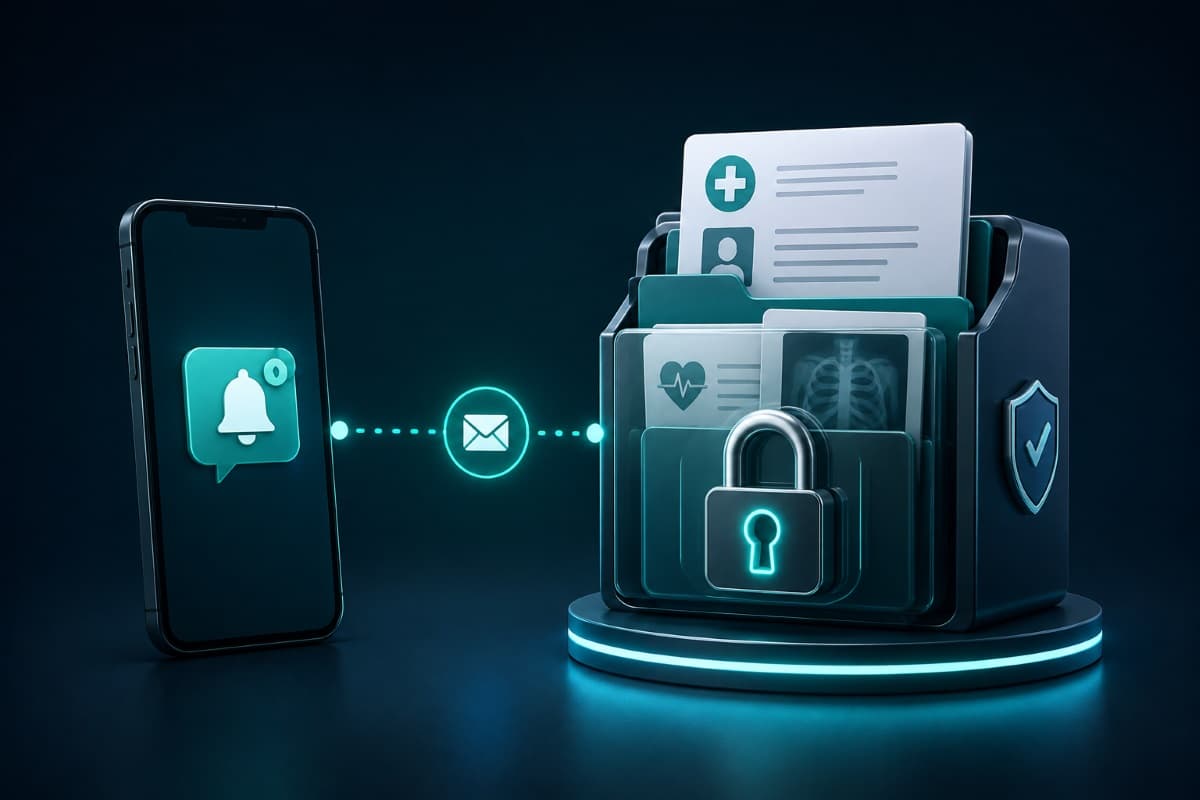
A patient portal exists to solve the content problem. Because the patient authenticates to reach it, the portal is where clinical detail, results, and documents belong, while the notification that something is waiting can travel by the channel the patient prefers.
That split is the cleanest model available to a small practice, and it survives most of the disagreements between convenience and caution. Text and email carry the nudge, the portal carries the substance, and the practice keeps a record of both. It also fits the wider picture of protecting the records themselves, which our guide to healthcare data security covers on the technical side.
One Note on the Rules Changing
You may have read that encryption is now mandatory for all patient information. Be careful with that claim. In December 2024 the Office for Civil Rights issued a notice of proposed rulemaking that would remove the addressable designation and require encryption, multi-factor authentication, and other controls outright, and as of this writing that rule is still proposed rather than final, with the timetable for final action having slipped more than once.
The practical reading is not to ignore it. Encryption where it is available, multi-factor authentication on every account, and a current risk analysis are all sensible today and all appear in the proposal, so a practice that adopts them early is simply ready. Our explanation of the HIPAA Security Rule covers what is required right now, which is the standard your next audit will use.
A Policy Any Practice Can Write This Week
None of this needs a consultant or a binder. A single page, agreed by the practice and given to every new hire, covers the ground: which channels the practice uses, what may be said in each, where preferences and warnings are recorded, which vendors are approved and have agreements, and what staff do when a patient asks for something outside the norm.
Then train to it once and keep the record. The practices that get into trouble are almost never the ones that made a considered decision and wrote it down; they are the ones where every staff member improvised a different answer and nobody could later say what the policy had been. Building that documentation alongside the rest of your healthcare IT and security arrangements keeps it current instead of theoretical.
None of it takes long once someone owns it. Practices across the Valley can get the channel review, the vendor agreements, and the staff facing policy handled through a provider offering IT services in the San Fernando Valley, so the answer is the same whoever is at the desk.
Offices across the city can arrange it through managed IT services in Los Angeles, covering the reminder platform agreement and the portal configuration behind it. What you want at the end is a front desk that never has to guess.
Frequently Asked Questions
No, texting is not prohibited. HIPAA does not ban any particular channel; it requires reasonable safeguards and a documented decision. In practice that means recording the patient's stated preference, giving a brief warning that messages could be seen by someone else, keeping the content limited to logistics rather than clinical detail, and having a business associate agreement with any platform that sends or stores the messages for you. The risk is rarely interception; it is content and the device at the other end.
Yes, and federal guidance is explicit that individuals have the right to receive their health information by unencrypted email if they request it. The practice must give a brief warning that there is some risk the information could be read by a third party in transit and confirm the patient still wants it delivered that way. Where the warning was given and accepted, the practice is not responsible for a disclosure that occurs during transmission. Document the request, the warning, and the address used.
Enough to prompt a callback and no more. Federal guidance permits leaving messages on answering machines or with whoever answers the phone, as long as reasonable care limits what is disclosed. A safe script gives the practice name, a callback number, and a request to call, leaving out the reason for the visit, test results, medication names, and provider specialty. Specialty practices should consider a neutral outbound identification, since the practice name alone can reveal a condition.
If the service transmits or stores patient information on your behalf, yes. That covers reminder and messaging platforms, cloud phone systems that retain voicemail, and similar tools. Signing up for a convenient service without an agreement is one of the most common gaps in small practices, and it is also one of the easiest to close, because reputable vendors serving healthcare offer these agreements as a standard part of onboarding.
It is a bad arrangement even where nothing goes wrong. Patient information ends up on a device the practice does not control, there is no record of what was communicated, and nothing is retrievable when the employee leaves. Provide a practice owned number or platform for patient messaging, and make personal device use the exception that requires a decision rather than the default that happens because it is faster.
Not yet, though the direction is clear. A proposed update to the HIPAA Security Rule issued in December 2024 would make encryption and multi-factor authentication mandatory rather than addressable, and as of this writing it remains proposed rather than final, with the timeline for final action having moved more than once. Practices should adopt encryption where it is available and multi-factor authentication on every account regardless, both because they are sensible now and because they are what the finalized rule is expected to require.
Front desks make these calls in the moment because no one handed them a rule, and GlobeVM will review your channels and vendors and turn HIPAA patient communication into a one-page policy the whole team can follow.
Comments
0 Comments