


For most businesses, email is the single most common way an attack arrives. It is simple, it reaches your people directly, and it relies on something no software fully controls: human trust. An attacker does not need to break through a firewall if they can send a convincing message that gets someone to click a link, open a file, or wire money. That is why email security is not a minor add on but one of the most important protections a business can have. Get it right and you stop a large share of attacks at the door. Leave it weak and you leave open the path attackers use most.
The challenge is that email threats have grown far more convincing than the obvious spam of years past. A modern phishing message can look exactly like a real notice from a bank, a supplier, or a colleague. Managed email security exists to catch these messages before they reach your team, and to limit the damage if one does.
What Managed Email Security Covers
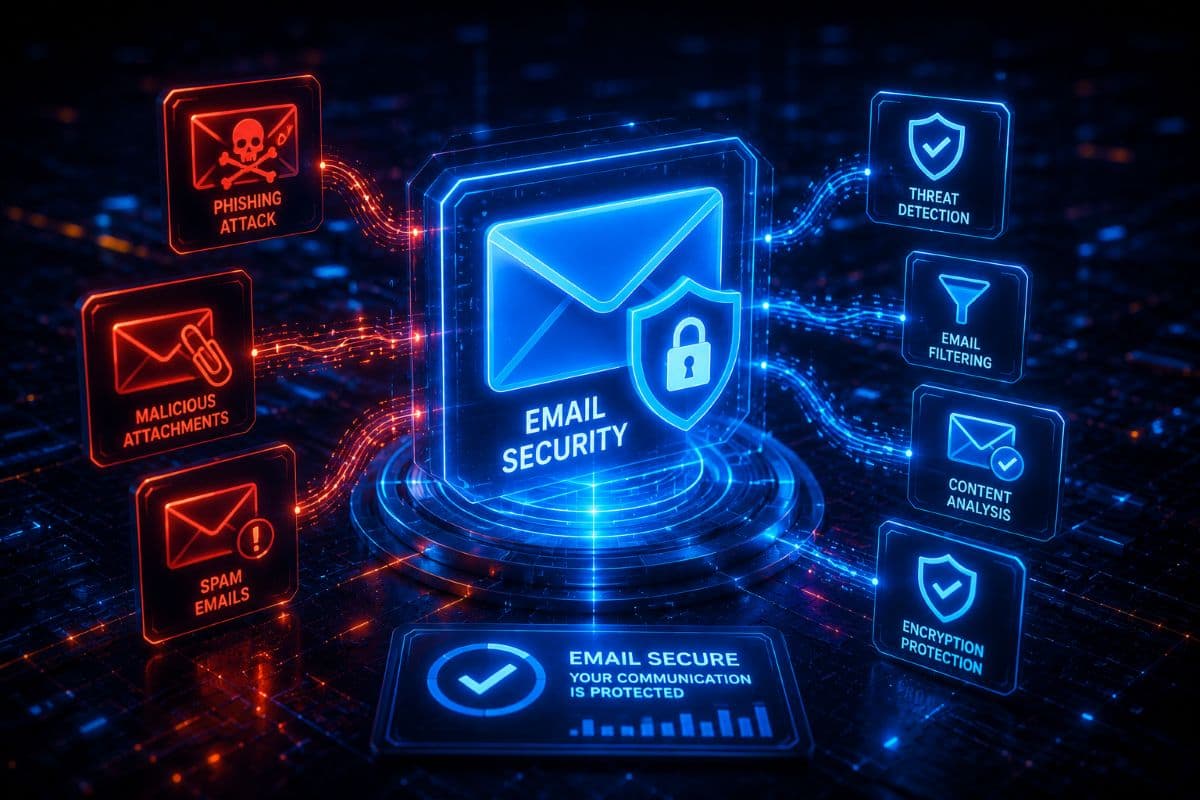
Email security is not one feature but several layers working together, which is part of why doing it well takes more than flipping a switch. It starts with filtering that goes beyond basic spam control, screening incoming mail for phishing, scams, and known threats. It adds scanning of attachments, so a malicious file is caught rather than trusted, and protection for links, so a dangerous web address is checked at the moment someone clicks rather than assumed safe. It includes impersonation protection, which looks for messages pretending to come from your executives, your vendors, or your own domain. And it covers the authentication settings that stop others from sending email in your name. Managed properly, these layers are configured for your business and kept tuned over time, because email threats keep changing and settings that were right last year may not be right now.
The Threats It Is Built to Stop
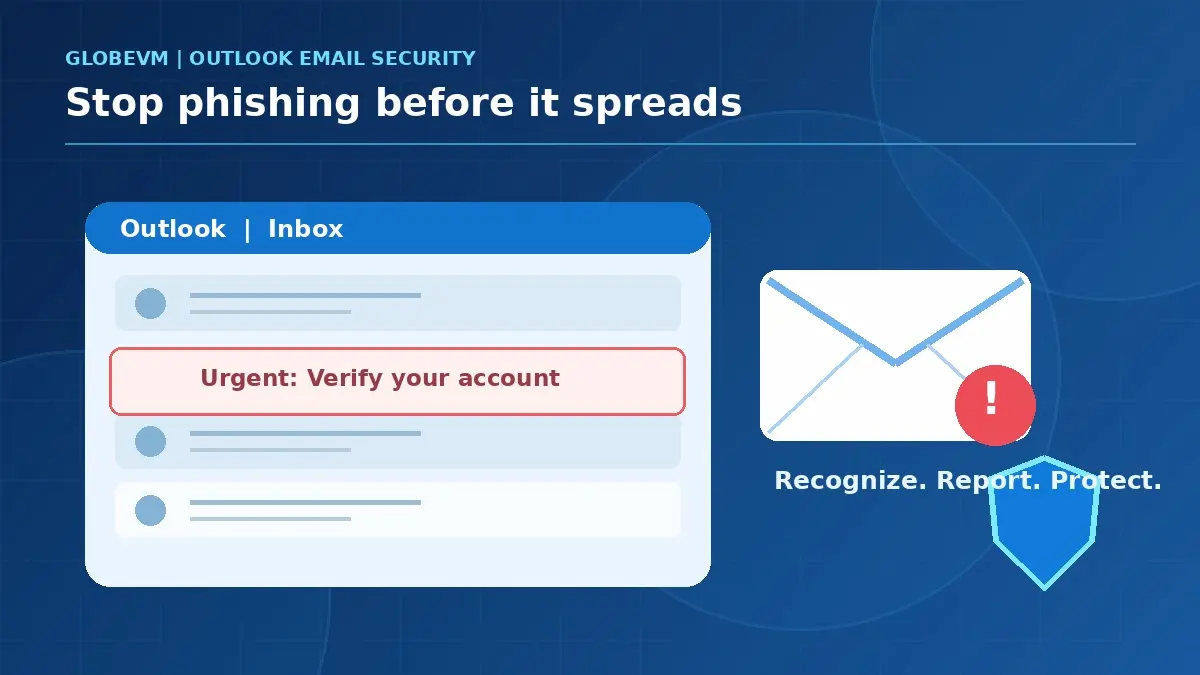
Several distinct threats arrive by email, and good protection addresses each. Phishing tries to trick anyone into giving up a password or clicking a harmful link, often through a fake login page. Business email compromise is more targeted and more dangerous: an attacker impersonates someone trusted, such as an executive or a supplier, to get an employee to move money or change payment details. What makes this kind so difficult is that it often carries no malware at all, just a convincing message, so there is nothing for a scanner to catch. Malicious attachments and links aim to install harmful software or steal credentials. And spoofing attempts to make a message appear to come from a name you recognize. No single setting stops all of these, which is exactly why layered protection matters.
Why Built-in Filtering Is Not Enough
Most businesses already have some email security through Microsoft 365 or Google Workspace, and it does useful work. It is a baseline, not a complete defense. Built-in filtering reliably catches obvious spam and widely known threats, but the attacks that actually cause damage tend to be the targeted ones, a single well-crafted message aimed at your finance team, for example, that does not match any known pattern. These are the messages that slip through basic filtering. Layered email security adds the extra inspection, impersonation detection, and link and attachment analysis that catch what the defaults miss. The built-in tools are a sensible starting point, and the added layers are what close the gap that attackers rely on.
Stopping Others From Faking Your Domain
One specific risk worth understanding is domain spoofing, where an attacker sends email that appears to come from your business to fool your customers or staff. There are established defenses against this, a set of email authentication records called SPF, DKIM, and DMARC. In plain terms, these tell the rest of the internet which mail servers are genuinely allowed to send email for your domain, so a message faking your exact address can be rejected. Setting these up correctly is a real part of email security, and many businesses have them missing or misconfigured. It is worth being honest about one limit, though: these records protect your exact domain, but they do not stop an attacker who registers a lookalike domain, a close copy of your name designed to trick a quick reader. That is why authentication is necessary but not sufficient, and why filtering and an alert team still matter.
Technology and People Together
Even the best email security cannot catch everything, and any honest provider will tell you so. The attacks that are hardest to stop with technology are the ones built purely on persuasion, a believable request from a believable sender, with no malicious file or link to flag. For those, your people are the real defense. A team that knows to pause on an unexpected payment request, to verify through another channel, and to report something that feels wrong will stop the attacks that slip past the filters. This is why email security works best as one part of a broader cybersecurity strategy, alongside staff awareness, rather than in place of it. The technology removes most of the danger, and informed people handle what remains.
Email Security for Los Angeles Businesses
As a managed IT and cybersecurity provider based in the Los Angeles area, with CCSP certified expertise, GlobeVM provides managed email security for businesses across Woodland Hills, Encino, Sherman Oaks, the San Fernando Valley, Santa Clarita, the Conejo Valley, and Ventura County. We set up the protection properly, layer defenses beyond the basics, configure the records that stop others spoofing your domain, and keep it all tuned as threats change. No filter catches every message, but the goal is straightforward: to stop the dangerous mail before it reaches your team, and to give your people the support to handle anything that gets through.