

Ransomware rarely arrives at 10 in the morning on a Tuesday. It arrives at two in the morning on a Saturday of a long weekend, when the office is empty, the owner has a phone on silent, and the first person to notice anything wrong will be whoever opens up on Tuesday.
That timing is not luck. It is a deliberate tactic, and it is why holiday cybersecurity is less about buying anything new and more about deciding, before the office closes, who is watching and what happens if something moves.
Why Attackers Choose the Long Weekend
The advantage they gain is time. An attack launched on a Friday evening gets three uninterrupted days to spread across the network, find the backups, and finish encrypting before anyone with the authority to unplug something is even awake.
The federal advisory on this is unusually direct. The FBI and CISA published joint guidance after observing an increase in highly impactful ransomware attacks occurring on holidays and weekends when offices are normally closed, noting that the tactic gives attackers a head start because defenders and IT support are at limited capacity for an extended period.
What the Surveys Add, With a Caveat
Vendor research points the same direction, though it deserves the usual skepticism because it is self-reported. One 2025 survey of organizations across ten countries reported that a bit over half of respondents had been hit on a holiday or weekend, while more than three quarters said they cut security staffing by half or more during exactly those periods.
Treat the specific numbers as directional rather than precise. The mechanism is what matters and it is not in dispute: coverage drops, attackers know it, and the delay between something starting and a human noticing decides the rest.
The Pressure to Pay Is Part of the Plan
There is a second reason for the timing that businesses underestimate. An attack discovered Tuesday morning with clients arriving and a week of work waiting creates enormous pressure to restore quickly by any means, which is precisely the state of mind that makes paying feel reasonable.
A business that finds the same attack within an hour has options: isolate, assess, restore from a clean copy, and decide calmly. The difference between those two positions is usually not better technology; it is whether anyone was looking.
The Three Windows That Matter
Break the problem into the three periods where a small business can change the outcome. Each has a different fix, and only one of them costs money.
The first is before the holiday, when the attacker gets in. Access frequently comes from a phishing message sent into the pre-holiday rush, a credential bought from a stealer log, or an unpatched system exposed to the internet, and every hour of hardening in the two weeks before a break is worth more than the same hour in January.
The second is during, when the attack spreads and detonates. This is a monitoring and response question rather than a prevention one, since something has already gone wrong. The third is after, the discovery window, where a business that finds out on Tuesday has lost days it will never get back.
The Pre-Holiday Checklist
None of the following requires a purchase. A small office can complete the whole list in an afternoon during the week before a break, and most of it stays useful afterward.
- Patch what is exposed: anything reachable from the internet, including the firewall and remote access, since unpatched edge systems remain a favorite entry point.
- Verify the backup, then test one restore, because a backup that has never been restored is a belief rather than a control.
- Confirm the on-call chain in writing: who is reachable, on which number, and who is the backup if that person is on a plane.
- Check for dormant accounts and missing multi-factor authentication, since a forgotten account with a weak password is the quietest way in.
- Turn off remote access nobody needs for the duration, particularly vendor accounts that only work during projects.
- Brief the team on urgent requests, because holiday weeks bring a spike in payment changes and gift card errands supposedly sent by the boss.
- Print the incident contact card with your provider, insurer, and counsel, because the version stored on the server is not available when the server is the problem.
The restore test is the item people skip and the one that matters most, since ransomware turns backup quality into the only variable that decides how bad the week becomes. If that test has never happened, our guide to testing that a restore actually works covers what a real test looks like.
Backups Need to Survive the Attacker, Not Just the Hardware
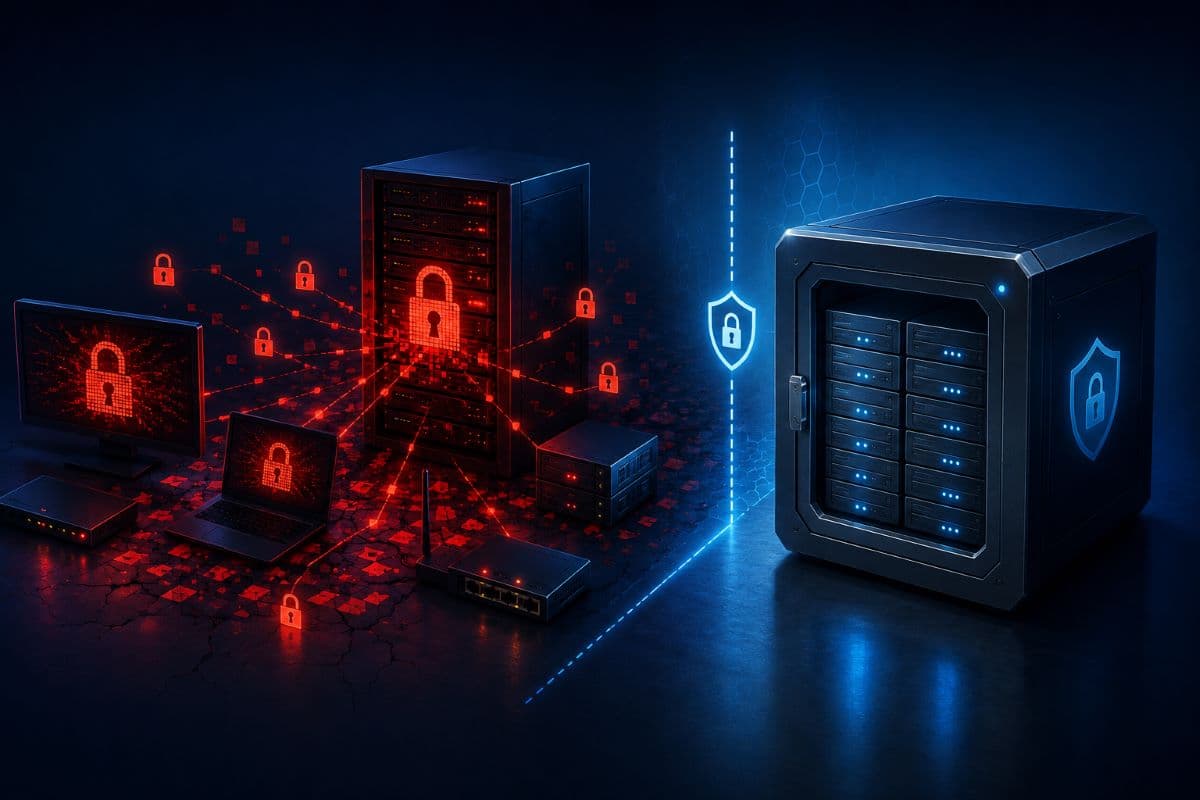
Modern ransomware looks for backups first, because a business with clean recoverable copies does not pay. Any backup reachable with the same credentials as the systems it protects is part of the same blast radius.
The property that matters here is immutability, meaning copies that cannot be altered or deleted during their retention window even by someone holding administrator rights, which our article on immutable backups explains in plain terms. Confirm you have it before the holiday, not during the recovery.
What Changes in the Office Itself
Two physical details get overlooked in the rush to leave. Both have caused avoidable incidents over long weekends, and neither costs anything to handle.
The first is what stays powered on. Machines left running are machines that can be reached, so anything not needed over the break should be shut down rather than left idle at a desk, and the server room should have a deliberate list of what remains up and why. The second is who has physical access, since holiday periods are when cleaning contractors, building maintenance, and deliveries arrive with nobody familiar around to notice.
Tell Staff What Not to Do
A short note before the break prevents the most common holiday mistakes. Do not check work email from a hotel computer, do not approve a payment change from a phone at a family dinner, and report anything odd immediately rather than waiting until the office reopens.
The last one matters most, because the natural instinct on a holiday is to avoid bothering anyone with something that might be nothing. Say plainly that bothering someone is the correct choice, and that no one will mind being called about a false alarm.
The Coverage Question Worth Asking Precisely
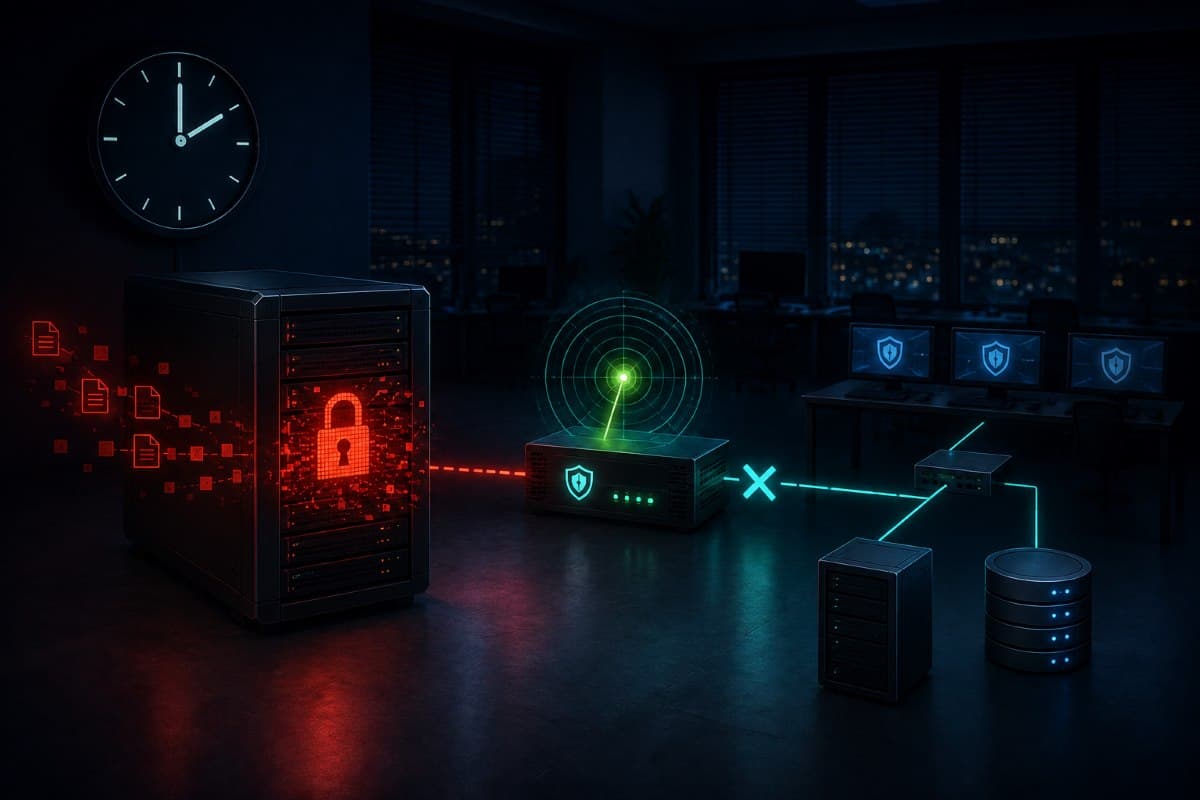
Most businesses believe they have after-hours coverage, and most of them have monitoring rather than response. Those are different products. Monitoring means something records an event; response means a human sees it, decides it matters, and takes action such as isolating a machine at three in the morning.
For a small business the question to ask your provider is specific: if a server starts encrypting files at two on Sunday morning, what happens, who does it, and how long does it take? The answer should be a sequence with names and timeframes, and if it is a promise to look at it Monday, you have monitoring. The distinction is the same one described in our article on what 24/7 support actually promises.
Test the Number Before You Need It
One small exercise separates real coverage from a phone tree. In the week before a holiday, call the after-hours number and see what happens, and if you can, ask your provider to demonstrate an isolation action rather than describe it.
Businesses that do this discover useful things: the number goes to a queue, the ticket is triaged in the morning, or the person who answers cannot take action without approval from someone unreachable. Better to learn that in December than at two on Sunday, and it is the practical value of having someone watching for threats after hours rather than a dashboard no one is reading.
The Other Holiday Risk: The Request That Sounds Urgent
Not every holiday incident is ransomware. The season also brings a rise in payment fraud, because the conditions are ideal: approvers are traveling, out of office replies announce exactly who is away and for how long, and staff are trying to close things out before a break.
The pattern is familiar and it works anyway: a supplier emails new bank details for an invoice due before the holiday, or the owner supposedly texts from a plane asking someone to handle a payment quietly. One rule handles nearly all of it, which is that any change to payment details gets verified by phone on a number you already had, never a number in the message, a discipline covered fully in our guide to business email compromise prevention.
If It Happens While the Office Is Closed
Two decisions matter more than the rest, and both are easier if they were made in advance. Isolate rather than shut down, because pulling a machine off the network stops the spread while preserving the evidence a forensic review will need, and powering everything off can destroy information sitting in memory.
Then start the sequence rather than improvising it, notifying your provider, your insurer, and counsel in that first hour, since insurance policies often require prompt notification and the use of approved responders. The full sequence is in our guide to ransomware incident response, and the version to have in the office is the printed one.
The Debrief Is Worth More Than the Checklist
After every long weekend, whether anything happened or not, spend ten minutes on two questions. What alerted, and did it reach a human, and if something had happened at two in the morning, what would have occurred?
The answers accumulate into a coverage plan that fits your business rather than one copied from a template. Most small businesses discover the same thing on the first pass: the technology was fine and no one had decided who was responsible.
Closing Early Is Fine; Closing Blind Is Not
Every business shuts down for holidays and should. Holiday cybersecurity is not about staying alert through the break; it is about deciding in advance that a quiet network still has someone watching it, that the backups are recoverable and out of reach, and that one named person can be reached and can act. The attacker's whole advantage is the assumption that nobody is home, and taking that assumption away costs an afternoon of preparation rather than a budget line.
Businesses in the region can arrange that coverage and the pre-holiday check with a provider offering IT support in Santa Clarita, including the restore test that most offices have never run. It is a better use of the week before a break than almost anything else on the list.
Across the county, IT services in Ventura County cover the same preparation, from patching the exposed systems to confirming who picks up in the middle of the night. Neither takes more than an afternoon, once a year, before the long weekends start.
Frequently Asked Questions
Because the attacker gets uninterrupted time. An intrusion that begins on a Friday evening has days to spread, locate backups, and finish encrypting before anyone with authority notices, and the FBI and CISA have published joint guidance after observing an increase in highly impactful ransomware attacks on holidays and weekends when offices are closed and IT support runs at limited capacity. Discovery delay is the real damage multiplier, since a business that finds out days later also faces maximum pressure to pay.
Patch anything exposed to the internet, verify the backup and test one restore, confirm in writing who is on call and reachable with a named backup person, check for dormant accounts and accounts missing multi-factor authentication, disable remote access not one person needs during the break including vendor accounts, brief staff about urgent payment requests, and print the incident contact list. None of it costs money and a small office can finish the list in an afternoon.
No, and the gap between them causes most of the disappointment. Monitoring means an event is recorded and possibly alerted; coverage means a human sees it, judges it, and acts, including isolating a machine in the middle of the night. Ask your provider what specifically happens if a server begins encrypting files at two on Sunday morning, expect an answer with names and timeframes, and test the after-hours number before a holiday rather than during one.
No. Payment fraud rises during the same periods because approvers travel, out of office replies advertise who is away, and staff rush to close things before a break. The common pattern is a supplier emailing new bank details for an invoice due before the holiday, or an urgent request that appears to come from the owner. Verifying any change to payment details by phone, on a number you already had rather than one in the message, prevents nearly all of it.
Isolate the affected machines from the network rather than powering everything off, because disconnecting stops the spread while preserving evidence that a forensic review needs, and a full shutdown can destroy information held in memory. Then notify your IT provider, your insurer, and your counsel within the first hour, since policies often require prompt notification and the use of approved responders. Work from a printed plan, since the copy stored on the server is unavailable when the server is the problem.
When no one can say what would happen if a server started encrypting at 2 a.m. on a Sunday, that is the gap to close first, and GlobeVM handles the holiday cybersecurity preparation and puts real after-hours coverage behind the answer.
Comments
0 Comments