

Every nonprofit runs the same quiet math: each dollar spent on technology is a dollar the board, the funders, and the annual report will ask about. So the organization limps along on donated laptops, a volunteer's nephew who is good with computers, and software nobody remembers configuring, until a grant application asks about data security, or the donor database goes down the week of the gala. IT support for nonprofits exists for exactly this gap: keeping a mission-driven organization running, secure, and fundable on a budget that will never look like a corporation's, and doing it without wasting a cent of restricted funds.
This guide covers what makes nonprofit technology genuinely different, the discounts and donated licensing most organizations leave on the table, what good support looks like at nonprofit scale. It closes with how to choose a provider who understands that your bottom line is a mission, not a margin.
Why Nonprofit IT Is Its Own Problem
Four conditions shape technology in a nonprofit, and none of them appear in an ordinary small business. Budgets are scrutinized in public: overhead ratios appear in annual reports and charity ratings, so technology spending has to be defensible line by line. The workforce churns by design: volunteers, interns, seasonal program staff, and board members rotate through constantly, each needing access on arrival and losing it on departure.
The data is unusually sensitive for the organization's size: donor giving histories, and for many organizations client or beneficiary records that can include health, financial, or family information. And accountability runs upward: funders, auditors, and the board all have standing to ask how that data is protected, and increasingly they do ask, in writing, before money moves.
The Money You Are Probably Leaving on the Table
Before any conversation about spending more, a nonprofit should collect what it is already entitled to. The discounts here are unlike anything in the for-profit world.
Donated and discounted software
Major platforms run formal nonprofit programs: heavily discounted or granted licensing for productivity suites, cloud services, and security tools, typically accessed after a one-time nonprofit verification. The gap between list price and nonprofit price across an organization's whole stack is often the single largest IT saving available, and it routinely goes unclaimed because nobody owned the paperwork. Eligibility and program terms change, so verify the current offer directly with each vendor, but the first task of any nonprofit IT review is simple: list every subscription, and check each one for a nonprofit tier.
Hardware, refurbishment, and the donation trap
Donated equipment is welcome until it becomes the fleet: a closet of mismatched, aging laptops with no warranties and unsupported operating systems is a security liability wearing a thrift-store price tag. The sustainable pattern is a small, standardized fleet of business-grade machines, refreshed on a schedule, with donations accepted selectively rather than by default. A practical floor helps: any machine that cannot run a currently supported operating system does not touch organizational accounts, full stop. Old devices leaving the organization should be wiped properly, since a donated-out computer that still holds donor records is a breach nobody budgeted for.
The subscriptions nobody owns
Lean organizations accumulate software the way drawers accumulate cables: a design tool a departed coordinator signed up for, a texting platform from one campaign, two survey tools doing the same job, each renewing quietly on a card. In a nonprofit this is more than waste, because auto-renewing spending nobody can explain reads badly in an audit and worse in a funder conversation. The first reconciliation, matching card statements against a real subscription list, almost always cancels enough to fund the improvements the organization thought it could not afford.
What Good Nonprofit IT Support Includes
Access management built for turnover
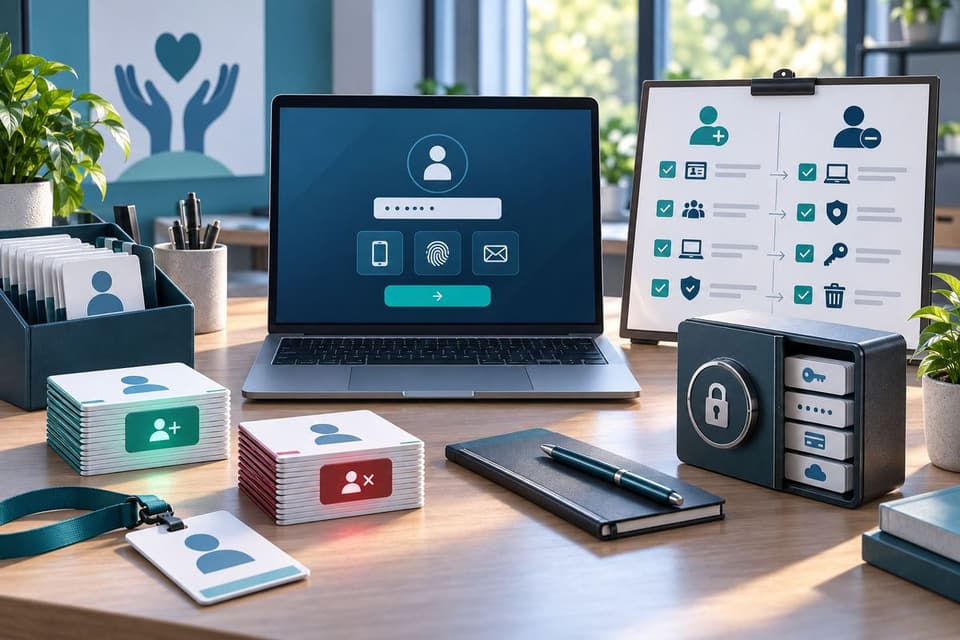
The defining operational problem of nonprofit IT is people flow. Good support turns arrivals and departures into a routine: accounts, email, and file access ready when a program hire or cohort of volunteers starts, and shut off the day they leave, with a quarterly review that catches the exceptions. Board members deserve the same discipline, since a trustee mailbox holding years of financial attachments is a rich target.
Shared logins, the habit every lean organization drifts into, are the thing to eliminate first, because they make donor and client data untraceable and fail every audit question about who can see what. Volunteers working from personal devices deserve deliberate handling too, and the tradeoffs are the same ones covered in our guide to BYOD security risks, scaled to an organization where personal devices are the norm rather than the exception.
Protection for donor and client data
A nonprofit's most sensitive systems are usually the donor database or CRM and the program files about the people it serves. Good support puts the basics around both: multi-factor authentication on every account, access limited to the roles that need it, encrypted devices, tested backups of the databases that hold years of relationships, proven with a quarterly restore drill where a failed drill is treated as an incident rather than a footnote.
And email protection tuned to the fraud nonprofits actually see, gift-card requests impersonating the executive director and payment-change scams aimed at the finance inbox. The pressure peaks exactly when attention is scarcest, event week and year-end giving season, which is when impersonation emails about urgent payments do their best work. Organizations serving clients in health, housing, or family services may also carry regulatory obligations on those records, which belongs in the conversation with any provider on day one.
Answers for funders, auditors, and insurers
The security questionnaire has arrived in the nonprofit world: grant applications, government contracts, and cyber insurance renewals now ask pointed questions about safeguards, and a blank stare costs real money. The pattern of those documents, and how to answer without overpromising, is the subject of our guide to the security questionnaire, and the practical point is that good support generates the evidence as a byproduct: written policies, training records, access reviews, and backup reports, ready to attach instead of reconstructed under deadline. The same evidence answers the board member who asks the uncomfortable question at exactly the right time, and it should extend to unglamorous details like how long donor and client records are kept, because retention is the question auditors ask when nothing else turns up.
Training sized for a mixed workforce
Staff, volunteers, and board members all touch organizational systems, and all of them receive the phishing email eventually. Short, recurring staff security training, delivered in minutes rather than seminars, included in volunteer onboarding, and extended to board members whose personal inboxes attackers impersonate, is the cheapest control a nonprofit can buy, and it directly targets the executive-impersonation fraud that treats charitable organizations as soft targets.
Budget-honest planning
Nonprofit-literate support plans in fiscal years and grant cycles: a small technology roadmap the board can see, replacements budgeted rather than emergent, nonprofit licensing claimed everywhere it exists, and a flat monthly cost that a finance committee can defend. Reporting closes the loop: a one-page quarterly summary the executive director can forward to the board turns technology from a mystery line item into a managed one. The cloud fits this shape well for most organizations, predictable monthly costs instead of server purchases, and a properly configured tenant of professionally managed Microsoft 365 on nonprofit licensing is the workhorse version of that move, holding email, files, and collaboration under one roof at a fraction of commercial cost.
Choosing a Provider Who Gets Nonprofits
The evaluation is short and revealing. Ask how many nonprofit clients they support and whether one will take a reference call. Ask them to walk through the nonprofit licensing programs they have actually enrolled clients in, because a provider who has never processed a nonprofit verification will be learning on your invoices.
Ask how they handle volunteer account turnover, what their response commitment looks like during your event season, and what documentation they hand you when a funder questionnaire arrives. And ask what they would cut from your current spending, because the right answer for a nonprofit often starts with claiming discounts and simplifying, not with buying more.
One more question earns its place: ask whether the provider itself offers nonprofit pricing, because many do and few volunteer it unprompted. References beat rate cards here, because ten minutes with another executive director tells you more than any proposal deck. Strong answers are specific and mission-aware; a proposal that reads identically to one for a dental office was written for neither. We have these conversations with organizations across the San Fernando Valley and greater Los Angeles, and the happiest matches are the ones where the provider treated the budget constraint as a design input rather than an obstacle, which is the founding idea behind our IT support for nonprofits practice.
A Ninety-Day Starting Plan
An organization starting from scratch does not need a transformation project; it needs ninety honest days. The first month is discovery and free money: inventory every device, account, and subscription, write down where every password lives while the institutional memory is still in the building, run the nonprofit-eligibility check across the software list, and claim what the organization is entitled to.
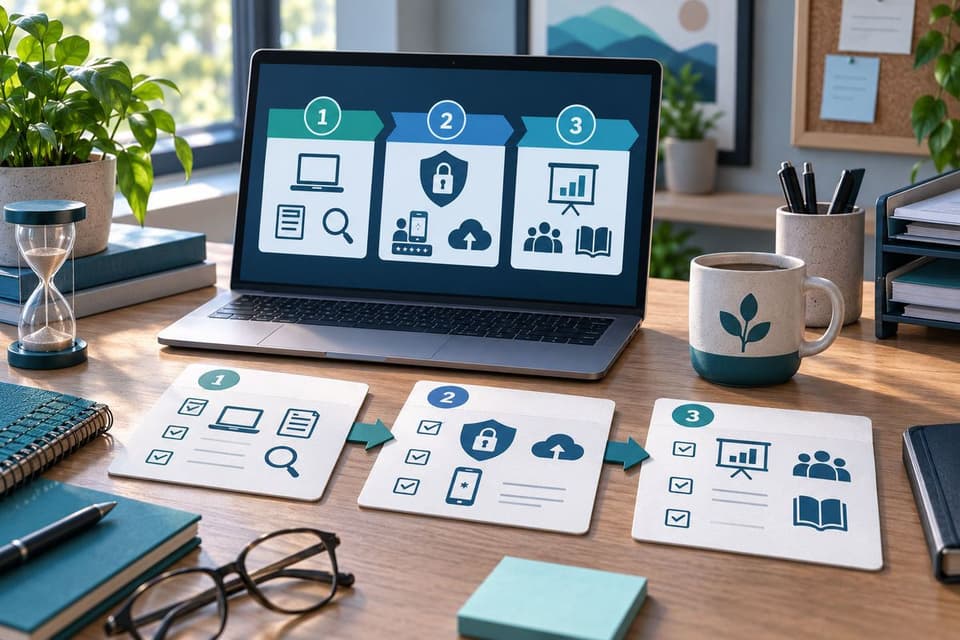
The second month closes the dangerous gaps: multi-factor authentication everywhere, shared logins eliminated with a password manager rolled out so individual accounts are practical rather than painful, backups verified with a real restore test, and departed-user accounts closed. The third month makes it sustainable: a one-page technology plan for the board, volunteer onboarding and offboarding steps written into the existing process, and the first short training round delivered. Ninety days in, the organization is safer, usually spending less than when it started, and holding the paperwork its next grant application will ask for.
Nonprofit IT support done well runs quietly in the background: discounts claimed, data protected, questionnaires answered, and every technology dollar defensible in front of the board. If you would like IT support for nonprofits to feel this quiet from the inside, book a nonprofit technology review with GlobeVM and we will start with the ninety-day audit that usually pays for itself.