Letting employees use their own phones and laptops for work feels like an easy win. The business saves money on hardware, people get to use devices they already know, and work can happen from anywhere. That arrangement, known as bring your own device or BYOD, has become normal in businesses of every size. The catch is that every personal device used for work is also a place where company data now lives, on hardware the business does not own, cannot see, and cannot fully control. That is where the trouble starts. This guide explains the real BYOD security risks in plain terms and, more importantly, lays out the practical steps that let a business get the benefits of BYOD without leaving its data exposed.
The Essentials of Practical Steps to Protect Your Business From BYOD Security Risks

By George
17 June 2026

What BYOD means and why it has become so common
BYOD is a policy that allows employees to use their personal devices, such as smartphones, tablets, and laptops, to access company systems, email, and files. Instead of issuing everyone a company phone or computer, the business lets people work from the devices they already carry. What was once an informal habit has become a standard way of working, pushed along by remote and hybrid work and by the simple fact that most people prefer their own devices.

The appeal: cost, flexibility, and familiarity
The reasons businesses embrace BYOD are real. Not having to buy and replace a device for every employee saves real money, especially for a small business. People tend to be more comfortable and a little faster on hardware they chose themselves, and they can answer an email or check a file without carrying two phones. For a business with staff who travel or work from home, BYOD removes friction and keeps work moving. These benefits are real, which is why the security side deserves equal attention rather than being treated as an afterthought.
Why BYOD creates real security risks
The core of the problem is control. When a business owns a device, it can decide how that device is secured, updated, and used. With a personal device, much of that control disappears. The same phone that holds a customer database might also have the owner's children playing games on it, connect to coffee shop wifi, and run apps the business has never reviewed. Company data sits alongside personal data on a device the business has little say over, and that mix is the root of nearly every BYOD risk. Building a defense around that reality is a central part of any sound set of cybersecurity solutions, because the old idea of a protected company network breaks down once work happens on devices that come and go.
The main BYOD security risks businesses face
The risks are not hypothetical, and they show up in predictable ways. Understanding each one makes it far easier to see why the practical steps later in this guide matter.
Company data on devices you do not control
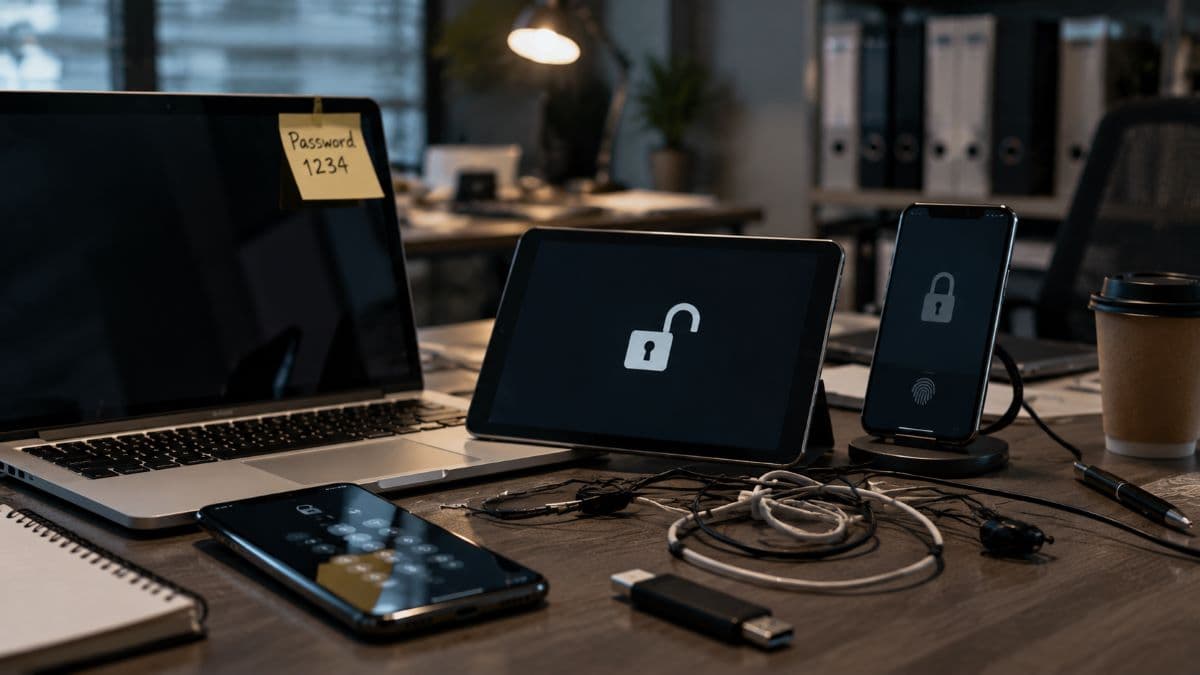
Once an employee accesses work email or files from a personal device, copies of that data can end up stored on it, often without anyone intending it. If the business has no way to manage that device, it cannot ensure the data is encrypted, cannot remove it later, and may not even know it is there. The single biggest weakness in most BYOD setups is having no way to manage security on the individual devices that hold company information.
Lost and stolen devices
Personal devices are carried everywhere, which means they get lost and stolen far more often than equipment that stays in an office. A phone left in a taxi or a laptop taken from a car is a serious problem when it contains access to company systems and is protected by nothing more than a four digit code or no lock at all. Without the ability to lock or erase a missing device remotely, a lost phone can turn into a data breach.
Unsecured networks and public wifi
Personal devices connect to whatever network is available, including home routers with default passwords and open wifi in cafes, airports, and hotels. On an unsecured network, data moving to and from a device can be intercepted, and an attacker on the same network can probe for weaknesses. Work that would be reasonably safe inside the office can become exposed the moment the same device connects somewhere less protected.
Malware and unvetted apps
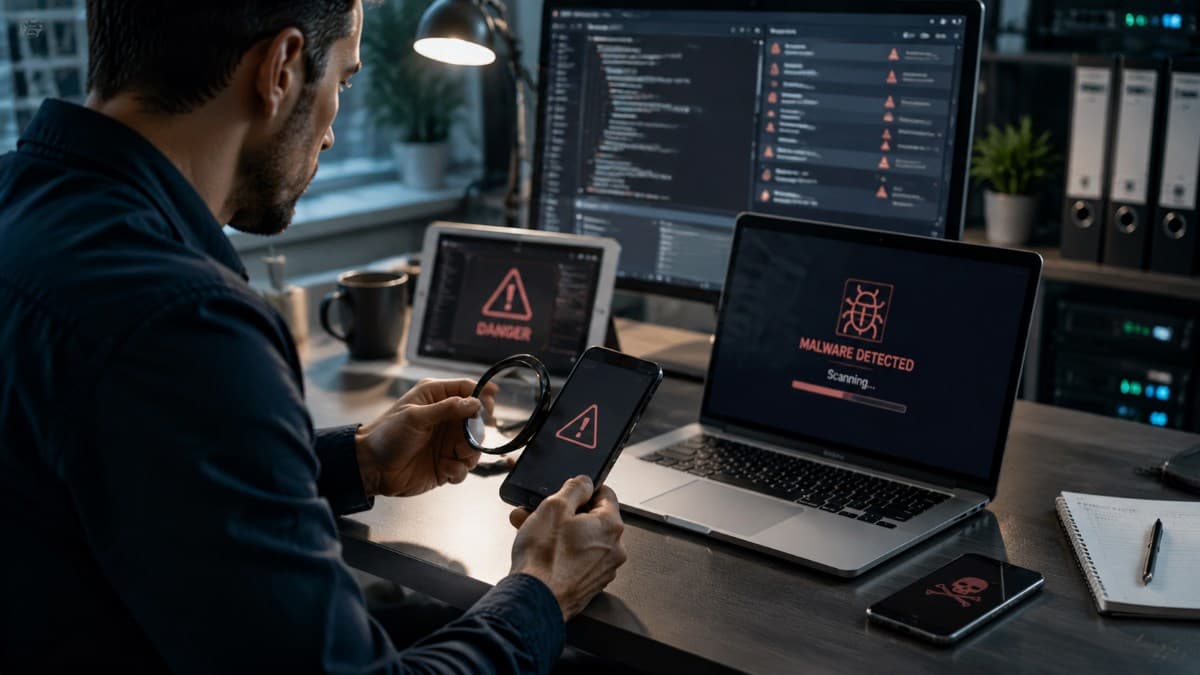
A personal device runs whatever its owner installs, and not every app is trustworthy. A game, a free utility, or a fake version of a popular app can carry malware that quietly harvests data or opens a path into anything the device can reach. Because the business never reviews these apps, a compromise on the personal side of a device can put the work side at risk without anyone realizing it.
Mixing personal and work data
On a BYOD device, work files and personal files live in the same place, and the boundaries blur quickly. An employee might save a company document to a personal cloud account for convenience, forward a work file to a personal email, or back up the whole device, company data included, to a personal service. None of this is malicious, but each instance scatters business information into places the business cannot protect or account for.
Departing employees and lingering access
When someone leaves the business, their personal device leaves with them, and so does any company data and access still on it. Without a clear process to remove that access and erase business data, a former employee can keep copies of sensitive files and sometimes retain working logins long after their last day. This quiet form of exposure is easy to overlook precisely because the device was never the company's to collect.
Compliance and regulatory exposure
For businesses that handle regulated data, such as medical practices, law firms, and financial offices, BYOD raises the stakes. Rules like HIPAA expect sensitive information to be protected wherever it lives, and personal devices that access that data fall within scope. A relaxed BYOD setup can quietly put a business out of compliance, turning a convenience into a legal and financial liability if a breach occurs on an unmanaged device.
Practical steps to protect your business from BYOD security risks
The good news is that BYOD security risks can be managed with a clear, layered approach. None of the steps below require turning the workplace upside down, and together they let a business keep the flexibility of BYOD while closing the gaps that make it dangerous.
The table below maps each risk to the control that answers it; the steps after it explain how to put those controls in place.
Start with a clear BYOD policy
Everything begins with a written policy that sets the ground rules: which devices are allowed, what they can access, what security measures are required, and what happens when a device is lost or an employee leaves. A good policy is practical and specific rather than a vague document nobody reads, and it makes expectations clear before a problem arises. The most resilient approach treats every personal device as untrusted until it proves otherwise, an idea at the heart of zero trust architecture, and a BYOD policy is where that mindset starts to take practical shape.
Use mobile device or application management
The single most effective control is software that lets the business manage how its data is handled on personal devices. Mobile device management, often shortened to MDM, and the lighter touch mobile application management, or MAM, let a business enforce security requirements and separate work data. They also let it remove company information from a device when needed, all without taking over the employee's personal phone. Putting this kind of management in place is a core part of managed IT services, and it transforms BYOD from an uncontrolled risk into something a business can oversee.
Require strong authentication and encryption
Two technical measures do an enormous amount of work. Strong authentication, especially multifactor authentication, means that a stolen password or device is not enough on its own to reach company systems. For administrators and anyone who approves payments, phishing-resistant methods are worth the extra setup, because they hold even when a convincing fake login page does not. Encryption ensures that the data on a device, and the data traveling to and from it, cannot be read if the device is lost or the connection is intercepted. Requiring a proper screen lock on any device used for work belongs in the same category of simple measures that prevent serious problems.
Separate work data from personal data
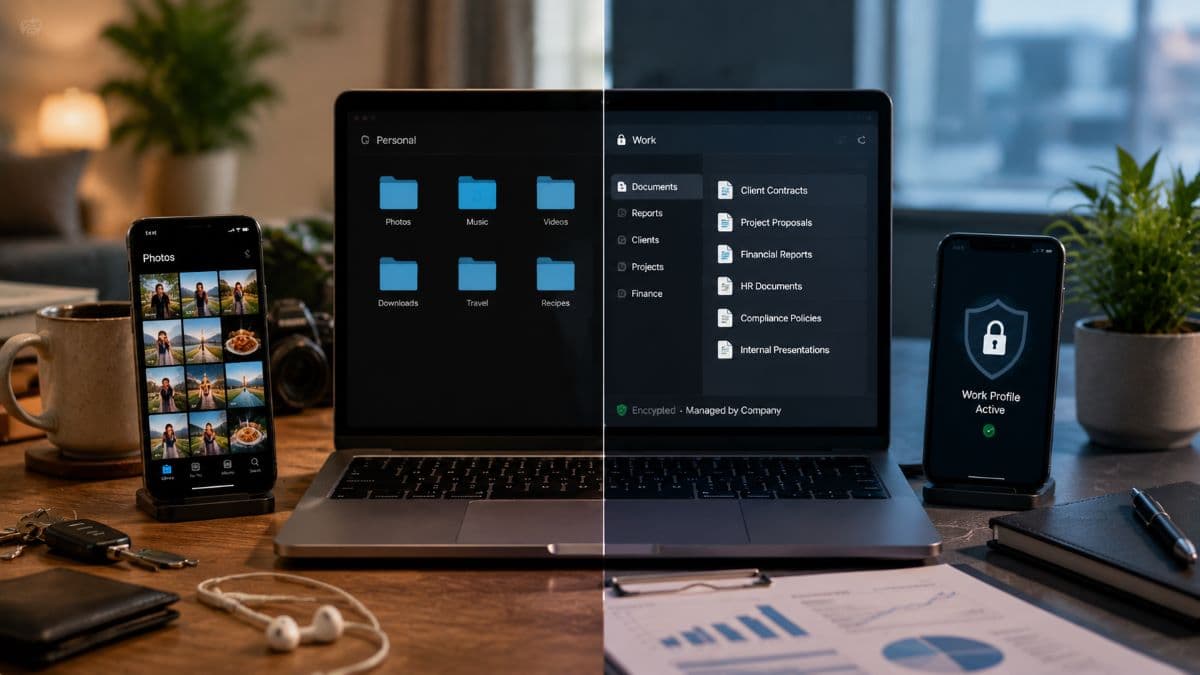
One of the most useful things management software allows is keeping work and personal information apart on the same device, sometimes in a secured container that only company-approved apps can reach. This separation means business data is encrypted and controlled, while the employee's personal photos, messages, and apps remain entirely their own. It also makes it possible to remove company data cleanly without touching anything personal, which keeps both the business and the employee comfortable with the arrangement.
Keep devices updated and protected
Out of date software is one of the most common ways attackers get in, so any device used for work should be kept current with security updates, and it should run appropriate protection against malware. The challenge with personal devices is making sure this happens, which is where ongoing oversight matters. Pairing BYOD with remote monitoring and management lets a business confirm that devices meet a security standard before they connect, rather than hoping each employee keeps their own device patched.
Plan for lost devices and departing staff
A BYOD program needs a clear answer to two moments: when a device goes missing and when an employee leaves. For lost or stolen devices, the ability to remotely lock the device or erase the company data on it turns a potential breach into a manageable incident. For departures, a defined offboarding step that removes access and wipes business information from personal devices closes the door that lingering access would otherwise leave open. Deciding these procedures in advance is far better than improvising when the moment arrives.
Train your people
Technology handles much of the risk, but employees are the ones using these devices every day. They need to understand the basics: why the policy exists, how to spot a suspicious app or message, what to do if a device is lost, and why saving company files to personal accounts is a problem. Awareness is one of the most effective protections a business has, and it connects directly to defending against threats like business email compromise, which often succeed by exploiting an ordinary lapse rather than a technical flaw. Brief, regular reminders work better than a one time lecture.
BYOD and compliance: an extra layer for regulated businesses
For a medical practice, law firm, or financial business, BYOD is not only a security question but a compliance one. Regulations expect sensitive data to be protected wherever it travels, which means a personal phone that receives a work email containing protected information is now part of what must be secured. The requirements behind frameworks such as the HIPAA Security Rule apply to that data regardless of who owns the device holding it. A regulated business considering BYOD should treat management software, encryption, and documented policies as the baseline for staying compliant, not as optional extras. A breach on an unmanaged personal device can carry the same penalties as one anywhere else.

Is BYOD right for your business, or is there a better fit?
BYOD is not the only model, and it is not always the best one. Some businesses are better served by company-owned devices, which give full control at the cost of buying and managing the hardware. Others use a middle path, such as company-owned devices that employees may also use personally, or letting staff choose from a set of approved devices the business manages. Our remote work security guide goes further into how each arrangement is managed day to day. The right choice depends on how sensitive your data is, how tightly it must be controlled, and how much management you are prepared to put in place. The table below sets the three common models side by side.
The honest answer is that BYOD works well when it is properly managed and becomes a liability when it is left informal, so the model should match both the budget and the risk the business carries. Businesses across Woodland Hills can work through that decision with our IT support team in the San Fernando Valley.
Frequently Asked Questions
The biggest risk is having company data on devices the business cannot manage or secure. Without a way to enforce encryption, require a screen lock, separate work from personal data, and remove company information when needed, a business has no control over its own data once it lives on a personal device. Management software is what closes that gap.
Yes. Any business whose employees check work email or open company files on personal devices already has BYOD happening, whether or not it is acknowledged. A written policy is what turns an informal and risky habit into a managed arrangement, setting clear rules and giving the business a basis to protect its data. The smaller the team, the more an unmanaged breach can hurt.
With the right management software in place, yes, and it can usually do so without touching the employee's personal content. By keeping work data in a separate, controlled space on the device, a business can remove just that data when a device is lost or an employee leaves. Without such software, the business generally has no clean way to retrieve or erase its information.
BYOD can be safe for a medical or law practice, but only with the controls that regulated data requires, including device management, encryption, strong authentication, and documented policies. Because rules like HIPAA hold a business responsible for protecting sensitive data wherever it lives, a relaxed BYOD setup can create both a security and a compliance problem. Done properly and with the right oversight, BYOD can be used safely even in regulated fields.
If you want the flexibility of BYOD without the BYOD security risks that come with it, GlobeVM can help you put the right policies and protections in place through managed IT services in Los Angeles.
Comments
0 Comments