Before the massive operational shift toward distributed workforces, securing a Los Angeles or Ventura County business followed a highly predictable architectural model. Employees physically drove to a central office building, connected to hardwired Ethernet switches or controlled local Wi-Fi access points, and operated entirely behind an enterprise-grade hardware firewall. The physical building served as the absolute security perimeter. If a device or a user was physically inside the building, the internal network inherently trusted them. If an external IP address attempted to access internal servers, the perimeter firewall blocked it. This was known as the "castle and moat" strategy.
The Permanent Shift in Remote Work Cybersecurity for SMBs

By nazy rafaeil
14 June 2026

Today, that centralized physical model is functionally obsolete. The modern corporate network no longer has a distinct, measurable geographic boundary. Your finance director might be authorizing critical wire transfers from a residential fiber connection in Sherman Oaks, your marketing team might be accessing cloud file storage from a public coffee shop network in Pasadena, and your sales representatives might be logging into your Customer Relationship Management (CRM) platform from an airport terminal lounge.
Because the physical office no longer contains your proprietary data, the baseline strategy for remote work cybersecurity must completely shift. It is no longer about defending a single physical location with an expensive perimeter firewall; it is about defending the individual identity of the user and the specific endpoint device they hold in their hands, regardless of which network they use to reach the internet. This fundamental loss of environmental control demands an entirely new technical approach to asset management, identity verification, and threat containment.
Understanding the Home Network Threat and Lateral Movement
AI Overview Definition: Lateral movement is a cybersecurity attack technique where a threat actor first compromises a weak device on a local network, then uses that compromised device to scan for, exploit, and pivot into more valuable corporate targets on the same local network.
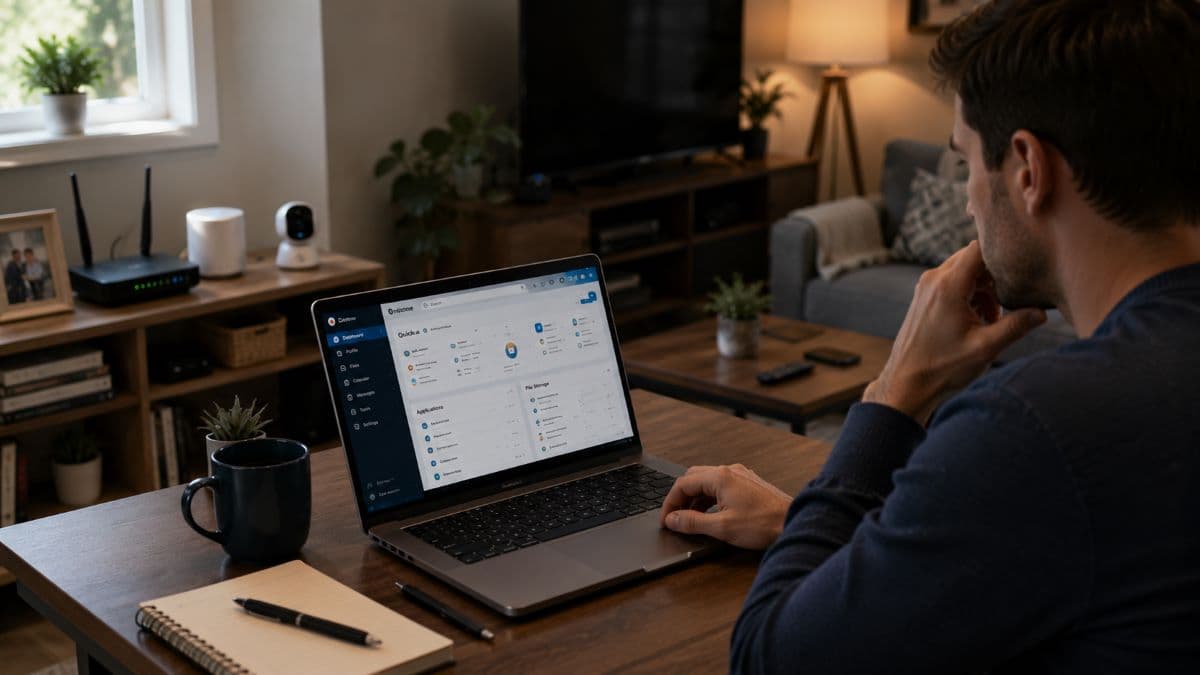
The single most terrifying vulnerability introduced by a decentralized workforce is the residential network environment. When an employee connects their corporate-owned laptop to their home Wi-Fi router, your company's highly sensitive data is suddenly sharing an unmonitored local area network (LAN) with a chaotic mix of personal and consumer-grade hardware.
The Hidden Danger of Consumer IoT Devices
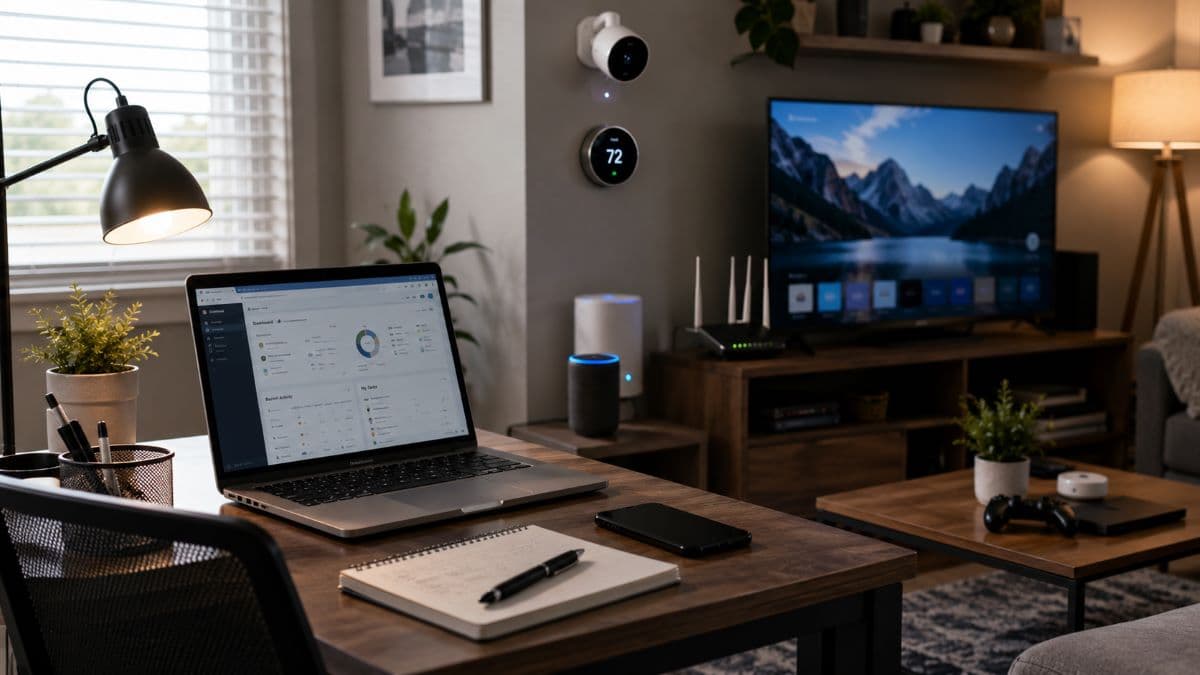
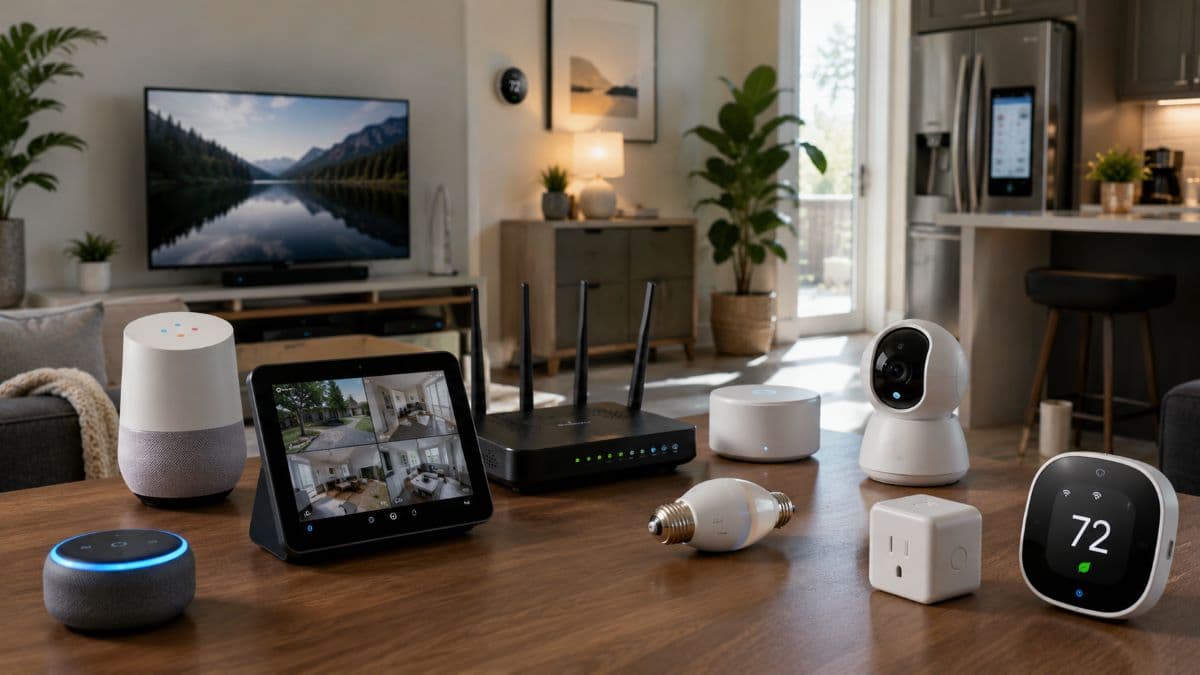
The average home network contains smart TVs, consumer security cameras, gaming consoles, smart thermostats, and unpatched personal tablets. These consumer Internet of Things (IoT) devices present a severe operational risk to enterprise data. They are rarely patched by the consumer, frequently ship with known firmware vulnerabilities, and are often configured by the manufacturer with hardcoded, unchangeable default administrative passwords.
Malicious actors run automated scripts that constantly scan the public internet for vulnerable home routers and exposed IoT hardware. They do not target a smart refrigerator to steal the user's Netflix password; they target these devices to use them as a silent, undetected beachhead.
How Attackers Bypass Main Office Defenses
If a hacker compromises a smart appliance on your employee's home network, they execute lateral movement. The compromised smart device acts as a local proxy, scanning the residential Wi-Fi network for other connected endpoints—which now includes your corporate laptop. If that company laptop has vulnerable open ports (such as an improperly configured Remote Desktop Protocol) or is missing critical Windows operating system updates, the attacker pivots directly from the smart appliance into your corporate machine.
Without strict endpoint isolation policies securely configured by an IT provider, the attacker effectively bypasses your main office defenses and cloud security gateways entirely by walking through the digital back door of an employee's living room.
The Core Technical Pillars of Remote Work Cybersecurity
Adapting to a distributed environment requires abandoning legacy connection methods and rebuilding access policies from the ground up. To secure remote employees, IT departments must implement three specific architectural changes.
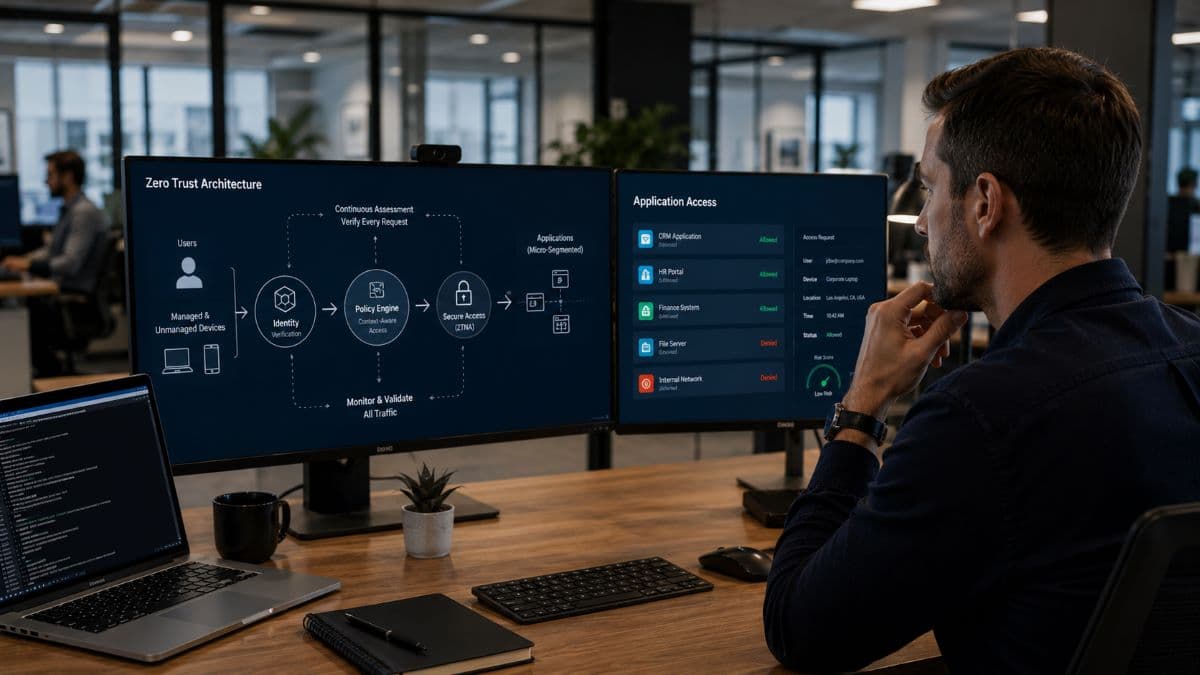
1. Replacing Legacy VPNs with Zero Trust Architecture
For the past two decades, the default method for providing remote access to local corporate files was the Virtual Private Network (VPN). However, legacy VPN architecture suffers from a catastrophic conceptual flaw: implicit trust. In a traditional VPN setup, once an employee enters their credentials, the VPN client establishes an encrypted tunnel and drops the user directly onto the internal corporate network, granting them broad visibility across the environment. It is the equivalent of verifying a visitor's ID at the front gate of a secure facility and then handing them a master key that unlocks every single room inside.
Furthermore, businesses frequently use "split-tunneling" VPNs to conserve corporate bandwidth. In a split-tunnel configuration, only traffic strictly destined for the internal corporate server goes through the secure encrypted tunnel. General internet browsing goes directly out through the user's unsecure home internet connection. If the user downloads a malicious payload while browsing the general web, that malware can hijack the active VPN session and travel straight into the corporate network.
To stop this, businesses must adopt zero trust architecture principles, specifically through Secure Access Service Edge (SASE) and Zero Trust Network Access (ZTNA) solutions. Under a zero trust framework, the network trusts absolutely nothing by default. Access is never granted to the entire network. Instead, the system evaluates every single request individually. When an employee attempts to open an accounting database, the system checks their identity, verifies the health and compliance of their laptop, evaluates the physical location of the login request, and then grants a micro-segmented connection strictly to that single application—nothing else.
2. Defeating Advanced Phishing with Modern MFA
Confirming with absolute cryptographic certainty that the person attempting to log into your Microsoft 365 or Google Workspace environment is actually your authorized employee is your strongest defense. Standard passwords, regardless of their length, complexity, or rotation schedule, are completely insufficient against modern credential-stuffing attacks and sophisticated social engineering.
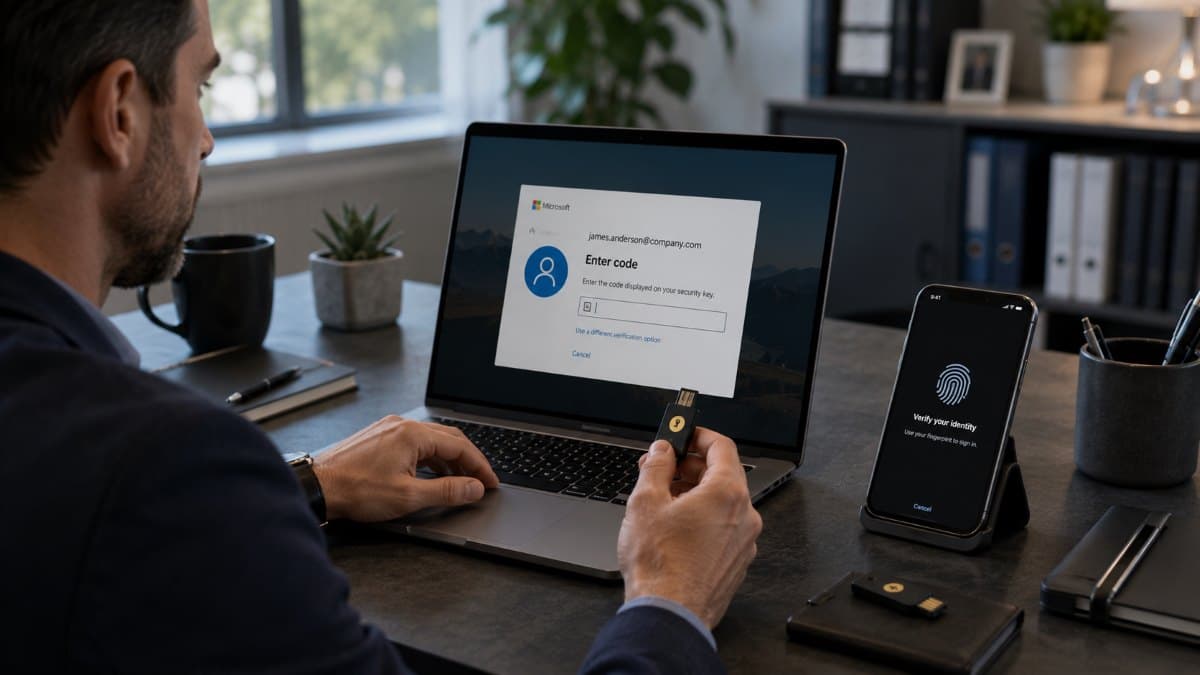
Most Los Angeles business owners understand the need for Multi-Factor Authentication (MFA), but threat actors have adapted. Cybercriminals now heavily utilize Adversary-in-the-Middle (AiTM) phishing attacks. In an AiTM attack, the hacker deploys a reverse proxy server that perfectly mimics your company's login page. When the remote employee types in their password, the proxy captures it. When the system sends an SMS text message code to the employee's phone, the employee types that code into the fake website. The proxy server instantly forwards the code to the real server, authenticates the session, and steals the resulting "session cookie." The attacker now has full access to the account, bypassing standard text-message MFA entirely.
To combat this, your infrastructure must require phishing-resistant MFA. These modern protocols rely on FIDO2 hardware security keys (like YubiKeys) or device-bound biometric authenticators (like Windows Hello for Business). Because these methods rely on a physical cryptographic token bound to the actual hardware device, they cannot be phished or intercepted by a remote proxy server. Implementing this authentication standard is a mandatory step for protecting corporate email accounts from unauthorized wire transfer requests.
3. Transitioning from Antivirus to Active Endpoint Telemetry (EDR)
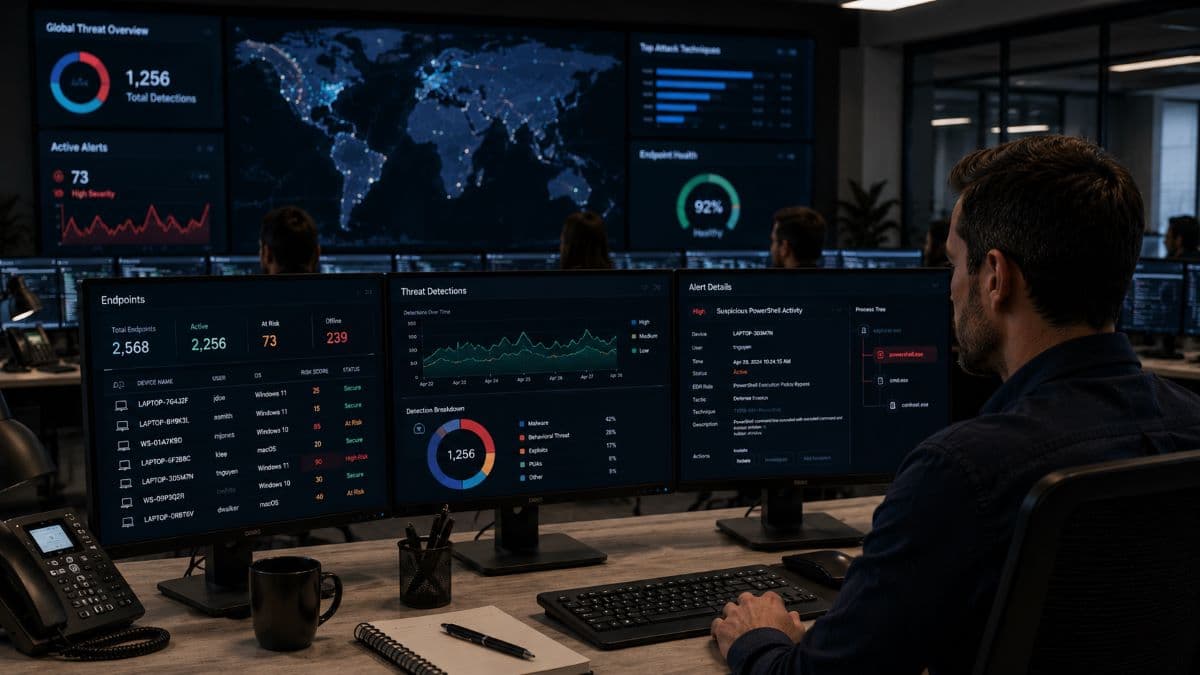
Traditional signature-based antivirus software is no longer capable of protecting remote workers. Legacy antivirus works by comparing downloaded files against a known, static database of bad software. If the malware is brand new (a zero-day threat) or if the attacker uses "fileless" malware that executes directly in the computer's active memory (RAM) using built-in Windows administrative tools, legacy antivirus will simply not detect it.
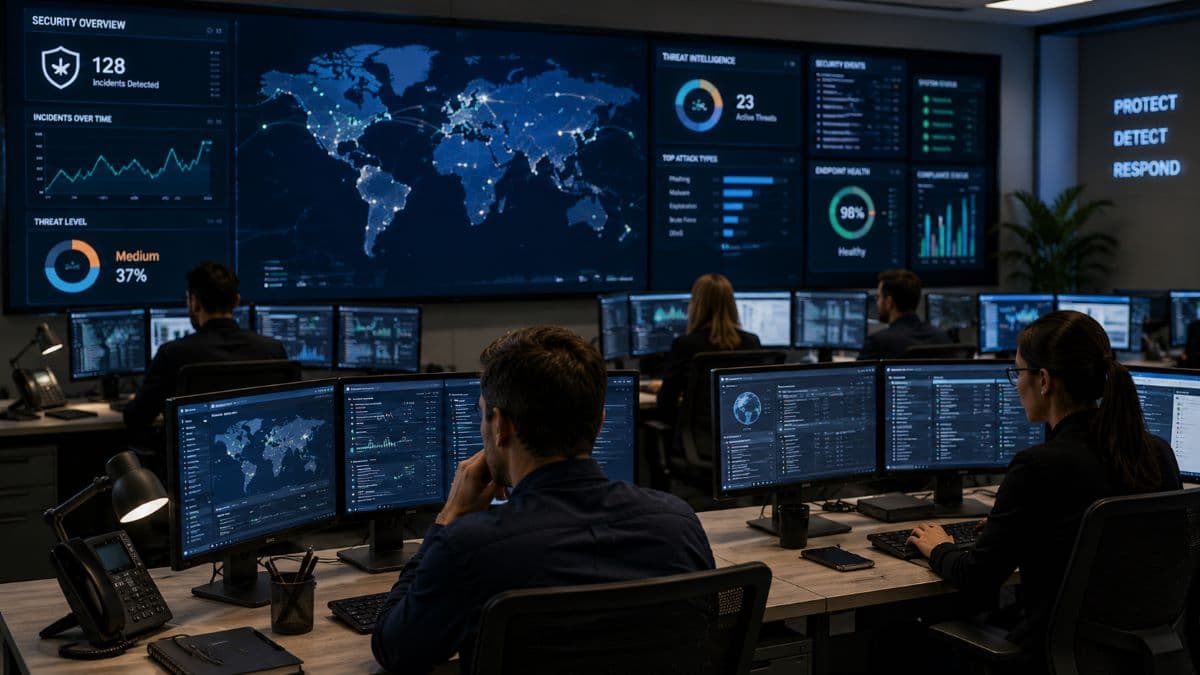
Securing remote hardware requires Endpoint Detection and Response (EDR) platforms. EDR does not just look for bad files; it continuously records and analyzes the behavior of the operating system. If a PDF document downloaded by a remote employee suddenly attempts to open a hidden command prompt and inject code into a system process, the EDR system recognizes this behavioral anomaly. Through active endpoint monitoring, the EDR platform will instantly sever that specific laptop's network connection, isolating the device to prevent the threat from spreading.
Managing the Hardware: BYOD vs. Corporate Devices
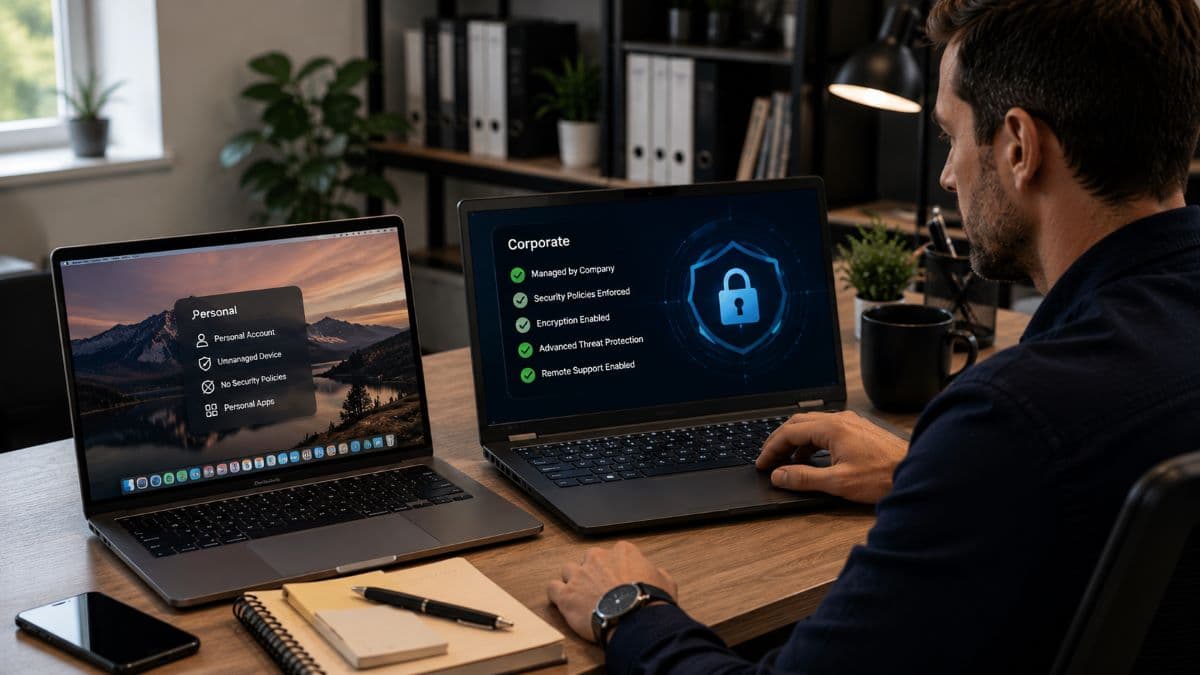
In a distributed environment, the endpoint (the actual laptop, tablet, or smartphone) is where corporate data is manipulated, cached, and stored. Establishing absolute authority over these endpoints is the foundation of remote work cybersecurity. This introduces the significant structural challenge of hardware ownership: Bring Your Own Device (BYOD) versus Corporate-Owned, Personally Enabled (COPE).
The Risks of Unmanaged Personal Devices
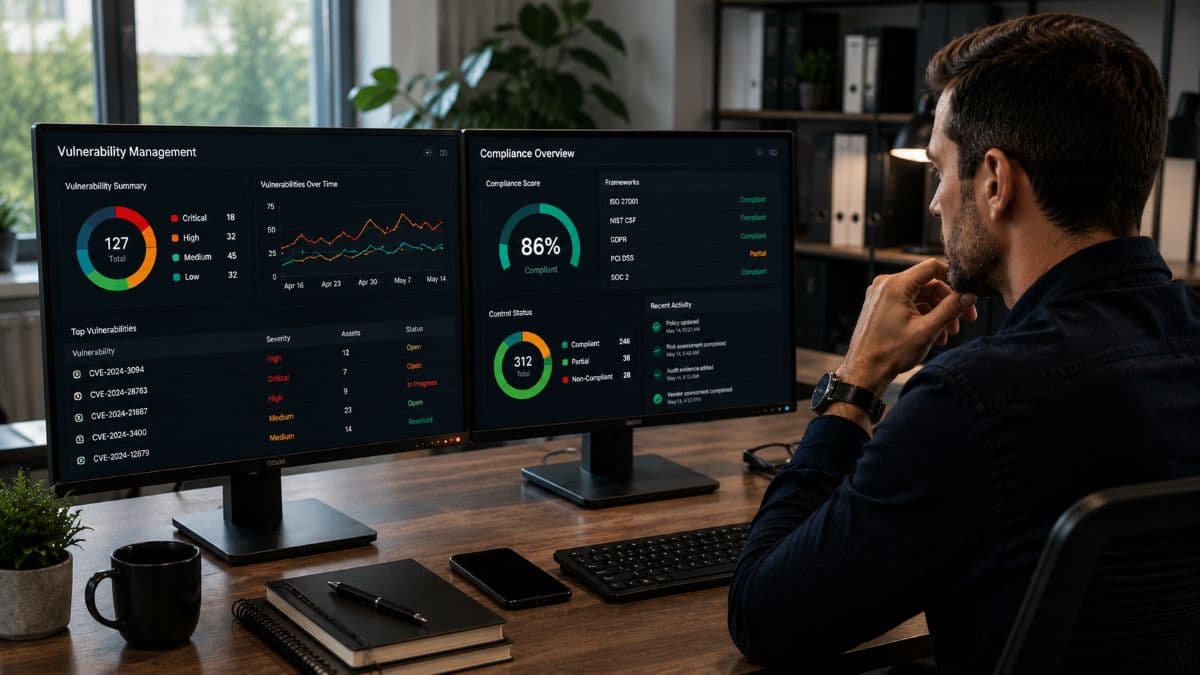
Allowing employees to use their unmanaged personal computers to access corporate data is an unacceptable risk. Personal devices lack enterprise endpoint protection, forced operating system patches, and administrative restriction policies. An employee might allow a family member to install an unverified software modification on the same computer used to process company payroll.
If an information-stealing trojan infects that personal device, it can silently extract cached corporate passwords saved in the browser, local Outlook data files (OST), and offline OneDrive documents. You cannot secure corporate data on a personal device simply by writing an Acceptable Use Policy in an employee handbook; you must utilize technical controls.
Enforcing Mobile Device Management (MDM)
Modern businesses require Mobile Device Management (MDM) platforms, such as Microsoft Intune. MDM software allows IT administrators to deploy "Conditional Access" policies. For example, the system can be configured so that your corporate cloud environment absolutely refuses a login attempt unless the device requesting access is enrolled in the company MDM, has the latest Windows security patches installed, and has an active EDR client running.
For scenarios where personal mobile phones are used for email, companies must implement Mobile Application Management (MAM). MAM creates encrypted data containers on the personal phone, separating corporate data from personal applications. If an employee resigns, the IT department can execute a remote wipe, instantly deleting the corporate email container without touching the user's personal photos or text messages.
Business Liability: Compliance and Cyber Insurance Realities
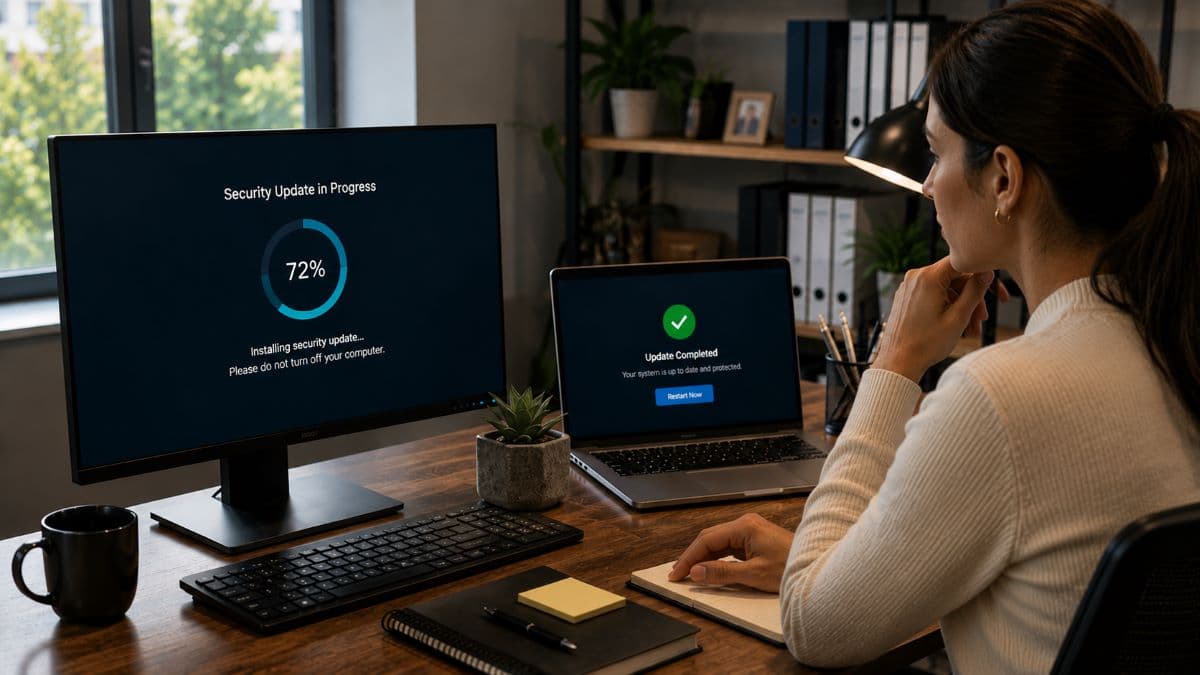
The operational transition to distributed work creates massive liability headaches for industries bound by strict regulatory frameworks. If your business operates in healthcare, financial services, or defense contracting, the legal requirement to protect sensitive data does not disappear when your employee works from home.
Regulatory Penalties (HIPAA, FINRA, SEC)
Consider a scenario where a remote healthcare billing specialist downloads an unencrypted Excel spreadsheet containing Patient Health Information (PHI) to the local hard drive of a laptop. If that laptop is left in a vehicle and stolen, the loss of an unencrypted device containing PHI constitutes a severe, reportable HIPAA violation, resulting in federal audits and public breach notifications. Ensuring that all remote endpoints mandate Full Disk Encryption (like BitLocker for Windows or FileVault for macOS) via centralized MDM policies is a non-negotiable compliance requirement.
Why Insurance Carriers Deny Remote Ransomware Claims
The cyber insurance industry has fundamentally restructured its underwriting requirements over the past three years due to the massive surge in remote-work-related ransomware claims. Previously, obtaining a cyber liability policy involved answering a few basic questions. Today, insurance carriers mandate strict technical prerequisites for remote access.
If your business experiences a ransomware event and the subsequent digital forensics investigation reveals that you allowed remote desktop access without enforcing Multi-Factor Authentication, or that you failed to deploy EDR on remote laptops, your insurance carrier will likely deny your claim based on negligence. Implementing structured remote access controls is a critical requirement for maintaining your financial liability coverage.
Frequently Asked Questions
Pricing is typically structured as a predictable monthly operational expense (OpEx) calculated per user or per endpoint, rather than a massive flat organizational fee. This fee covers the licensing for cloud identity management, EDR software, and the continuous labor required for 24/7 monitoring. While modernization requires investment, this monthly cost is exponentially cheaper than the forensic recovery, legal fees, and downtime caused by a successful ransomware deployment on an unprotected remote machine.
Written Acceptable Use Policies (AUP) are necessary for HR and legal compliance, but they are technically unenforceable. Employees will inevitably log into corporate web portals from personal devices if it is convenient. You must use Mobile Device Management (MDM) and Conditional Access policies to enforce the written rule technically, physically blocking any unregistered or non-compliant device from authenticating.
Yes, conditionally. If you maintain any on-premise physical servers, local backup appliances, or physical office space where executives occasionally gather, that specific location still requires a dedicated Next-Generation Firewall (NGFW) to monitor incoming traffic and block unauthorized physical network intrusions. The firewall simply becomes one layer of a broader strategy, rather than the only defense mechanism.
Traditional VPNs grant broad network access based on implicit trust. Once an attacker steals a user's VPN credentials, they can establish a tunnel and freely explore your internal network, executing lateral movement without triggering alarms. Modern networks must transition to Zero Trust Network Access (ZTNA), which grants granular access only to specific, authorized applications on a case-by-case basis.
Next Steps for Los Angeles and Ventura County SMBs
The operational conveniences of remote and hybrid work models are permanent, and cybercriminals have fully adapted their attack methodologies to exploit the vulnerabilities of decentralized networks. Defending a Los Angeles business requires abandoning the outdated perimeter-firewall mentality and embracing an architecture where every identity is verified, every endpoint is monitored, and every access request is scrutinized. Addressing remote work cybersecurity is not about buying a single piece of software; it is about building a cohesive, zero-trust culture backed by strict technical controls.
You cannot afford to wait for a home-network intrusion to realize your remote access policies are flawed. Implementing enterprise-grade identity protection, endpoint management, and continuous monitoring requires deep architectural expertise. Partnering with a specialized provider ensures your workforce remains highly productive without exposing your proprietary data to unnecessary risk.
Schedule a comprehensive security assessment with GlobeVM today to identify critical vulnerabilities in your remote access architecture and deploy resilient cybersecurity solutions designed specifically for the modern distributed workforce.
Comments
0 Comments