
Before distributed work, securing a Los Angeles or Ventura County business followed a predictable model. Employees drove to a central office, connected to hardwired switches or controlled Wi-Fi, and sat behind a hardware firewall. The building was the security perimeter: inside meant trusted, outside meant blocked. That model is now functionally obsolete. Your finance director might be approving wire transfers from a residential fiber connection in Sherman Oaks, your marketing team might be opening cloud files from a coffee shop in Pasadena, and your sales staff might be logging into the CRM from an airport lounge.
Remote work security is the set of controls that protect a business when its people, devices, and data are no longer in one place. This guide covers what those controls are, the home-network risk most owners underestimate, the personal-device question, what regulators and insurers now expect, and how to tell whether your own setup is protected rather than merely assumed to be. Reviewed September 2026.
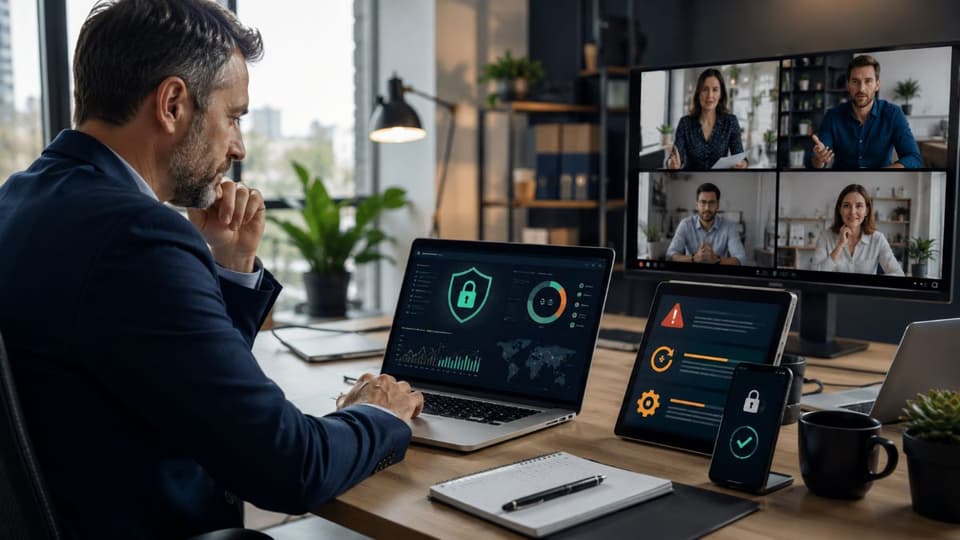
What Remote Work Security Actually Means
Remote work security means defending the identity of each user and the specific device in their hands, regardless of which network they use to reach the internet, instead of defending a single physical location with a perimeter firewall. Because the office no longer contains your data, the baseline strategy has to shift with it. The old approach was often called "castle and moat": one strong wall, and implicit trust for anyone already inside. A distributed workforce removes the wall, so trust has to be earned on every request.
That loss of environmental control demands a different technical approach to three things: knowing what devices exist and what state they are in, verifying who is asking for access every time, and containing a compromise quickly when one happens. Everything that follows falls under one of those three.
The Home Network Is the New Attack Surface
The vulnerability a decentralized workforce introduces first is the residential network. When an employee connects a company laptop to home Wi-Fi, your sensitive data is suddenly sharing an unmonitored local network with a mix of personal and consumer-grade hardware that nobody at the business has ever seen.

Consumer Devices as a Beachhead
The average home network contains smart TVs, consumer security cameras, gaming consoles, smart thermostats, and unpatched personal tablets. These consumer devices are rarely updated, frequently ship with known firmware flaws, and are often configured by the manufacturer with default administrative passwords that cannot be changed. Attackers run automated scripts that constantly scan the public internet for exposed home routers and vulnerable smart devices. They are not after the smart refrigerator itself; they want a quiet foothold on the network behind it.
How Lateral Movement Reaches a Work Laptop
Lateral movement is the technique where an attacker first compromises a weak device on a local network, then uses it to scan for and pivot into more valuable targets on the same network. If a smart appliance on an employee's home network is compromised, it becomes a local proxy that scans the residential Wi-Fi for other endpoints, which now include your company laptop. If that laptop has an exposed service such as an improperly configured Remote Desktop connection, or is missing operating system updates, the attacker pivots directly from the appliance into the corporate machine. Without endpoint isolation policies and current patches, the attacker bypasses the office firewall and the cloud security gateway by walking through the digital back door of someone's living room.
The Five Controls That Do Most of the Work in Remote Work Security
Behind the vendor noise, the controls that make remote work reasonably safe are well understood and within reach of a small business. They are listed here roughly in the order they should be tackled.
1. Authentication That Resists Phishing
Confirming that the person logging into Microsoft 365 or Google Workspace is actually your employee is the strongest single defense you have. Passwords, regardless of length or rotation schedule, are not enough against credential-stuffing attacks and convincing social engineering. Most business owners already know they need multi-factor authentication, but attackers have adapted. In an adversary-in-the-middle attack, the hacker stands up a reverse proxy that mimics your login page. The employee types a password, the proxy captures it, the real system sends a text-message code, the employee types that code into the fake page, and the proxy forwards it and steals the resulting session cookie. The attacker now has the account, and ordinary text-message MFA never stood in the way.
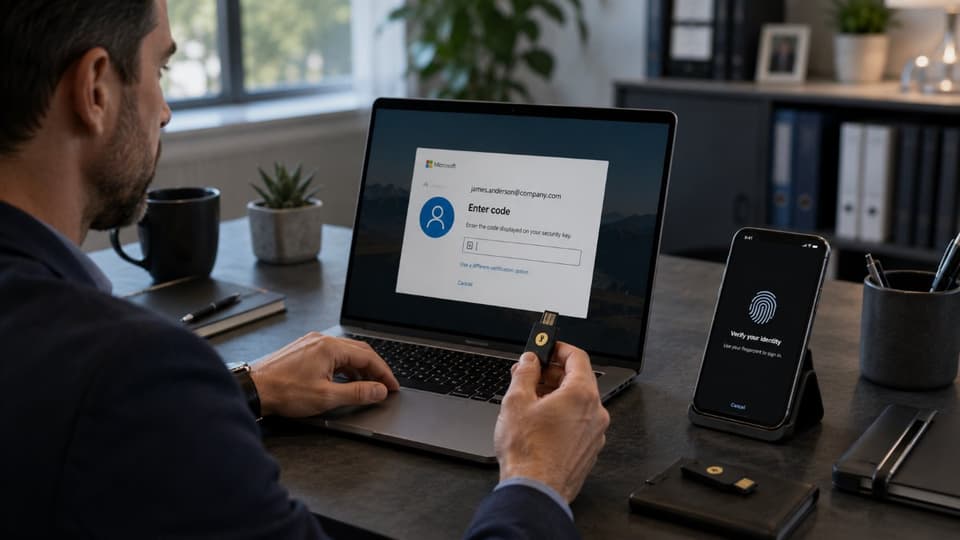
The answer is phishing-resistant MFA: FIDO2 hardware keys, passkeys, or device-bound authenticators such as Windows Hello for Business. Because the credential is cryptographically bound to the real site and the real device, a proxy cannot replay it. For a small firm, the practical order is to protect email and finance accounts first, then everything else.
2. Access That Verifies Every Request
For two decades the default way to reach office files from home was a VPN. Its conceptual flaw is implicit trust: once the credentials are accepted, the client opens a tunnel and drops the user onto the internal network with broad visibility, like checking ID at the gate and then handing over a master key. Split-tunnel configurations make it worse, because general browsing goes out through the home connection while the tunnel stays open, so malware picked up on the web can ride the active session into the corporate network.
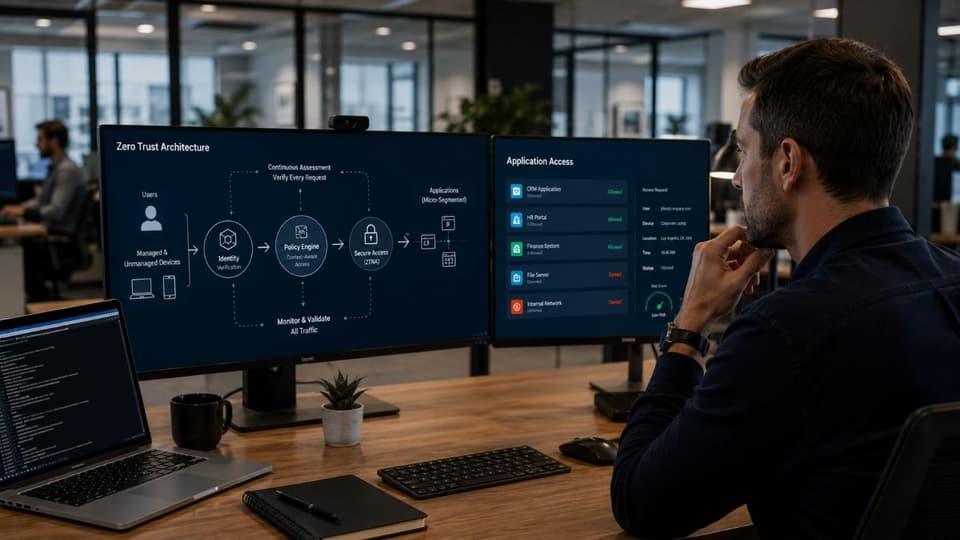
A zero trust approach evaluates each request on its own: who the user is, whether the device is healthy and compliant, where the request is coming from, and then grants a connection to that one application rather than the network. Whether you keep a hardened VPN or move to zero trust network access depends on what you still run on-premises; our comparison of VPNs and secure remote access options walks through that decision. Either way, the principle is the same: each person gets only the access their role requires, which limits how far an attacker can go with one stolen account.
3. Endpoint Detection Instead of Antivirus
Traditional signature-based antivirus compares files against a database of known bad software. Brand-new malware, or fileless attacks that run in memory using built-in administrative tools, sail past it. Endpoint detection and response, or EDR, watches the behavior of the operating system instead. If a PDF a remote employee opened suddenly spawns a hidden command prompt and injects code into a system process, EDR recognizes the pattern and can isolate that laptop from the network before the problem spreads. Managed endpoint security is what makes that response happen at 2 a.m. on a laptop in someone's spare bedroom rather than the next business day.
4. Cloud Accounts Configured Properly
Email and file sharing are where most sensitive work now happens, and a poorly configured cloud tenant is exposed no matter where staff are sitting. Conditional access rules, mailbox auditing, external-sharing limits, and sign-in alerts are all settings, not products, and most small tenants have never had them reviewed. Tightening them through managed Microsoft 365 services removes many of the openings remote work creates, because the account, not the office, is now the thing attackers are after.
5. Email and the Missing Colleague Check
Email deserves particular care because it is the channel attackers use most against remote staff. When people cannot turn to the next desk to ask whether a request is genuine, they are more likely to act on a convincing fake, which is exactly how the takeover of a trusted account turns into a fraudulent wire transfer. Guarding against business email compromise is a core part of remote work security, not a separate concern, and training staff to pause on any unusual request involving money or credentials is one of the cheapest protections available.
Company Devices vs Personal Devices
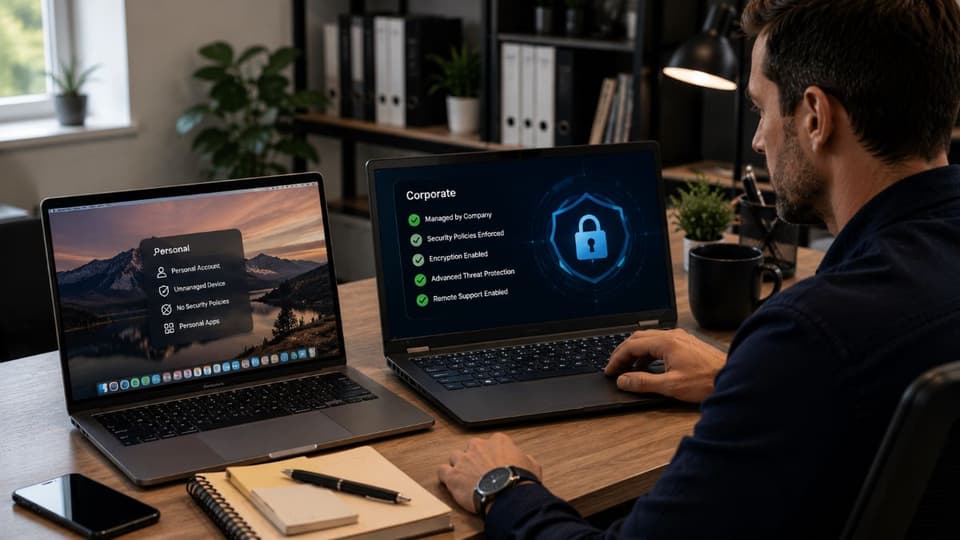
In a distributed environment the endpoint, the laptop, tablet, or phone, is where company data is opened, cached, and stored, so control over endpoints is the foundation of everything above. That raises the hardware ownership question: bring your own device, or corporate-owned devices that staff may also use personally. The table below compares the three arrangements most small businesses end up with.
| Arrangement | What the business controls | Typical risk | Reasonable for |
|---|---|---|---|
| Personal device, unmanaged | Nothing; policy only | Cached passwords, offline files, and email data exposed to whatever else is on the device; no patching or EDR | Not appropriate for any regulated or financial work |
| Personal phone with app-level management (MAM) | An encrypted work container for email and files, which can be wiped remotely | Low for email and messaging; the rest of the phone stays outside your control | Staff who only need email and chat on a phone |
| Company-owned, managed device (MDM + EDR) | Encryption, patching, EDR, conditional access, remote wipe | Lowest; the device can be proven compliant before it is allowed in | Anyone handling client data, finance, or clinical records |
Why a Written Policy Is Not Enough
Allowing employees to use unmanaged personal computers for company data is a risk a small business cannot see, let alone manage. Personal devices lack endpoint protection, forced updates, and administrative restrictions, and a family member may install anything on the same computer used to process payroll. If an information-stealing trojan lands on that device, it quietly extracts saved browser passwords, local mail files, and offline documents. You cannot secure data on a personal device by writing an acceptable use policy in the handbook; the policy has to be enforced by technical controls.
Mobile Device Management and Conditional Access
Device management platforms such as Microsoft Intune let an administrator set conditional access rules: the cloud environment refuses a sign-in unless the device is enrolled, has current security patches, and is running the EDR agent. For personal phones that only need email, mobile application management creates an encrypted work container that can be wiped when someone leaves without touching their photos or messages. Designing those rules so they protect data without locking out the owner on a business trip is the practical side of access control, and it is where most do-it-yourself setups either go too far or not far enough.
Compliance and Cyber Insurance Do Not Stop at the Office Door
If your business operates in healthcare, financial services, or legal work, the obligation to protect sensitive data travels home with the employee. Consider a remote billing specialist who saves an unencrypted spreadsheet of patient information to a laptop that is then stolen from a car. Under HIPAA, the loss of an unencrypted device holding patient data is presumed to be a reportable breach, with the notification duties and scrutiny that follow; the same loss of a fully encrypted device generally is not. Enforcing full-disk encryption, BitLocker on Windows and FileVault on macOS, through device management policy is therefore one of the highest-value compliance controls a remote practice can adopt, and it costs nothing beyond the setup.
Cyber insurance has moved in the same direction. Applications that once asked a handful of questions now ask specifically whether MFA covers email and remote access, whether EDR runs on every endpoint, and whether backups are tested. Those answers are attestations. If a ransomware claim follows and the forensic review shows remote desktop was open without MFA, or that laptops had no EDR, the carrier has grounds to dispute coverage on the basis of the application. Structured remote access controls are, in practice, a condition of keeping the policy you are paying for.
Confidence Is Not the Same as Coverage

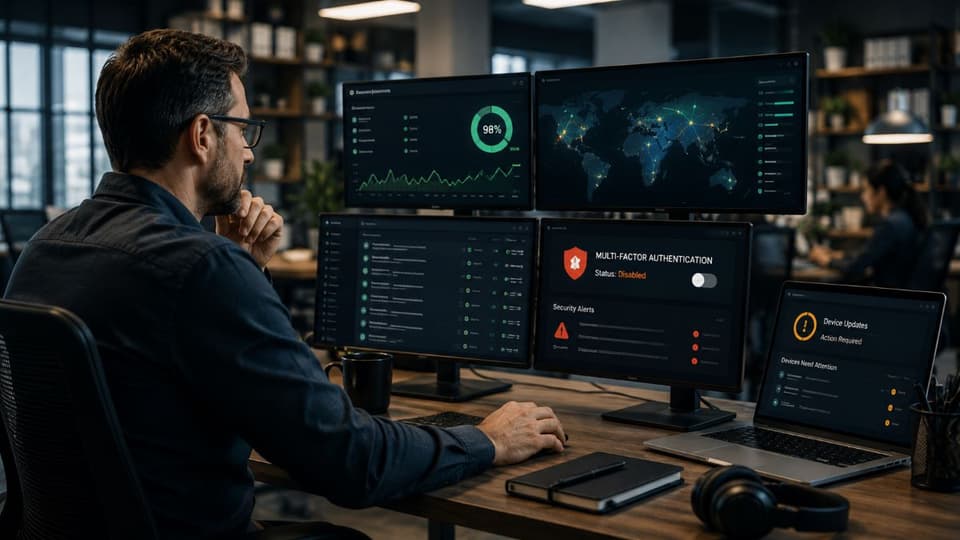
A widely shared survey is worth a short detour here, because it captures the trap most businesses fall into. Huntress polled 227 United States IT professionals in December 2024, and more than 90% said they were confident their organization could protect sensitive data in remote and hybrid work. The same survey found that 61% said cybersecurity concerns about remote workers played some part in their organization's return-to-office decisions. Both can be true at once: people feel protected in general while worrying about specifics, and every survey that measures adoption of basic controls such as MFA finds it far from universal.
The reason confidence forms even when gaps remain is usually simple: nothing has visibly gone wrong. Security failures are quiet, and an attacker who has gained access often stays hidden for a long time, so a calm surface can hide real trouble. A second cause is mistaking the presence of tools for the presence of protection. Antivirus installed, a firewall running, and a cloud subscription in place can feel like coverage even when the tools are misconfigured, out of date, or missing the one control that matters. Remote work widens this gap, because a setting that drifts on someone's home laptop may never come to anyone's attention.

Protections that are never checked tend to drift, which is why ongoing remote IT monitoring and management is part of remote work security rather than an optional extra. Devices fall behind on updates, a new account is created without the usual safeguards, a rule is changed and never reviewed. Monitoring catches those gaps as they open instead of after an incident. That is the difference between feeling secure and being able to show that you are.
A Remote Work Security Policy You Can Actually Enforce
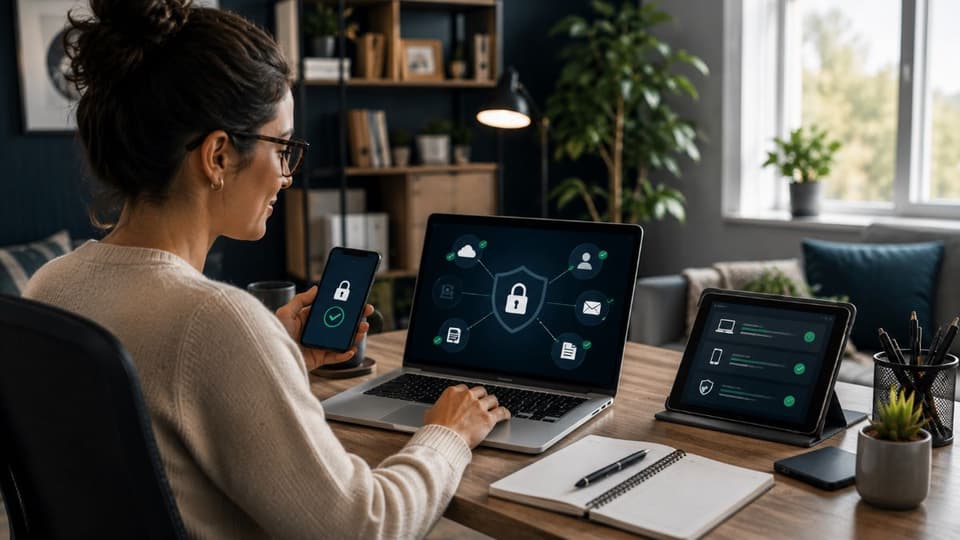
Rather than asking whether you feel secure, ask what you can verify. A workable policy for a small business fits on one page and every line on it can be checked:
- MFA is enforced on email, remote access, and finance systems, using a phishing-resistant method for administrators and anyone who moves money.
- Company data is reached only from managed devices or from a managed app container on personal phones; unmanaged devices are blocked, not discouraged.
- Every managed device is encrypted, patched within a defined window, and running EDR that someone monitors.
- Access follows roles: each person can reach the applications their job needs and nothing else, and access is reviewed when roles change or people leave.
- Staff know the two rules that stop most fraud: verify any change to payment details by phone, and never approve an MFA prompt you did not trigger.
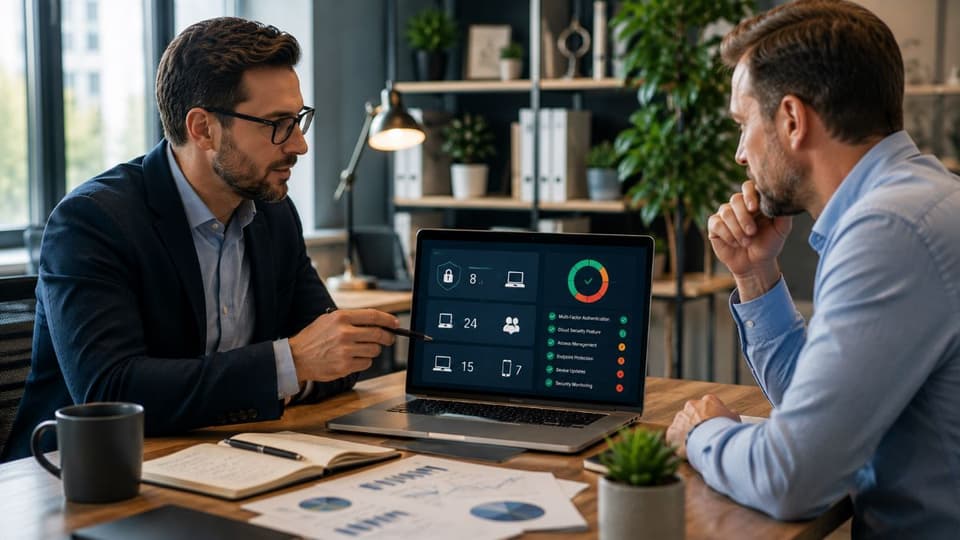
Setting this up is a project; keeping it true is a habit, and that is where an outside team earns its place. A provider offering managed IT services in Los Angeles can run that verification and tell you where you actually stand, rather than where a survey says the field feels it stands. The same applies for businesses across the wider region: a local team providing IT support across the San Fernando Valley can close the gaps that confidence tends to hide, so your sense of security is backed by controls that justify it.
Be realistic about the trade-offs, too. Phishing-resistant MFA means buying keys or enrolling passkeys and helping people through the change. Conditional access will occasionally block a legitimate login from a hotel Wi-Fi, and someone has to be reachable to fix it. Managed devices cost more up front than letting people use what they own. None of those costs compare with a fraudulent wire transfer or a week of ransomware downtime, but they are real, and a plan that pretends otherwise will be quietly ignored by the staff who have to live with it.
If you want to know whether your business is actually protected when your team works remotely, rather than just confident that it is, talk to GlobeVM about a remote work security assessment that checks the real configuration and closes the gaps it finds.