

Cloud and Microsoft 365 environments stay secure only when configuration, identity, permissions, and third-party access are reviewed as the business changes. SaaS security posture management (SSPM), gives teams a structured way to find weak settings and risky access before those issues become normal parts of the environment.
For a small or midsized business, this does not mean buying another security product on day one. It means treating Microsoft 365 as a living cloud environment instead of a one-time setup, then using the right mix of native Microsoft controls, documented reviews, and cloud security oversight to keep that environment aligned.
Why Cloud and Microsoft 365 Need Ongoing Security Posture Management?
Cloud and Microsoft 365 need ongoing posture management because tenant settings, user access, sharing rules, and connected applications change after the original deployment. A secure setup can become less secure as new employees join, administrators change roles, teams connect new SaaS tools, and collaboration settings are adjusted for convenience.
That is why a one-time Microsoft 365 hardening project has limits. It can establish a strong baseline, but the baseline still needs ownership. GlobeVM's cloud security service focuses on that customer-controlled layer: identities, configuration, sharing, and the activity that needs continued review.
Microsoft 365 is especially important because it concentrates business email, files, collaboration, and identity in one environment. When an organization also uses other SaaS applications, the same posture problem extends beyond Microsoft 365 and becomes a broader cloud governance issue.
What SaaS Security Posture Management Actually Does

SaaS security posture management is the practice of continuously assessing how SaaS applications are configured, who can access them, and which integrations have permission to use business data. Microsoft currently includes SSPM capabilities in Defender for Cloud Apps, where connected applications can receive configuration assessments and security recommendations.
The important word is posture. SSPM is not mainly about scanning the software vendor's servers. It examines the organization's side of the service: settings, privileges, integrations, and security controls that administrators can change.
Configuration checks
Configuration checks compare the current tenant state with security recommendations or an internal standard. They can surface settings that are weaker than intended, controls that were disabled, or options that no longer match the organization's policy.
This is useful because cloud platforms change over time. Microsoft adds features, administrators make exceptions, and business teams ask for new sharing or access patterns. A posture process gives those changes a review path instead of letting exceptions accumulate quietly.
Identity and privilege review
Microsoft 365 security depends heavily on identity. A posture review should show who holds administrative roles, which accounts still need privileged access, and whether former or inactive users retain access they no longer need.
This is different from simply checking that multifactor authentication exists. The question is whether the current identity model still matches the business. Managed Microsoft 365 administration should include that lifecycle work because accounts, roles, and group memberships change throughout the year.
Third-party OAuth access
Modern Microsoft 365 tenants often connect to scheduling tools, document utilities, CRM platforms, AI services, and other applications through OAuth. Those applications can receive permissions to Microsoft 365 data without needing a user's password again for every request.
Microsoft's app governance capabilities are designed to give administrators visibility into OAuth-enabled applications, their permissions, and the data they can reach. That makes connected-app review part of posture management rather than a separate housekeeping task.
Monitoring posture, not just one audit
A security review tells you what is true on the day of the review. Posture management adds a repeatable process for finding what changed afterward.
The goal is not to create a perfect score that stays fixed. The goal is to know when a meaningful control changes, decide whether the change is acceptable, and document who owns the correction when it is not.
What SSPM Should Watch in Microsoft 365
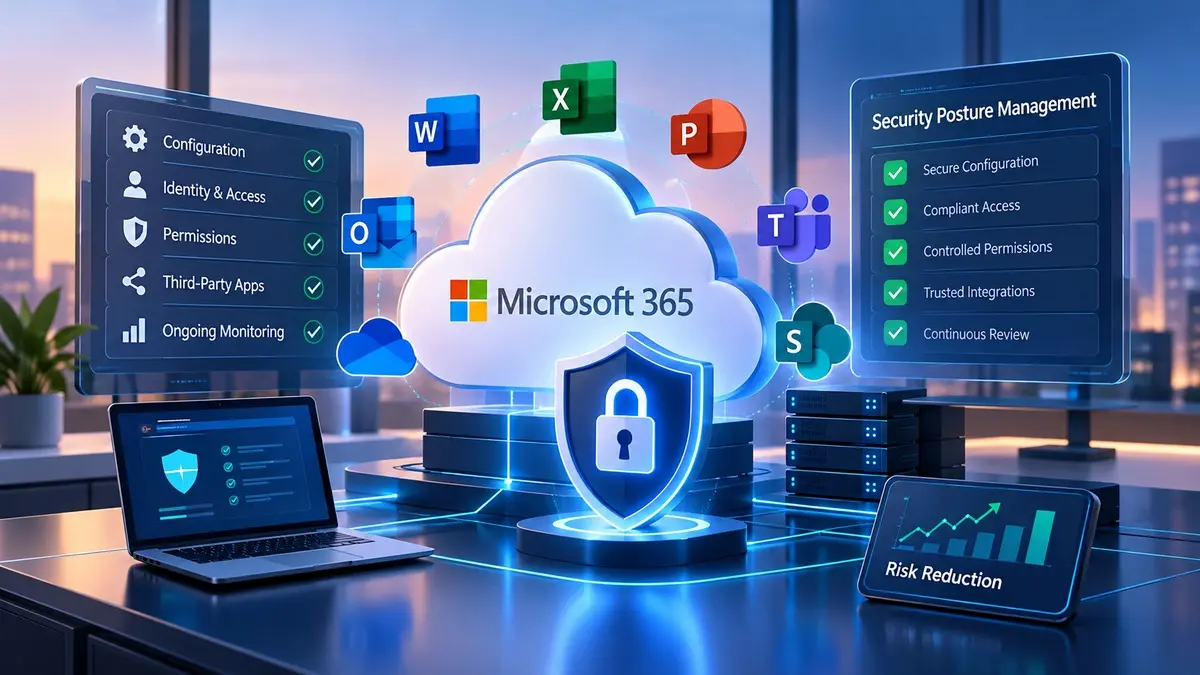
A useful SSPM program does not treat every Microsoft 365 setting as equally important. It focuses first on changes that affect identity, data exposure, administrative power, and the applications connected to the tenant.
That priority also keeps the program practical for an SMB. A small business does not need a security team reviewing hundreds of low-value findings every week. It needs clear visibility into the few changes that could materially increase exposure.
Administrative access
Administrative roles deserve regular review because they can change settings across the tenant. A posture process should identify who has privileged access, why they have it, and whether a narrower role could do the same job.
It should also distinguish daily user accounts from privileged administration. This reduces unnecessary exposure and makes unusual administrative activity easier to investigate when something changes.
Sharing and collaboration
SharePoint, OneDrive, and Teams make collaboration easy, which means sharing rules deserve continued attention. External access that was appropriate for a project can remain after the project ends, and broad sharing settings can gradually become the default.
A posture review should look for sharing configurations that no longer match business intent. The objective is not to block useful collaboration. It is to keep external access deliberate, visible, and removable when the business relationship changes.
Connected apps and permissions
Third-party applications should be reviewed for what they can access, which users authorized them, and whether the permission level still makes sense. Microsoft Defender for Cloud Apps includes app governance features that can help security teams inspect OAuth app activity and permissions.
This matters because connected applications can become long-lived access paths. A tool that was approved for a short project may remain connected long after the original need disappears.
Security settings and monitoring
Microsoft 365 includes many native security controls, but the right configuration depends on licensing, business needs, and risk. The existing GlobeVM guide to Microsoft 365 security settings covers the practical baseline controls in more detail.
SSPM should sit above that baseline and answer a different question: did the environment stay aligned after those settings were established? That distinction keeps posture management from duplicating a basic hardening checklist.
SSPM vs Microsoft Secure Score, CASB, and CSPM

SSPM overlaps with other cloud security terms, but the tools do not solve the same problem. A manager evaluating Microsoft 365 security should understand the boundaries before adding another product or license.
Microsoft Secure Score
Microsoft Secure Score is a measurement of security posture that shows recommended actions across supported Microsoft products. It can help a Microsoft 365-focused business identify improvement opportunities and track whether recommended actions are being addressed.
Secure Score is useful, but the number is not the goal by itself. Some recommendations may not fit a specific operating model, and a business still needs to decide which actions matter most. Microsoft also exposes SSPM recommendations through its broader security tooling when supported SaaS applications are connected.
CASB
A cloud access security broker focuses more on how users and devices interact with cloud applications. It can help with cloud app discovery, access control, data protection, and risky user behavior.
SSPM focuses more directly on the security state of the SaaS application itself, including configuration and permission posture. GlobeVM's CASB guide covers that user-and-app-control layer in more detail, so the two concepts should be evaluated together rather than treated as synonyms.
CSPM
Cloud security posture management, usually shortened to CSPM, is aimed at cloud infrastructure such as virtual machines, storage, networking, and platform services. SSPM is aimed at SaaS applications such as Microsoft 365 and other business software delivered through the cloud.
That difference matters for purchasing. A company running Microsoft 365 does not automatically need an infrastructure-focused CSPM platform just because Microsoft 365 is a cloud service.
What SSPM Does Not Replace
SSPM is useful because it exposes configuration and access problems, but it does not replace the controls that enforce security. A finding still needs an administrator or an approved automation to correct the underlying setting.
That distinction matters when evaluating products. A posture dashboard can show that an account or integration is risky, but the business still needs a process for changing access safely and confirming that legitimate work continues.
It does not replace identity controls
SSPM can identify identity and privilege concerns, but the tenant still needs appropriate authentication, role design, and account lifecycle management. Those controls reduce the chance that one stolen credential or unnecessary privilege becomes a wider problem.
The posture layer helps verify that those controls remain aligned with policy. It does not make weak access controls safe simply because they are visible on a dashboard.
It does not replace detection, backup, or response
Posture management is also different from threat detection and incident response. A secure configuration lowers exposure, while monitoring tools look for suspicious activity and response processes determine what happens after a real alert.
Backup solves another problem: recovering data after deletion, corruption, or an incident. A mature Microsoft 365 security program can use posture management, detection, recovery, and administration together because each addresses a different part of the operating risk.
A Practical Microsoft 365 Posture Process
The most useful posture program is a repeatable operating process, not a dashboard that nobody owns. For many SMBs, the following sequence is enough to turn scattered security settings into managed cloud security.
Establish the baseline
Start by documenting the tenant's intended security state. That includes administrative roles, sign-in protections, sharing rules, important data controls, approved integrations, and the monitoring features the organization expects to remain active.
This baseline should reflect the actual business rather than a generic checklist. A medical practice, law firm, and design company may use the same Microsoft 365 platform but make different decisions about sharing and access.
Prioritize meaningful exposure
Not every recommendation deserves the same urgency. Issues involving privileged identities, broad external access, risky third-party permissions, or disabled security monitoring should usually receive more attention than cosmetic differences from a benchmark.
Microsoft's current SSPM model is designed around recommendations that can be prioritized and acted on. The same logic applies even when a business is not using a dedicated SSPM product.
Assign ownership for fixes
A finding has little value if nobody is responsible for deciding what happens next. Each meaningful issue should have an owner who can confirm the business need, approve the change, and verify that the correction does not break legitimate work.
This is where many cloud reviews stall. Security identifies a problem, operations worries about disruption, and the setting stays unchanged because nobody owns the decision.
Verify that the change holds
After a correction, verify the new state and include it in the next review. If the setting changes again, the team should know whether the change was intentional or whether the environment drifted away from the standard.
That cycle is the operational value of posture management. It turns cloud security from a project into a controlled maintenance process.
Does Every Small Business Need an SSPM Tool?
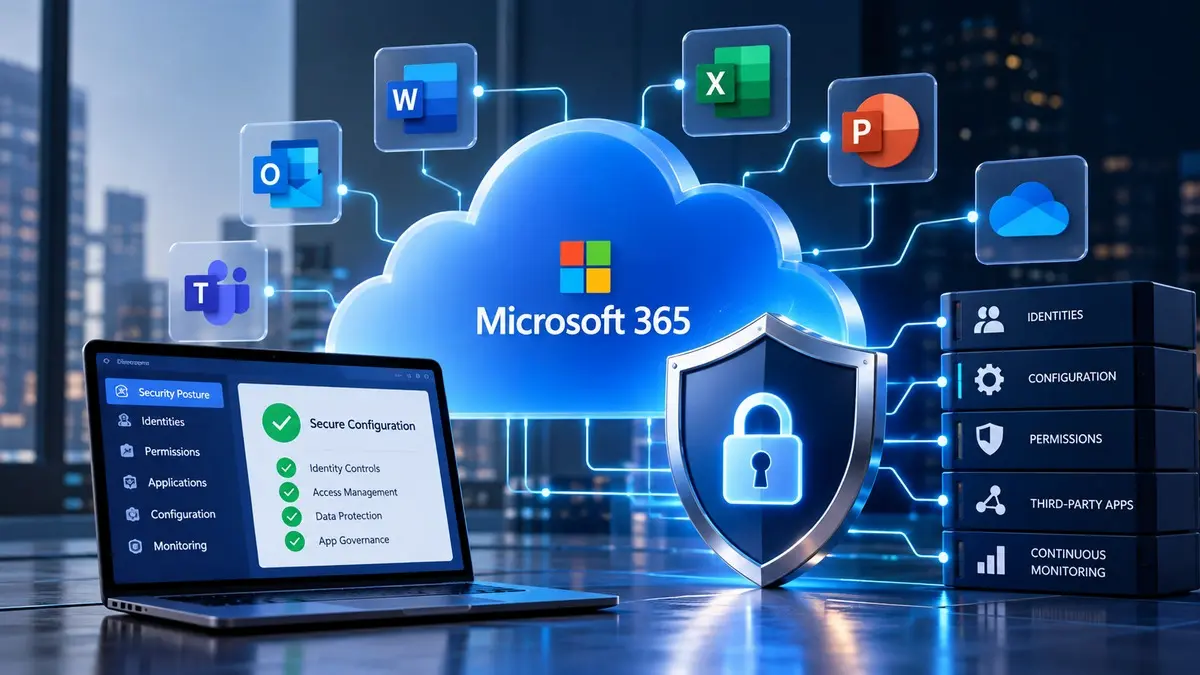
No, every small business does not need a dedicated SSPM platform. A company with a small Microsoft 365 environment, limited SaaS use, and disciplined administration may be able to manage posture with native Microsoft tools and scheduled reviews.
The case becomes stronger as the environment grows. More applications, more administrators, regulated data, frequent user changes, and many third-party integrations create more configuration states than a small team can reliably review by hand.
Microsoft Defender for Cloud Apps can provide SSPM capabilities when the organization has the required licensing and connected applications. Before adding a new product, check what the business already licenses and whether existing Microsoft controls are being used correctly.
The decision should also consider staff capacity. For a Los Angeles small business, a tool that produces findings still needs someone to review them, understand the business context, and make the changes. Buying visibility without assigning ownership creates another dashboard, not a security program.
What a Cloud Security Provider Should Actually Do
A cloud security provider should do more than turn on recommended settings. The provider should establish a baseline, identify meaningful deviations, explain the business impact in plain language, and help the client decide which changes are appropriate.
For Microsoft 365, that work should include identity, administrative roles, sharing, connected applications, and security monitoring. It should also connect those controls to the wider cloud environment instead of treating Microsoft 365 as an isolated product.
A provider should also be willing to say when a dedicated SSPM product is unnecessary. If native Microsoft controls and a disciplined review process are enough for the current environment, adding another platform can increase cost and operational noise without solving a real gap.
GlobeVM approaches this work through its broader cloud services and migration practice, with Microsoft 365 and cloud security managed as related parts of the same environment. The service should match the business's real complexity, not the size of a vendor catalog.
Cloud and Microsoft 365 Security for Los Angeles Businesses
Cloud and Microsoft 365 security is easier to manage when someone is responsible for keeping configuration, identity, and access aligned after the initial setup. For Los Angeles businesses, that often means combining Microsoft 365 administration with ongoing cloud security reviews rather than treating them as separate projects.
GlobeVM supports organizations across Los Angeles and the San Fernando Valley, including businesses that rely heavily on Microsoft 365 for email, files, and daily collaboration. Local support matters most when the provider also understands how the tenant is configured and who owns each security decision.
SaaS security posture management can strengthen that operating model, but it is not a substitute for sound administration. The best outcome is a Microsoft 365 environment with a clear baseline, controlled changes, reviewed integrations, and a process for catching meaningful drift before it becomes normal.
Frequently Asked Questions
SaaS security posture management for Microsoft 365 is the ongoing process of checking tenant configuration, identities, permissions, integrations, and security controls against an intended standard. It helps a business find risky changes after the original setup instead of assuming yesterday's configuration is still correct.
Microsoft Secure Score is not the same as a complete SSPM program. Secure Score measures security posture and recommends actions across supported Microsoft products, while SSPM adds a broader process for assessing SaaS configurations and connected applications, then tracking the findings that need remediation.
Microsoft 365 can support SSPM through Microsoft Defender for Cloud Apps when the required licensing and application connections are in place. Microsoft currently surfaces SaaS security recommendations through Defender and its security exposure management experiences, so the available capability depends on the organization's licenses and connected services.
A Microsoft 365 SSPM review should start with privileged access, external sharing, risky OAuth applications, inactive accounts, and important security controls that changed from the approved baseline. Those areas can affect who reaches business data and how much access a compromised account or connected application may have.
A small business can manage Microsoft 365 posture without a dedicated SSPM product when the environment is limited and someone consistently owns the review process. Native Microsoft controls, Secure Score, documented baselines, and scheduled access reviews may be enough until the SaaS environment becomes too complex to manage reliably by hand.
Microsoft 365 security posture should be reviewed on a recurring schedule and after meaningful changes such as new administrators, major integrations, or revised sharing policies. The right cadence depends on how quickly the environment changes, but the important requirement is that changes are reviewed before they become permanent exceptions.
If you want a practical review of your Microsoft 365 configuration and connected SaaS risks, GlobeVM can assess the environment and show which cloud security changes deserve attention first.
Comments
0 Comments