A dental practice runs on its technology far more than most people realize. The moment a patient checks in, software is scheduling, charting, billing, and pulling up records, while digital X-rays and imaging systems capture and store the pictures a dentist relies on to diagnose and treat. When any of that slows down or stops, the whole day backs up, patients wait, and care is delayed. That is why dental IT support is not the same as ordinary office IT, and why a practice is usually better served by people who understand its specific systems rather than a generalist who treats a dental office like any other small business.
Comprehensive Dental IT Support Guide: Everything You Need to Know: What Your Business Needs to Know

By George
17 June 2026

This guide explains what dental IT support involves, why dental practices have unique technology needs, how downtime and security risks play out differently in a practice, and what to look for in a provider. It reflects the work GlobeVM does providing IT and cybersecurity for dental practices across the Los Angeles area.
What dental IT support is
Dental IT support is the management and protection of all the technology a dental practice depends on, from the practice management and imaging software at the heart of daily work to the workstations, servers, network, and security that keep it running. It covers keeping those systems available and fast, protecting patient data, supporting the specialized dental software and equipment, and being there quickly when something goes wrong during patient hours. The defining feature is that it is built around how a dental practice actually operates, which is quite different from a typical office where a slow computer is an annoyance rather than a reason to reschedule a patient.
Why dental practices have unique technology needs
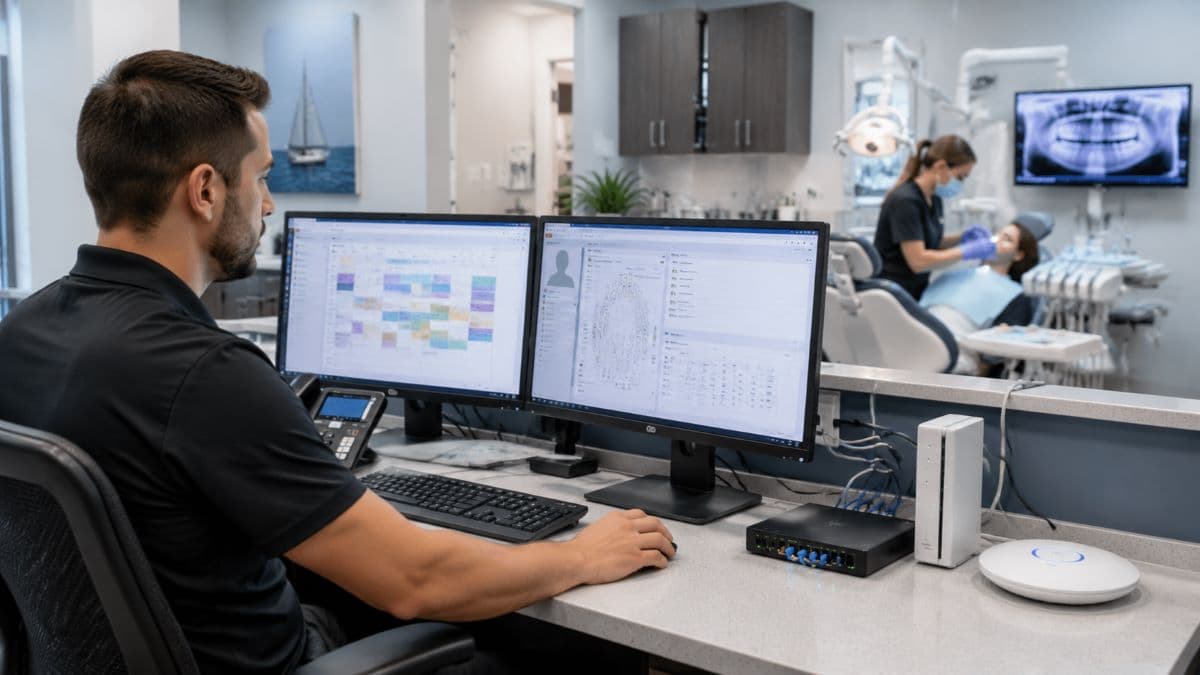
A dental office is not a standard office with a few extra programs. It depends on specialized software and imaging equipment, handles sensitive health information under strict regulation, and cannot easily pause its day when technology fails, all of which set its needs apart. The systems are more demanding, the data is more sensitive, and the tolerance for downtime is far lower, which is why dental practices benefit from technology support that understands these specifics rather than learning them on the job. Treating a dental practice like a generic small business is exactly how the wrong provider creates problems.
Practice management software
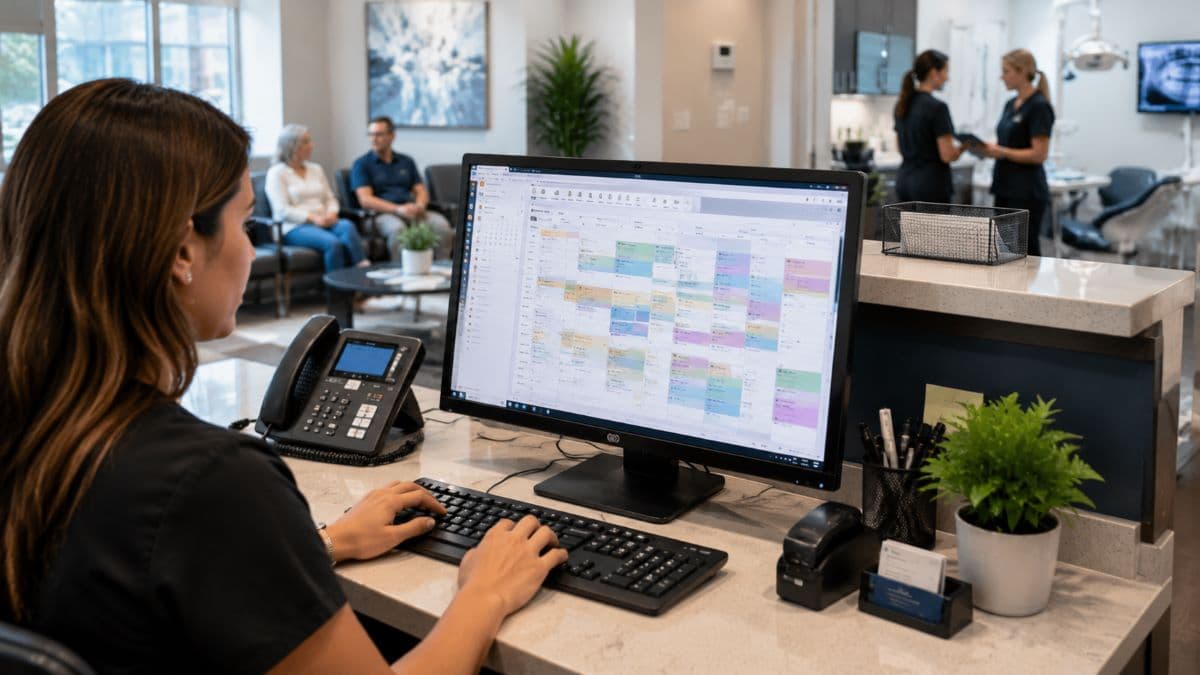
At the center of nearly every dental practice is its practice management software, which handles scheduling, patient records, charting, billing, and often patient communication in one system. The widely used platforms include Dentrix, Eaglesoft, Open Dental, and Curve Dental, each with its own characteristics, and all of them depend on a solid underlying technology setup to run reliably. When this software slows down, freezes, or goes offline, the practice effectively cannot function, so supporting it properly, from installation and updates to troubleshooting, is one of the most important parts of dental IT. A provider who knows these specific systems can resolve issues quickly, while one who does not is left guessing while patients wait.
Digital imaging and X-rays
Modern dentistry runs on digital imaging, including digital X-rays, intraoral cameras, and increasingly three-dimensional scans, captured and stored through systems such as Dexis and Carestream. These imaging systems have to integrate properly with the practice management software so that images attach to the right patient record and can be pulled up instantly during an appointment. The image files are large and the integrations are particular, which means both the hardware and the connections between systems need to be set up and maintained with care. When imaging fails or will not sync, diagnosis and treatment stall, so reliable support for these systems is central to a practice rather than a side concern.
The hardware and network behind it
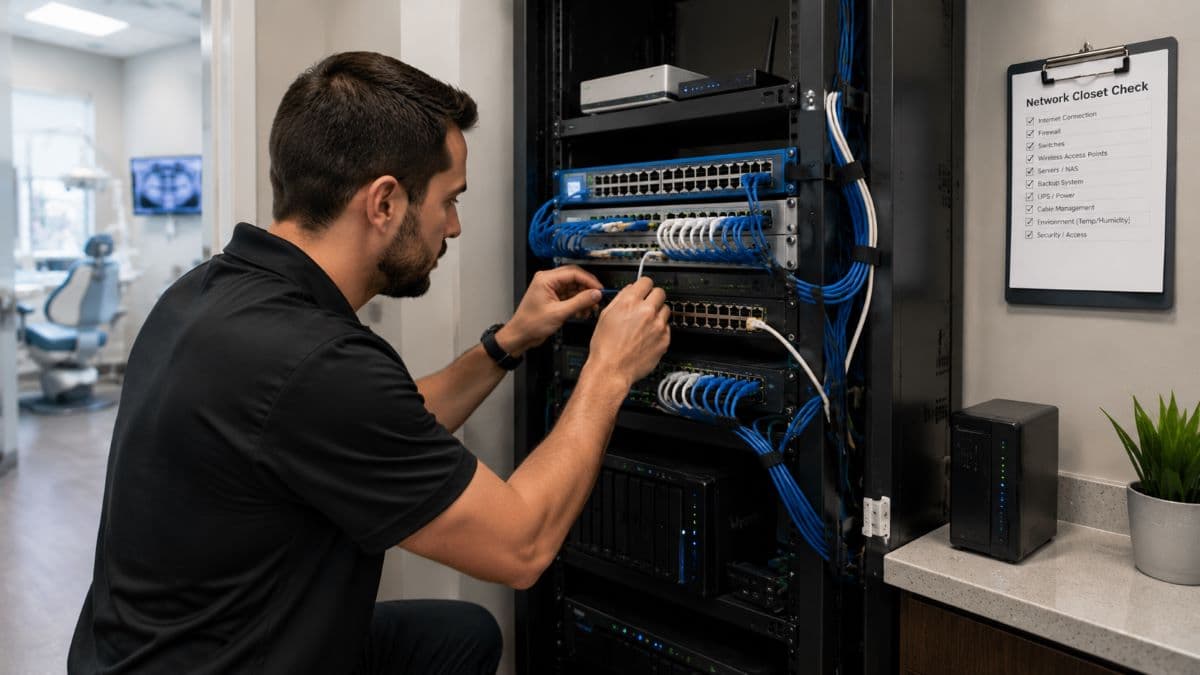
All of this software and imaging depends on capable hardware and a well built network. Workstations need to be powerful enough to handle large image files without lagging, servers or cloud systems must store data reliably and securely, and the network has to move large files quickly between the front office and the operatories. A dental practice also depends on its internet connection in ways an ordinary office may not, since cloud-based systems and integrations rely on it. Building and maintaining this foundation correctly is what allows the specialized software to perform the way it should, which is why keeping it monitored through ongoing remote monitoring and management matters so much.
Cloud and server-based dental systems
Dental practices increasingly face a choice in how their core software runs: on a server physically located in the office, or in the cloud through an internet-connected service. Traditional practice management systems often run on an in-office server that the practice owns and maintains, while newer cloud-based platforms host the software and data remotely, accessed over the internet. Each approach has real implications for how the practice's technology should be set up and supported, and the table below sets the two side by side. A server-based system puts more responsibility on the practice for maintaining and protecting that hardware, while a cloud-based system shifts some of that burden to the provider but makes a reliable internet connection essential, since the practice cannot work without it.
There is no single right answer, and many practices run a mix, but the choice affects everything from how data is backed up and secured to what happens during an internet outage. A provider experienced with dental practices can help weigh the tradeoffs for a specific situation and make sure that whichever approach a practice uses is set up to be reliable and secure. What matters is that the decision is made deliberately, with the practice's continuity and patient data protection in mind, rather than defaulting to whatever a software vendor happens to offer.
Why downtime hits a dental practice harder
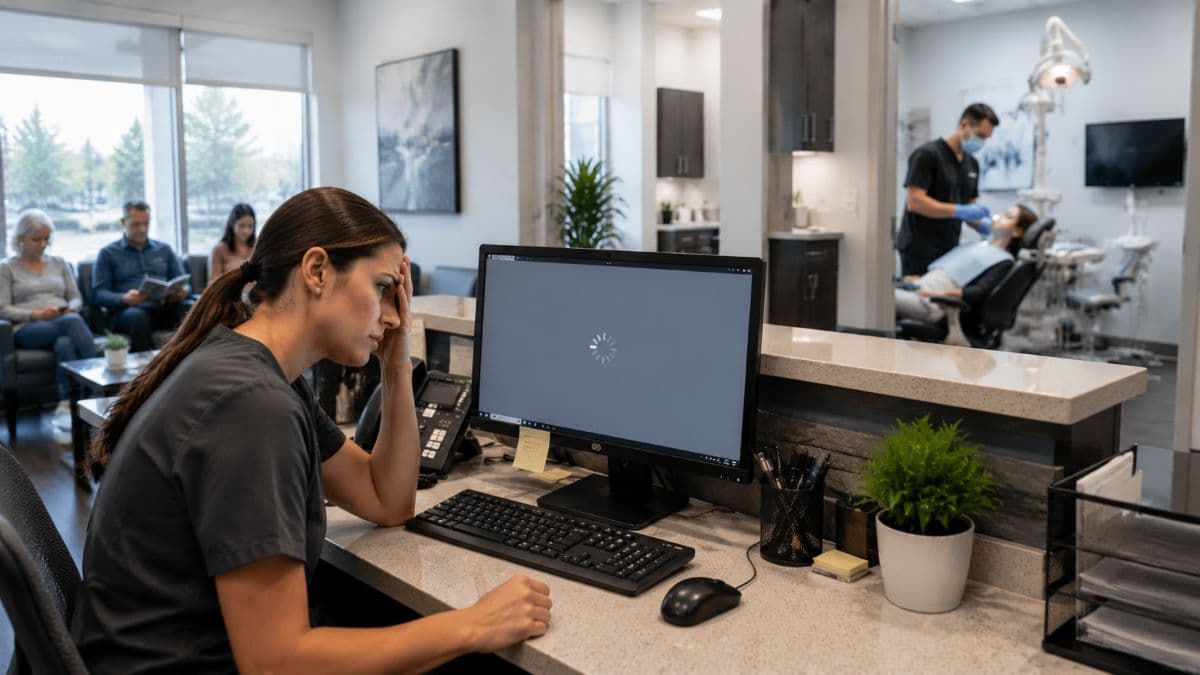
In many businesses, an hour of technology trouble is an inconvenience. In a dental practice, it can bring the day to a halt. When the practice management software or imaging system goes down during patient hours, the front desk cannot check people in or process payments, and the clinical team cannot access records or take the images they need, which means appointments back up and patients may have to be rescheduled. That lost time is difficult to recover, since the schedule was already full, and it affects both revenue and the patient experience.
This is why dental IT leans so heavily on preventing problems before they happen and resolving the ones that do as fast as possible, and why a practice should understand the real cost that an outage carries. Protecting against it depends on solid backup and disaster recovery so that data is safe and the practice can recover quickly from any failure.
HIPAA and protecting patient data
A dental practice is a covered entity under HIPAA, which means it is legally required to protect the privacy and security of patient health information. This is not a box to check once but an ongoing obligation that shapes how the practice's technology must be configured, from access controls and encryption to the way data is stored, transmitted, and backed up. The penalties for failing to protect patient data are significant, and a breach damages patient trust as much as it creates legal and financial exposure. Dental IT support that understands HIPAA builds these requirements into how the practice's systems are set up and managed, and a sound starting point is a proper healthcare security risk assessment to understand where the practice stands. Getting this right protects both the practice and the people it serves.
Cybersecurity for dental practices
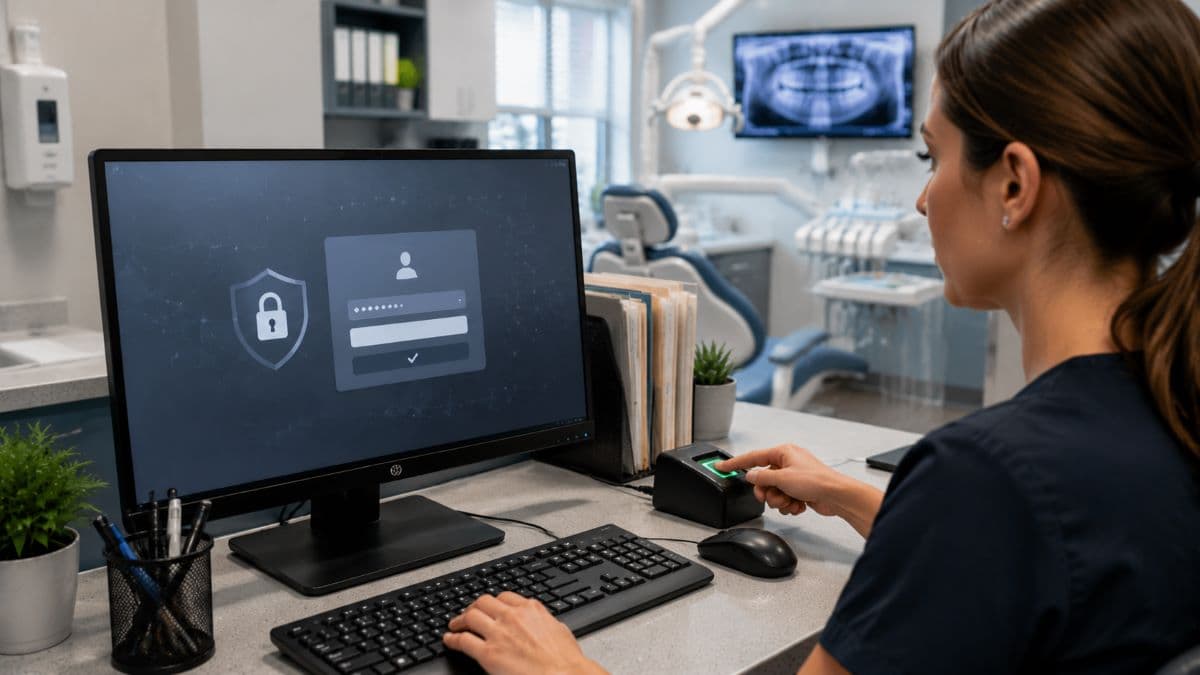
Dental practices have become a frequent target for attackers, precisely because they hold valuable patient data and often have lighter defenses than larger healthcare organizations. A ransomware attack that locks up a practice's systems can stop it from operating and put patient records at risk, and the same email scams and phishing attempts that hit other businesses reach dental offices too. Protecting a practice means layering defenses, from securing the network and devices to strong authentication and ongoing monitoring, which the specific technical safeguards within the HIPAA Security Rule also call for.
Because the stakes for patient data are so high, dental practices benefit from treating security as a core part of their technology rather than an afterthought, supported by cybersecurity solutions built around how a practice operates. A breach in a dental office does not just risk fines and lost records; it can erode the patient trust a practice has spent years building, which is why preventing an incident is far less costly than recovering from one.
Why a general IT provider often falls short
Many dental practices start out using a general IT person or company, only to find that the specialized systems are not well understood. A generalist may be perfectly capable with ordinary office technology yet unfamiliar with how Dentrix or Eaglesoft behaves, how dental imaging integrates, or what HIPAA requires of a practice, which leads to slower fixes, recurring problems, and gaps in compliance and security. When an imaging system crashes mid-appointment or the practice management software develops a fault, a provider who has seen the issue many times before resolves it far faster than one encountering it for the first time. This is the core argument for dental-focused support: not that general providers are bad, but that a practice's specific systems and obligations reward familiarity.
The managed approach to dental IT
The most effective way for a practice to handle its technology is usually a managed relationship, where a provider takes ongoing responsibility for the whole environment rather than simply showing up when something breaks. This means systems are monitored continuously so many problems are caught early, software and security are kept current, support is available quickly when an issue arises during patient hours, and the practice pays a predictable amount rather than facing unpredictable repair bills. For a busy practice without the time or desire to manage technology itself, this approach turns IT from a recurring source of disruption into something that quietly works, which is what a managed service agreement is designed to provide. It also means there is a team that already knows the practice and its systems when help is needed.
What to look for in a dental IT provider
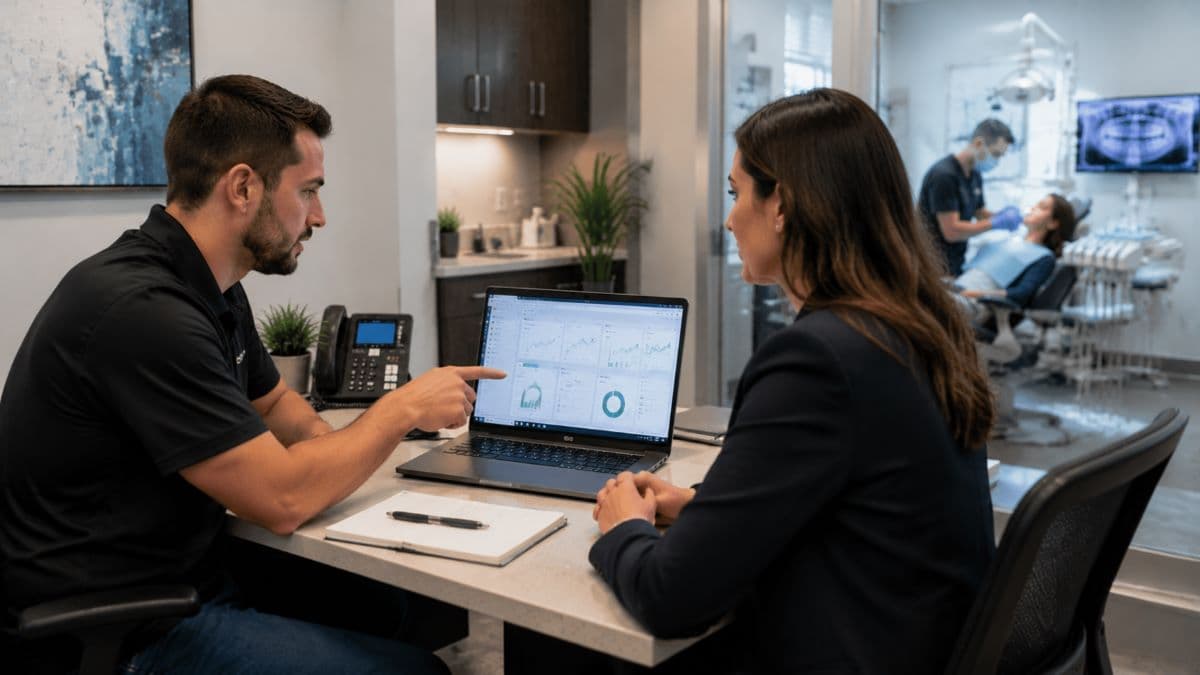
Choosing the right support for a dental practice comes down to a few practical questions. Look for real experience with dental practices and the specific software and imaging systems you use, since that familiarity is what makes support fast and reliable. Confirm that the provider understands HIPAA and can help keep the practice compliant rather than leaving that to you. Pay attention to how quickly they respond, because in a dental office response time directly affects whether patients have to be rescheduled. Make sure they take security and data protection seriously, given the sensitivity of patient records, and that they handle backups and recovery properly.
A provider that can speak knowledgeably about your actual systems, rather than treating your practice as a generic office, is the one most likely to keep your technology working when it matters. For practices across Woodland Hills and the rest of the Valley, local support that understands both dentistry and the wider technology environment is a meaningful advantage, which is exactly how our managed IT and cybersecurity for San Fernando Valley businesses is built.
Frequently Asked Questions
Dental IT support is built around the specific systems and obligations of a dental practice, including practice management software like Dentrix or Eaglesoft, digital imaging and X-ray systems, HIPAA compliance, and the need to avoid downtime during patient hours. A general IT provider may handle ordinary office technology well but be unfamiliar with these dental-specific systems, which leads to slower fixes and gaps. Specialized dental IT support understands the practice's whole environment and can keep it running reliably.
Yes. A dental practice is a covered entity under HIPAA and is legally required to protect patient health information, which directly shapes how its technology must be configured and secured. This includes access controls, encryption, secure storage and backups, and ongoing risk management. Failing to meet these requirements can lead to significant penalties and a loss of patient trust, so HIPAA needs to be built into how the practice's IT is set up and managed.
When a dental practice loses access to its practice management or imaging systems, the front desk cannot check patients in or process payments, and the clinical team cannot reach records or take images, which usually means appointments back up and patients have to be rescheduled. That lost time is hard to recover from a full schedule. This is why dental IT focuses heavily on preventing problems through monitoring and on having reliable backups and fast recovery when something does fail.
For most practices, yes. Managed IT provides continuous monitoring that catches many problems early, keeps software and security current, offers fast support when issues arise during patient hours, and replaces unpredictable repair bills with a predictable monthly cost. For a small practice without in-house technology staff, this is usually far more effective and less stressful than handling IT reactively, and it keeps the practice focused on patients rather than technology.
If you want technology that supports your practice instead of disrupting it, talk to GlobeVM about dental IT support and managed IT through managed IT services in Los Angeles and the surrounding area, built around the systems and compliance a dental office depends on.
Comments
0 Comments