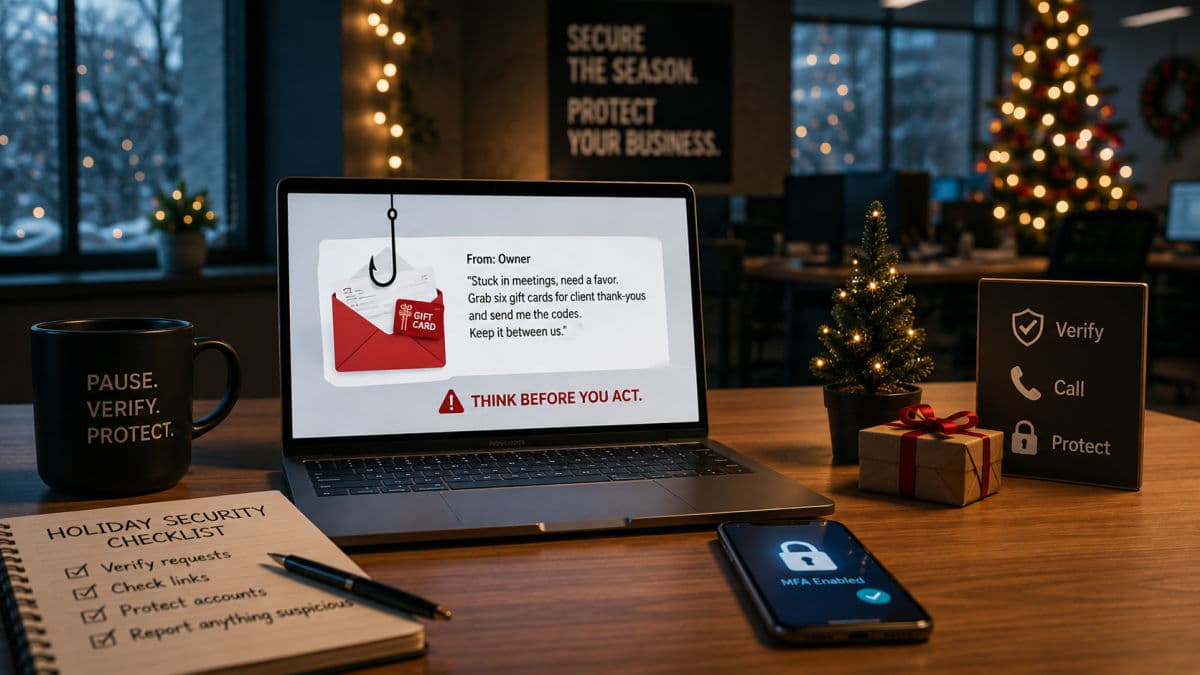
Picture the afternoon of December 23rd. Half the office is already gone, the office manager is juggling year-end invoices, and a text arrives that appears to come from the owner: "Stuck in meetings, need a favor. Grab six gift cards for client thank-yous and send me the codes. Keep it between us." Every element of that message was engineered months in advance, and versions of it will land in thousands of small businesses this season. The weeks between Thanksgiving and New Year's are the busiest stretch of the year for attacks on companies your size, which is why a short, practical set of holiday cybersecurity tips applied in October and November rather than remembered in January is one of the highest-return security exercises on the calendar.
Holiday Season Cyber Threats: How Small Businesses Get Hit in Q4


This article covers why the season works so well for attackers, the specific plays they run against small businesses, and a pre-break checklist you can actually complete before the lights go off.
Why Attacks Spike Between Thanksgiving and New Year's
Attackers do not work harder in December; conditions simply swing in their favor. Three shifts do most of the damage.
Thin staffing and rushed approvals
The people who normally catch fraud, the second signer, the skeptical bookkeeper, the IT person who notices odd logins, take vacation like everyone else. Requests that would wait for a face-to-face conversation in March get approved by email in December because the approver is at the airport and the vendor "needs it before the holiday." Urgency plus absence is the exact gap that impersonation fraud is built to fit, and attackers know your closure schedule better than you think, because your website, voicemail, and auto-replies announce it.
Transaction noise as camouflage
December inboxes are full of order confirmations, shipping notices, invoices racing the end of the fiscal year, and charity appeals. A fake in that stream looks like everything around it. The same shipping-notice lure that would stand out in a quiet February inbox disappears into a season when everyone genuinely is expecting packages.
Attacks scheduled for your closure
Ransomware operators have a documented preference for long weekends and holidays, for the simplest reason: encryption that starts Friday night of a four-day closure runs unwatched for days. The response that might have contained an incident in an hour begins Tuesday morning instead, staring at locked screens. Your closure calendar is part of the attacker's plan, so it has to be part of your defense plan too.
Personal shopping bleeds onto work devices
December is also the month personal life moves onto company laptops: deal hunting between meetings, order tracking in the work browser, personal passwords saved next to business ones. Every consumer scam circulating that month, and there are many, suddenly has a path to your network. The risk is not the shopping; it is the mixing, and it is worth naming out loud before the season rather than discovering in the logs afterward.
The Gift Card Play: Still the Season's Most Reliable Scam
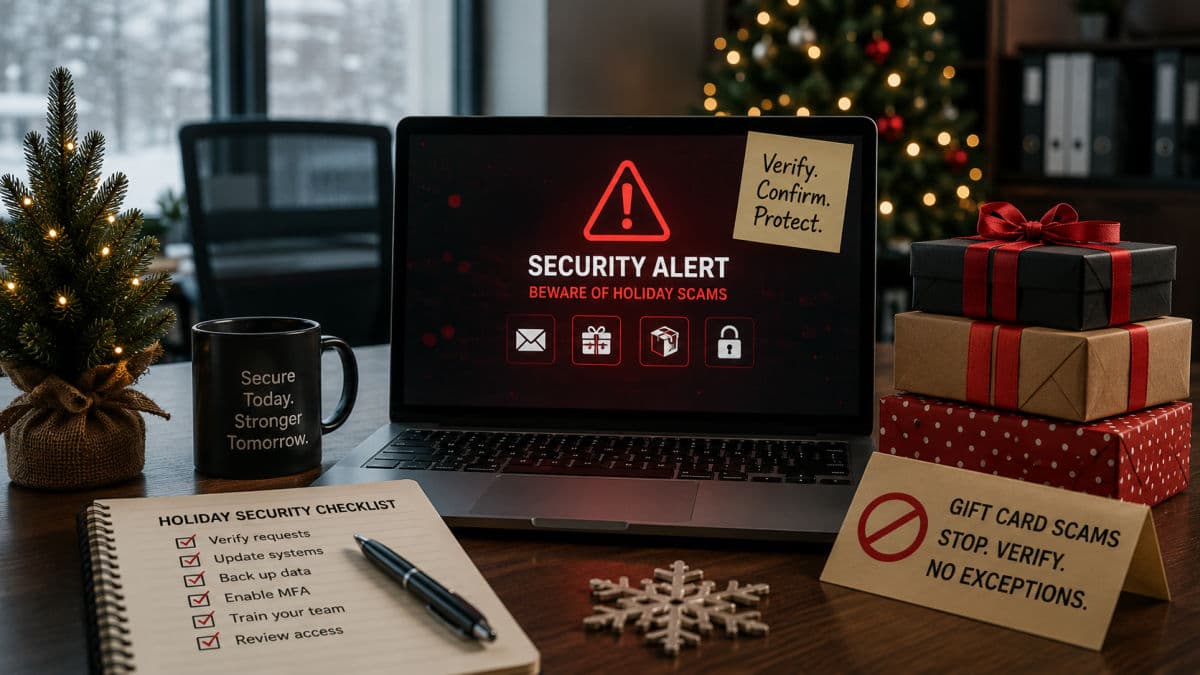
Gift card scams persist because the mechanics are nearly perfect. The attacker impersonates an owner or executive, adds urgency and a reason for secrecy, and aims the message at exactly the person whose job is being helpful, an office manager, an executive assistant, a new hire eager to impress. Gift cards are the payment channel because the codes are cash: irreversible, untraceable, and gone the moment they are read over the phone or photographed. No malware is involved, nothing technical fails, and the whole crime travels through a channel your spam filter considers clean.
The defense is procedural, not technical, and it costs nothing. Establish one standing rule, announced by the owner personally so it carries weight: this company never requests gift card purchases by email or text, ever. Pair it with out-of-band verification for anything involving money, meaning the recipient confirms through a different channel, a phone call to a number already on file, a walk down the hall, before acting. A scammer can fake an email thread; they cannot answer the owner's real phone.
The Rest of the Seasonal Lineup
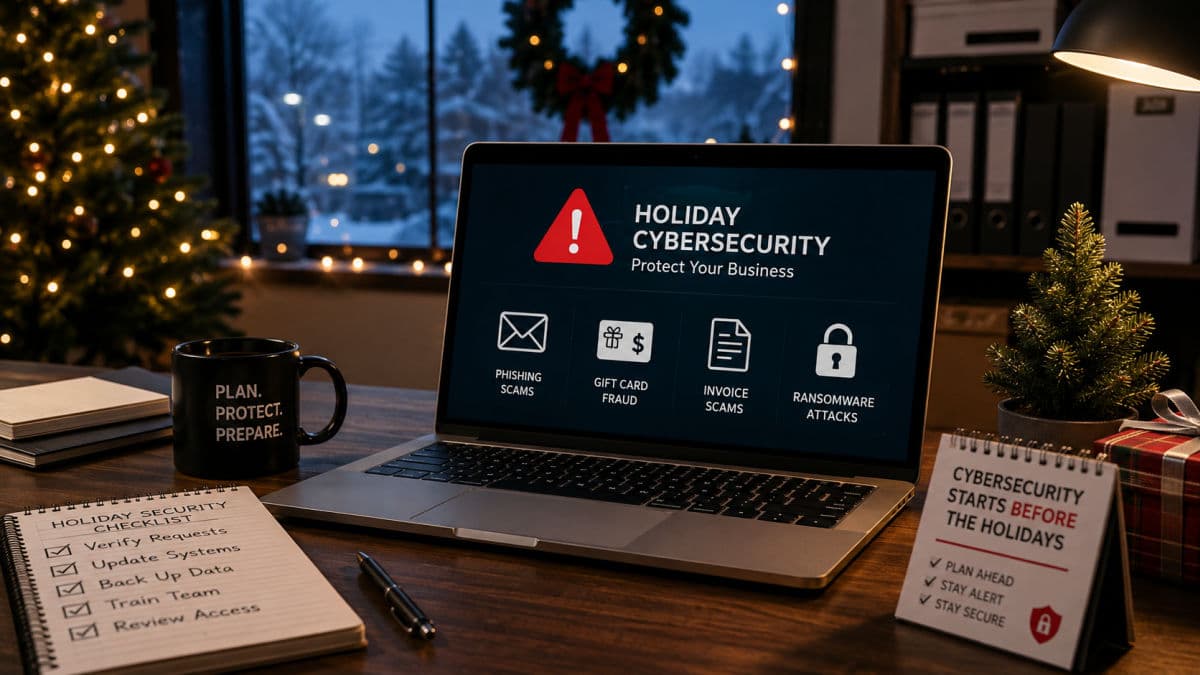
Gift cards get the headlines, but the season runs a full rotation of plays, each tuned to a December-specific weakness.
Fake shipping and delivery notices
"Your package could not be delivered, confirm your details" arrives when every employee genuinely has packages in transit. The link harvests credentials or drops malware, and one distracted click on a work laptop is all it needs. The tell is the mismatch: notices for carriers you did not use, tracking links pointing anywhere but the carrier's real domain, and urgency a legitimate carrier never applies.
Invoice and payment-change fraud before books close
Year-end pressure to clear payables is the cover story for two related frauds: the fake invoice that resembles a real vendor's, and the email announcing a vendor's "new bank details" just before a large payment. Both exploit the same December instinct to clean the ledger quickly. The counter is a freeze rule: no payment-detail change is accepted in the closing weeks without callback verification to the number on file, no matter how legitimate the letterhead looks. These are the same manipulation patterns we break down in our guide to social engineering, dressed in seasonal clothing.
Charity appeals and e-card lures
Generosity peaks in December, and so do fake charity solicitations and holiday e-cards carrying malicious links. The rule of thumb for company giving: the business donates through channels it chooses, never through links that arrive asking.
Out-of-office replies as reconnaissance
An auto-reply that says "I'm out until January 2nd, for urgent payments contact Sarah in accounting" is a gift to an attacker: it names the substitute approver, confirms the absence window, and hands over the org chart one message at a time. Keep OOO messages lean, no internal names and roles for external senders, no detailed return dates beyond what customers truly need.
The "password expires before the break" lure
Year-end brings a wave of fake IT notices: your mailbox is full, your password expires December 31st, verify your account before the holidays or lose access. The timing is deliberate, because employees know real IT responses slow down over the break and act fast rather than risk a locked account in January. The link leads to a convincing login page, and the harvested password gets used during the closure, when nobody is watching sign-in alerts. The tell is the pressure plus the destination: real password changes happen inside systems your team already uses, never through a link that arrived asking.
Payroll diversion before bonuses
A message to HR, apparently from an employee, asks to update direct-deposit details right before bonus season. The real employee finds out on payday. Same cure as every payment fraud: changes to banking details get verified by a channel the requester did not choose.
If Q4 Is Your Revenue Season: Retail and Anyone Taking Holiday Payments
For retailers, restaurants, and e-commerce operations, the holidays are not a lull to defend but the peak to protect, and the threat list shifts accordingly. Checkout pages become targets for card-skimming code, spoofed lookalike storefront domains appear to catch your customers' typos, and fraud rings hide stolen-card orders inside the legitimate surge. The preparation differs in one important way from the office checklist: changes freeze early. Payment systems, checkout code, and point-of-sale devices should be updated, tested, and then left alone before the rush begins, because an untested change deployed the week of Black Friday is a self-inflicted outage waiting for the busiest hour of the year. If your business handles cards, this is also the season your PCI obligations earn their keep, and the monitoring behind your payment flow deserves a pre-season check with whoever runs it.
Holiday Cybersecurity Tips: The Pre-Break Checklist
Every item below is small on its own; together they close most of the seasonal gaps. Sequence them backward from your closure date.
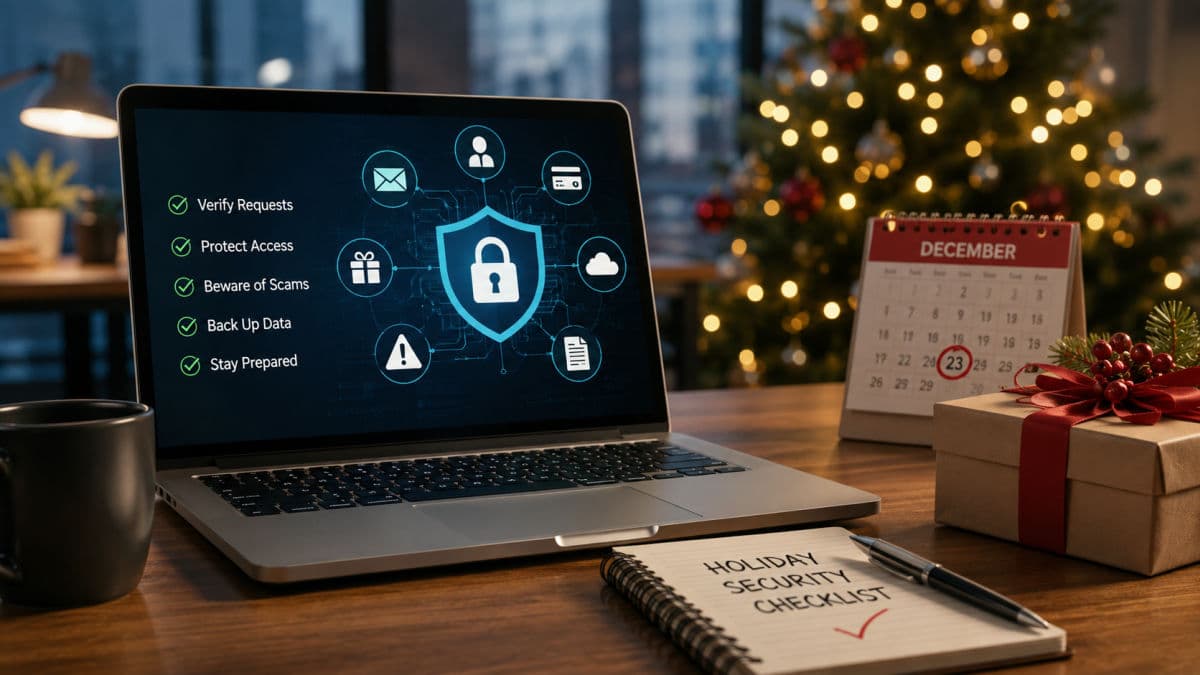
- By end of October: run a short, seasonal awareness refresher covering gift cards, shipping lures, and payment-change fraud, fifteen minutes is enough if it is specific
- By end of October: schedule a holiday-themed test phish so the lesson lands while it is fresh
- By mid-November: announce the payment rules in writing: no gift cards by email, callback verification for any banking-detail change, effective through mid-January
- By Thanksgiving: patch everything and verify, not assume, that backups completed and can actually restore
- Two weeks out: review who has remote access, disable dormant accounts, and confirm multi-factor authentication is on for email, banking, and remote entry points with no exceptions
- One week out: publish the closure on-call tree: who gets the first call for a suspected incident, who is the backup, and how to reach your IT support at 9 p.m. on a holiday
- Before you lock up: tighten out-of-office messages, and power down machines that have no reason to stay on across the break
Training items on that list work best as part of an ongoing program rather than a December scramble; structured security training paired with regular phishing simulations is what turns a seasonal warning into a year-round reflex, and the seasonal refresher then takes minutes instead of meetings.
If Something Slips Through During the Break
Preparation lowers the odds; it does not lower them to zero, so decide the first hour before you need it. If a machine shows signs of compromise during the closure, whoever finds it isolates it from the network first, powers nothing off in a panic, and calls the on-call contact from the tree you published. Money already moved gets reported to your bank immediately, because recall windows are measured in hours, and if your business carries a cyber policy, the insurer's hotline belongs on the same first-hour call list, since many policies expect early notice and some direct the response. Encrypted screens mean the clock is running on containment, and the first-day playbook in our guide to ransomware incident response applies exactly as written, holiday or not. What converts a bad night into a bad quarter is silence: an employee who suspects they clicked something and says nothing until January. Make the pre-break message explicit that reporting a mistake fast is rewarded, never punished.
Technology carries its share of this load quietly. Mail filtering and the phishing protections built into Microsoft 365 remove most of the volume before a human ever sees it, and layered cybersecurity defenses with monitoring behind them mean the Friday-night incident pages a responder instead of waiting for Tuesday. We watch this season play out every year across client environments from Ventura County to downtown LA, and the pattern never changes: the businesses that spend two hours in October on the list above are the ones whose January starts with invoices instead of investigations.
Frequently Asked Questions
The season rewards the prepared: every play described above fails against a company that set its rules in November, and most of the holiday cybersecurity tips in this checklist cost time rather than money. If you would like a second set of eyes on your pre-break readiness, book a short holiday security review with GlobeVM before the calendar gets away from you.
Comments
0 Comments