When something breaks in your office, the question that matters is how quickly someone who understands your setup can make it right. For a long time that meant a technician driving over. Today most IT problems are solved remotely, often before anyone in the office notices, which has led some businesses to assume that physical location no longer matters when choosing an IT provider. That assumption is only half right. Remote support handles the majority of issues, but the moments when a person needs to be in the room still happen, and when they do, having a provider near your business changes everything. This guide explains what on-site IT support means today, the real advantages of having it close by in Los Angeles, the situations where it matters most, and how to judge whether a provider can actually deliver it.
The Advantages of Having On-Site IT Support Near Your Los Angeles Business: a Practical Overview


What on-site IT support actually means today
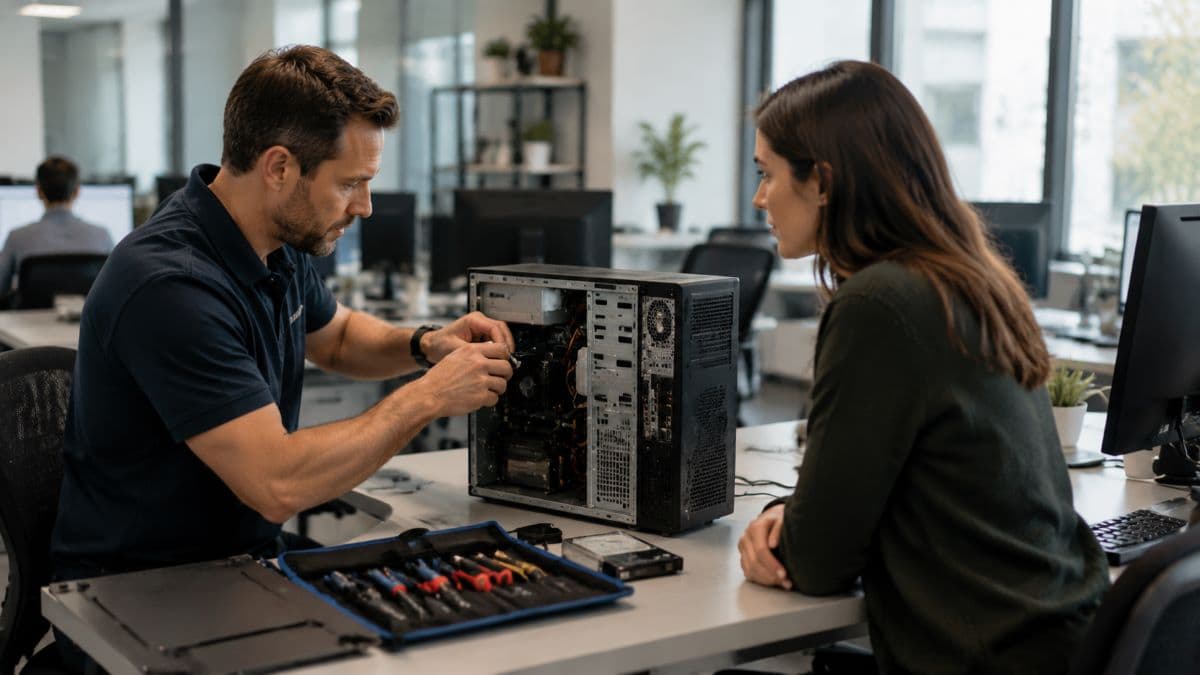
On-site IT support is exactly what it sounds like: a technician physically coming to your location to handle something that cannot be done from a distance. What has changed is how often that is needed. Modern tools let a provider monitor, troubleshoot, and fix a great deal without ever stepping into your office, so on-site visits are no longer the default way support happens. Instead, they have become the part of support reserved for the problems that require hands and eyes on the equipment, which is a smaller share of issues than it used to be but often a more important one.
On-site and remote: how modern support really works
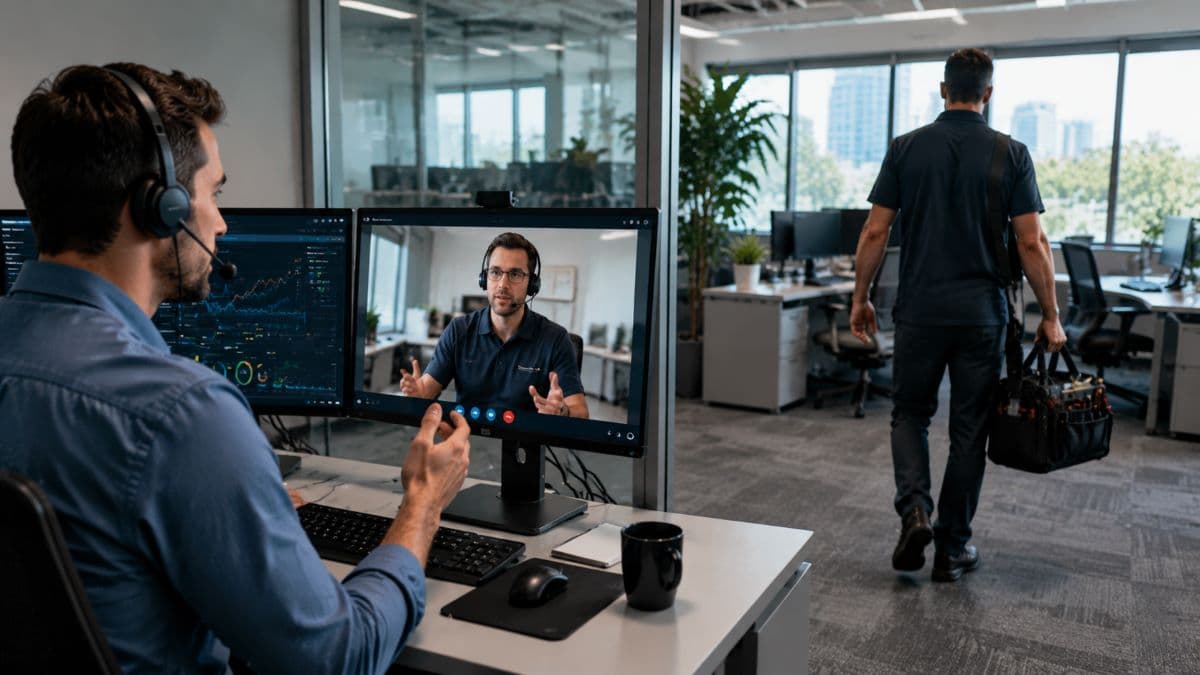
The strongest IT support blends the two rather than choosing between them. Day to day issues, from a slow computer to a misconfigured account, are usually resolved remotely in minutes. Behind the scenes, systems are watched continuously so many problems are caught early, which is the role of ongoing remote monitoring and management. On-site support sits alongside this as the layer that takes over when a physical presence is required, which means the real question is not remote versus on-site but whether your provider can do both well and move between them without friction.
Which problems are remote and which need someone there
It helps to be concrete about the split. Software issues, account problems, configuration changes, most security alerts, and the steady work of updates and monitoring are handled remotely, quickly and without disrupting your office. What still needs a person on-site is anything physical: a failed hard drive or server, network cabling and equipment that has to be installed or replaced, a new office that needs to be wired and built, a device that will not power on, or a security situation where systems must be physically inspected or isolated. Knowing which bucket a problem falls into explains why a provider needs both capabilities, not just one.
Why proximity still matters when most support is remote
If most work is remote, it is fair to ask why being close by matters at all. The answer is that the exceptions are the ones that hurt. When a server fails, a network goes down across the office, new hardware needs installing, or a security incident requires someone to physically inspect and contain the problem, a screen share cannot help. In those situations, the difference between a provider thirty minutes away and one across the state can be the difference between a brief disruption and a day of lost work. Proximity does not change how often you need on-site help, but it changes how much it costs you when you do, and that cost lands at the worst possible moments.
The real advantages of on-site IT support near your business
The benefits of having local, on-site support are practical rather than abstract, and they show up at the moments that matter most. Each one comes back to the same idea: some things are simply better handled in person and close to home.
Faster help for problems that need hands on
The clearest advantage is speed when a physical fix is required. A failed piece of hardware, a connectivity problem that cannot be diagnosed remotely, or a setup that needs to be built in the office all depend on someone arriving, and a nearby provider arrives sooner. For a business that loses money or stalls entirely when its systems are down, that response time is not a convenience but a direct cost, as our look at the true cost of IT downtime makes clear. Every extra hour a critical system stays down is an hour of work, revenue, or customer trust the business does not get back.
Hands-on help with physical infrastructure
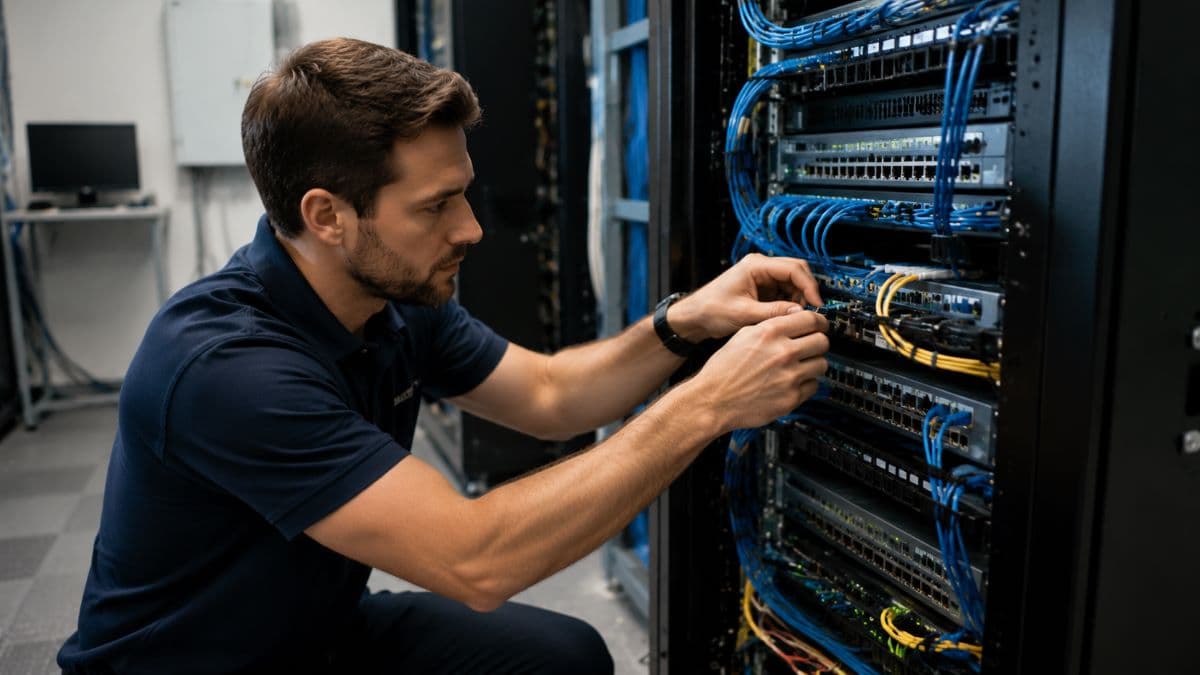
Plenty of a business's technology is physical: servers, network equipment, cabling, workstations, printers, and the connections between them. When this hardware needs to be installed, replaced, or repaired, or when a new office needs to be wired and set up, the work has to happen on location. A provider who can be there handles these jobs directly rather than walking a staff member through them over the phone, which is faster and far less error prone. It also means the person doing the work can see the whole environment and catch related issues that would never show up on a screen.
A provider who knows your setup and your area
A local provider that visits your office gains a working knowledge of your physical environment that a distant one never builds, from how your network is laid out to which equipment sits where. Combined with familiarity with the local area and the kinds of businesses in it, this means quicker diagnosis and fewer surprises when something goes wrong. Over time, this accumulated understanding of your specific setup becomes part of what makes the support fast and reliable, because the provider is not relearning your environment every time there is a problem.
Stronger relationships and real accountability
There is a difference between a voice on a ticketing system and a provider you have met in person and can hold accountable face to face. Local, on-site support tends to build a stronger working relationship, where the provider understands your business and has a stake in keeping it running. That relationship matters when priorities have to be set or a difficult problem needs sustained attention, because you are working with people who know you rather than an anonymous queue. It also tends to mean clearer communication, since the provider has seen your operation firsthand and understands what is at stake when something goes wrong.
Support that fits regulated and on-site needs
For businesses in fields like healthcare, law, and finance, some requirements are inherently physical, such as securing on-premises equipment, handling hardware that holds sensitive data, or supporting an office that must meet specific standards. A provider who can be on-site is able to address these directly, and a local one understands the practical realities of operating in the area. This is part of why pairing on-site capability with strong managed support and cybersecurity solutions matters for regulated businesses, where a lapse is not only an inconvenience but a compliance problem.
When on-site support makes the biggest difference
On-site help is not needed every day, but certain situations call for it almost without exception. Recognizing these in advance is part of why local support is worth having before you need it rather than scrambling to find it after.

Setting up or moving an office
Opening a new location or relocating an existing one is one of the most demanding moments for a business's technology, because the entire physical environment has to be built and tested. Network equipment, cabling, workstations, phones, and connections all need to be installed and configured correctly, and mistakes made during setup tend to cause problems for months. A provider who can be on-site plans and carries out this work directly, so the new space is ready to work in from the first day rather than limping along while issues are sorted out remotely.
Hardware and server failures
When a server or a critical piece of hardware fails, software alone cannot fix it. Someone has to physically diagnose the fault, replace the component or device, and restore the system, and until that happens the business may be partly or fully stopped. A nearby provider can be on-site quickly to get things running again, which is exactly the kind of situation where the distance to your provider translates directly into how long you are down.
Network outages
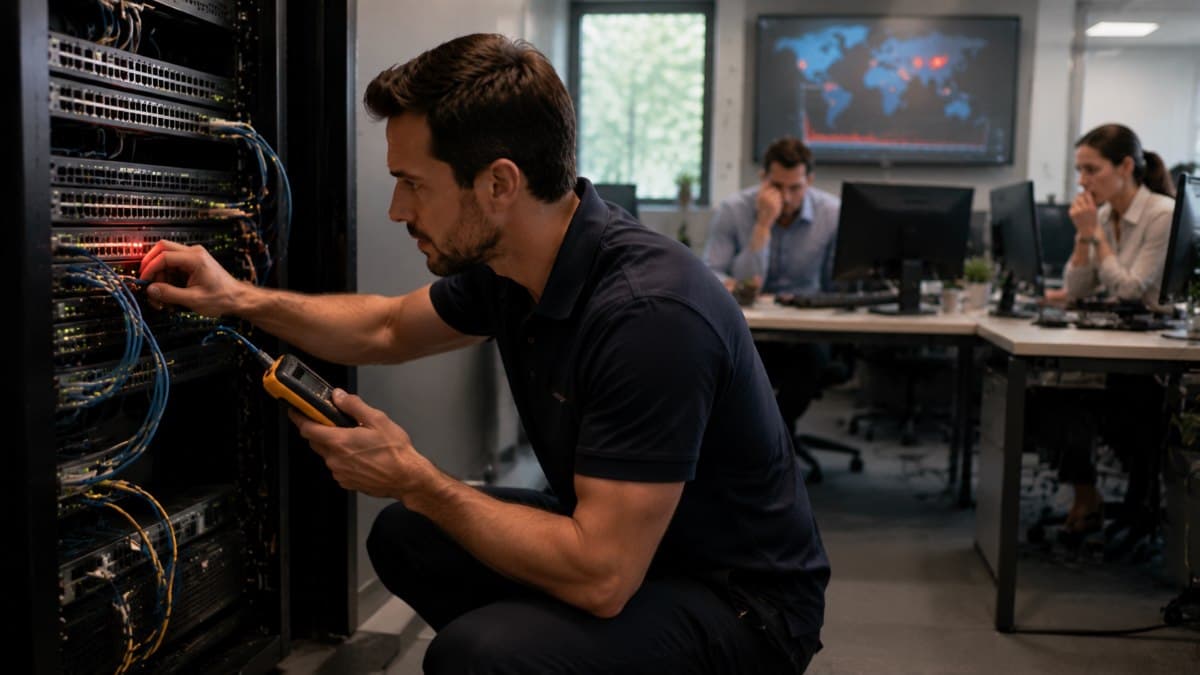
When the whole office loses connectivity, the cause is frequently something physical, such as failed equipment, a cabling problem, or an issue with the connection itself. These problems often cannot be resolved from afar, and a network outage stops nearly everyone from working at once, so speed matters enormously. A local provider can be there to find and fix the cause rather than leaving the business idle while the issue is diagnosed remotely.
Security incidents
A serious security incident sometimes requires a physical response, such as inspecting and isolating affected systems, examining equipment directly, or taking devices offline to contain a threat. Having someone able to arrive quickly can limit how far an incident spreads and how much damage it does. In these moments, the combination of fast on-site presence and strong security expertise is what keeps a contained problem from becoming a crisis.
Growth and onboarding
As a business grows, new staff and new equipment arrive steadily, and much of the work that comes with them is physical: setting up workstations, configuring devices, and expanding the network. A provider who can be on-site handles this growth smoothly, so adding people does not become a recurring source of technology headaches. Over time, this steady on-site support keeps a growing business's technology organized rather than letting it become a patchwork.
On-site support is not the same as a provider who only shows up to fix things
It is worth drawing a distinction, because on-site capability is sometimes confused with the old break-fix model, where a technician appears only after something has already gone wrong and bills for the visit. That reactive approach leaves problems to pile up between calls and gives the provider little reason to prevent them. On-site support within a managed relationship is different: the provider is preventing problems continuously and watching your systems, with on-site visits as one tool among many rather than the whole service. The contrast between these two models, explained in our comparison of break-fix versus managed IT, is the difference between a provider invested in keeping your business running and one paid to react after it stops.

How to evaluate local IT support for your business
If on-site capability matters to you, a few questions separate a provider who can deliver it from one who only claims to. Asking them before you commit saves a great deal of frustration later.
Ask where they are actually based
A real local presence is different from a distant company with a local phone number, so it is worth asking plainly where their technicians are located and how quickly one can reach your office. Some national providers advertise a local presence they do not truly have, and the difference only becomes clear when you need someone on-site and the honest answer involves a long drive or a flight. If on-site support matters, confirm that the people who would provide it are nearby.
Ask what is handled remotely and what is on-site
Understanding how support will actually work day to day helps you set expectations and avoid surprises. Ask what the provider handles remotely, what triggers an on-site visit, and how the two fit together, a balance that connects to how their help desk and IT support is structured. A provider that can explain this clearly has thought it through, while one that is vague about it may not have a real plan for the moments you need someone there.
Understand how their support is layered
Good support is organized in layers, from quick remote fixes for everyday issues to escalated work for harder problems and on-site visits for physical ones. Understanding this structure tells you how your problems will be handled and how quickly, an arrangement explained in our guide to how help desk tiers work. A provider with a clear, layered approach can match the right response to each problem rather than treating everything the same way.
The value of a provider who knows your area
Beyond the practical questions, there is real value in working with a team that already knows the area and the kinds of businesses in it. A provider rooted locally understands the environment its clients operate in, can be present when it counts, and tends to be more invested in the relationship than a distant company handling accounts from far away.
None of this means remote support is lesser, since it does most of the work and does it well. It means the complete picture combines excellent remote support with local presence, so that whatever the problem, the right response is available. That balance is what to look for when choosing managed IT services, and it is what separates a provider you can rely on in every situation from one that is only equipped for some of them.
Frequently Asked Questions
If you want a provider who can be in your office when the problem needs hands and remote when it does not, talk to GlobeVM about on-site IT support for your Los Angeles business.
Comments
0 Comments