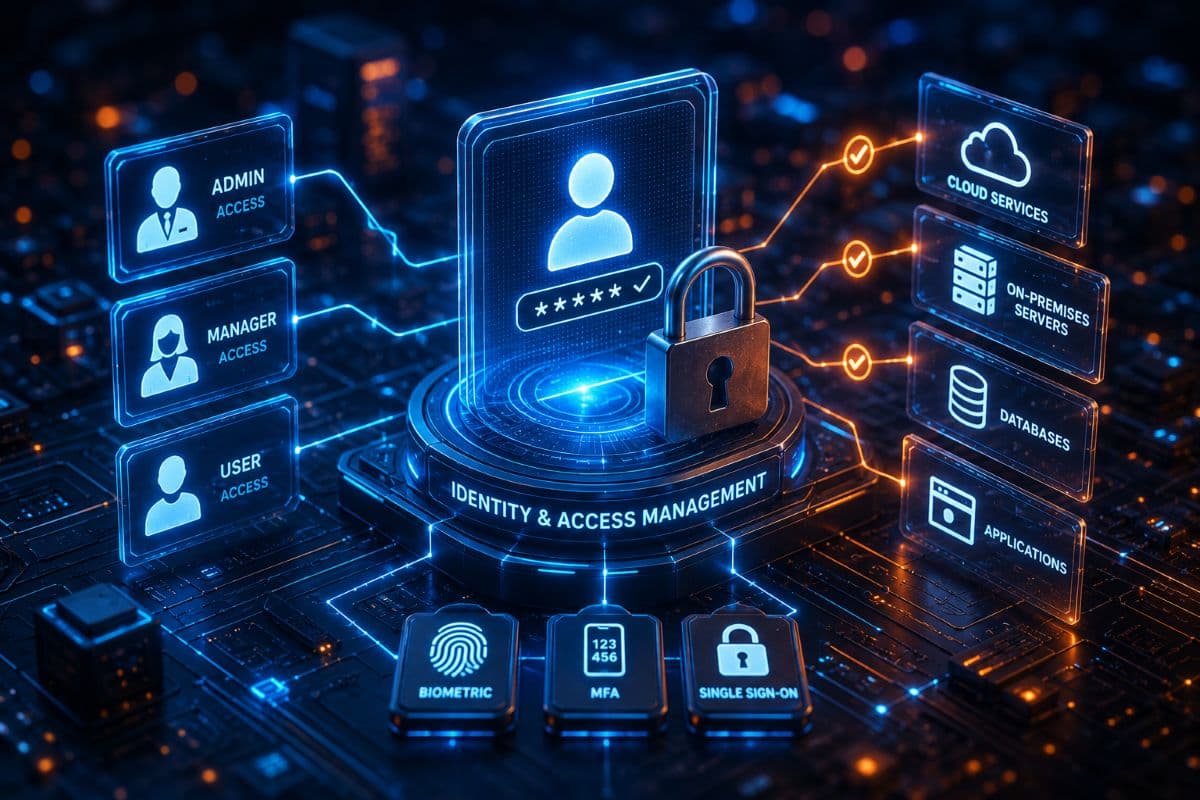




Identity and access management is how a business decides who can sign in to its systems, what each person can reach once inside, and how that access changes when people join, switch roles, or leave. For a small business it is less about buying a platform than about setting a few rules and enforcing them everywhere: every person has their own account, every login proves more than a password, every account reaches only what its job requires, and every departure closes the door the same day. Identity and access management services put those rules in place across email, cloud apps, line of business software, and office computers, then keep them from drifting.
Access control is one layer of our wider cybersecurity services, and it is often one of the layers with the best return for a small office, because so much of it can be built on software the business already pays for.
Why Logins Still Matter in the 2026 Breach Data
The headline from Verizon’s 2026 Data Breach Investigations Report was that attackers now break in through software flaws more often than through stolen passwords. That is a reason to keep systems updated, not a reason to relax about login security. The same report found credential abuse at some stage of 39% of breaches, so stolen logins still matter long after the first foothold. An attacker using a real account can look like a normal employee to many security tools, so controlling identities is what limits how far a single compromise can spread.
What Identity and Access Management Services Include
The work breaks into six parts, and most small businesses need all of them in some form.
Multifactor Authentication Where It Counts
Multifactor authentication asks for a second proof, such as an approval in an authenticator app, a passkey, or a security key, so a password alone is not enough to get in. Start with administrator accounts, followed by email and Microsoft 365, remote access and VPNs, banking and payroll portals, and any cloud app that holds client or patient data. The goal is that no important account depends on a password alone.
Single Sign On
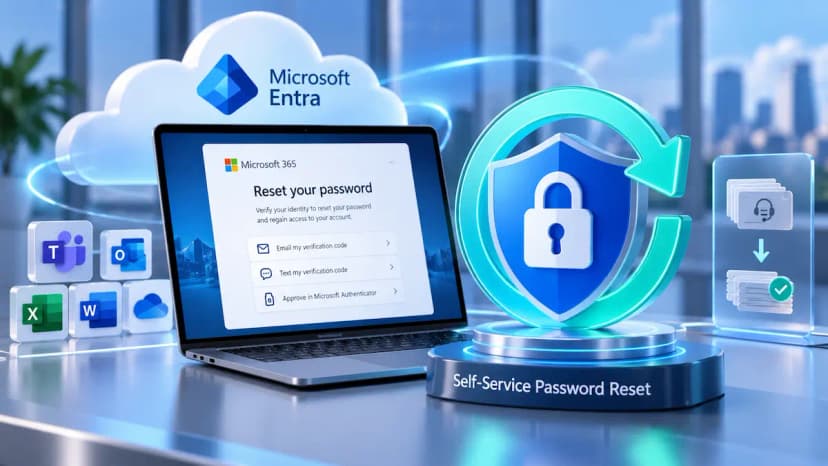
Single sign on lets staff reach many cloud applications through one strongly protected account instead of a separate password for each. Fewer passwords means fewer to reuse or forget, and when someone leaves, disabling one account blocks new logins to every connected app at once. For an office already on Microsoft 365, Microsoft Entra ID, the identity service built into it, can act as the single sign on for many other cloud apps.
Conditional Access
Conditional access adds context to every login. A policy can require an extra check from a new device, block logins from countries where you have no staff, and allow access to patient or client data only from computers the company manages. It turns a simple password check into a decision that considers who is signing in, from where, and on what device.
Least Privilege and Role Based Access
Least privilege means each account can reach what its role requires and nothing more. The practical way to do this in a small office is to define a handful of roles, such as front desk, clinical staff, billing, and management, and grant shared folders, applications, and mailboxes to the role rather than to individuals. New hires inherit the right access on day one, and nobody quietly collects permissions over years of covering for colleagues.
Privileged Account Protection
Administrator rights are what an attacker needs to switch off security tools, create new accounts, or encrypt every computer at once. Administrators should use a separate account that is never used for email or web browsing, protected by the strongest multifactor option available. Everyday users should not hold administrator rights on their own computers, so malicious software that does get opened has a much harder time changing the whole system. Where possible, those rights are granted for a specific task and expire afterward.
Joiner, Mover, and Leaver Control
Access should follow people through their time with the business. A new hire gets the access for their role before the first day. A move from front desk to billing removes the old permissions as the new ones are added. A departure triggers a set routine: disable the account, end active sessions on phones and laptops, remove registered multifactor devices, hand the mailbox and files to a manager, change any shared passwords the person knew, and collect company equipment. Accounts left behind by former staff are a common way in, because nobody notices when they are used.
Choosing the Right Kind of Multifactor Authentication
Second factors do not all offer the same protection. Text message codes beat a password alone but can be intercepted or redirected when a phone number is hijacked. Push approvals in an authenticator app are stronger, especially with number matching, which makes it much harder for staff to approve a prompt they did not start. Passkeys and FIDO2 security keys go further, because they are bound to the real website and cannot be captured by a fake login page, as long as weaker fallback methods are removed from the account. CISA describes FIDO and WebAuthn methods as the only widely available forms of multifactor authentication that resist phishing. For most offices, a sensible mix is an authenticator app for everyone and security keys or passkeys for administrators and anyone who approves payments.
What NIST Now Says About Passwords
Passwords have not disappeared, and the federal guidance many security programs follow changed in 2025. NIST’s final Digital Identity Guidelines, SP 800-63B Revision 4, require at least 15 characters when a password is the only factor, ban forced complexity rules such as mandatory symbols, prohibit routine expiration and force a reset only when there is evidence of compromise, and require checking new passwords against lists of common and breached passwords. In practice that means long passphrases, a business password manager so nobody reuses a password, and multifactor authentication on top. When an employee’s password turns up in a breach of some other website, dark web monitoring can flag it so it can be changed, ideally before anyone tries it against your systems.
Writing an Access Control Policy
An access control policy is the short document that makes these decisions official, and auditors, insurers, and regulators often ask to see one. It should state who approves new access and changes, which roles exist and what each can reach, where multifactor authentication is required, how administrator accounts are issued and protected, how quickly access is removed after someone leaves, whether shared accounts are allowed and under what controls, how vendors get remote access, and how often access is reviewed. A policy of a page or two that matches what your systems actually enforce is worth more than a long template nobody follows.
User Access Reviews
Permissions drift. People cover for a colleague, join a project, or change roles, and their access grows. A user access review is a scheduled check in which a manager confirms that each person’s access still fits the job and removes what does not. Reviewing administrator accounts and access to sensitive systems every quarter, and all other accounts at least every six months, keeps the list honest and also meets the PCI DSS rule for systems that handle card data. Keep a record of each review, since auditors and insurers often ask for it.
Vendor and Remote Access
Outside vendors often need to reach your systems, from the EHR support desk to the copier company to a software consultant. Each vendor should have its own named account instead of a shared login, with multifactor authentication and access limited to the systems it supports. Remote access tools should be switched on for a session and off afterward rather than left running all the time. Unusual activity, such as a vendor account signing in at 3 a.m. or from an unfamiliar location, is exactly the kind of signal our managed detection and response team watches for.
Access Control and Compliance Requirements
Access control is central to most of the security rules a regulated business answers to. The HIPAA Security Rule requires unique user identification and audit controls, and expects practices to address automatic logoff and procedures for ending access, which makes this service a core part of HIPAA compliance for medical and dental practices.
Other frameworks point the same way. Since March 31, 2025, PCI DSS has required multifactor authentication for all access into the cardholder data environment. The FTC Safeguards Rule requires multifactor authentication for anyone accessing systems that hold customer information at financial businesses other than banks, a group that includes tax preparers and accounting firms that prepare returns. Cyber insurance applications ask similar questions, usually about multifactor authentication on email, remote access, and administrator accounts.
Building on Microsoft 365
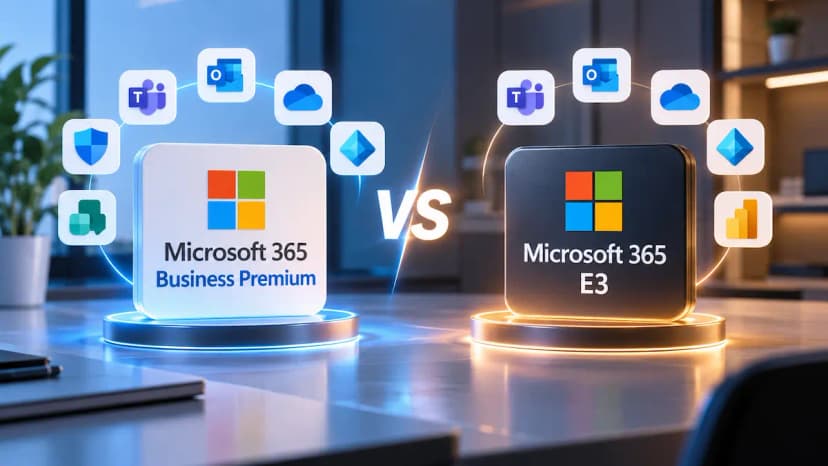
Many small businesses already pay for most of what they need. Microsoft 365 includes multifactor authentication and single sign on for thousands of cloud apps, and Business Premium adds conditional access and full device management through Intune. The gap is usually configuration: features that were never turned on, policy exceptions nobody remembers adding, and older login methods that skip multifactor authentication. We review and tighten those settings as part of our Microsoft 365 management work, so the protection you are paying for is actually in force.
Identity and Access Management for Los Angeles Businesses
GlobeVM delivers this work from Woodland Hills, backed by CCSP certified expertise. Much of the setup happens remotely, but some of it goes better in person: walking the front desk through new login steps, handing out security keys, and checking that shared workstations lock when staff step away. We do that work for practices, law firms, and financial offices across Ventura County, including lean offices where one person may hold every administrator password.
Offices on the line between Los Angeles and Ventura counties often share a similar starting point: they run on Microsoft 365, administrator accounts have multiplied over the years, and accounts for former staff stay open longer than they should. For firms in Westlake Village, the first step is usually a review of login settings, administrator accounts, and stale accounts, which can often be done in an afternoon.
If you are not sure how many active accounts still belong to people who no longer work for you, book a free consultation, and we will walk through your login settings, administrator accounts, and access permissions together.