

IT support for architects and engineering firms is a specialty that generic providers discover the hard way, usually around the second complaint that Revit is slow. A design practice is not an office that happens to use computers; it is a production environment where the product is a model measured in gigabytes, the tools demand workstation hardware most IT vendors have never specified, a license server outage idles the entire billable staff at once, and the files must remain retrievable for a decade or more after the ribbon is cut, because liability lives that long. This guide covers what makes AEC firm IT its own discipline, the file problem at the center of everything, workstations and licensing done properly, the honest options for remote work with heavy models, and the archive obligation most firms discover only when an old project resurfaces with a lawyer attached.
Why Design Firm IT Is Its Own Discipline
Four forces shape the environment. File gravity comes first: CAD drawings, BIM models, point clouds, and renderings are enormous, and everything, network design, storage, backup, remote work, bends around moving them. Deadline structure comes second: submittal dates, bid deadlines, and permit windows create compressed crunches where an outage does not merely annoy, it jeopardizes the deliverable that pays for the quarter. The toolchain comes third: Revit, AutoCAD, Civil 3D, SolidWorks, Rhino, Bluebeam, rendering engines, each with its own hardware appetite, version discipline, and licensing model, and each interacting with the others on shared projects. And the time horizon comes fourth: a project's files must survive not just to closeout but through the long tail of professional liability, which quietly turns every design firm into a small archive institution whether it planned to be one or not.
The File Problem: Where Design Firms Live or Die
Everything in a design practice orbits the project file share, and its design decides daily experience. Working files need to be fast and close to the workstations, which is why the classic architecture remains a capable local file server or NAS on a wired gigabit-or-better network, organized by a project structure everyone actually follows. Collaboration changes the shape: BIM worksharing puts a central model at the center of the team, and that central file is both the day's productivity and its single point of failure, deserving the fastest storage in the building and the most careful backup treatment. Multi-office and consultant collaboration pushes work toward cloud collaboration platforms built for design files, which solve distance elegantly and introduce their own dependencies, a subscription, an internet connection, and a data custody question worth reading before the deadline week rather than during it.

Two failure patterns account for most design-firm file grief. Consumer sync tools, pressed into service for project folders, corrupt multi-user CAD workflows and scatter versions across laptops; purpose-built platforms or disciplined server access exist precisely because design files are not documents. And backup jobs pointed at yesterday's folder structure quietly miss the new projects, the recovered-space drive someone added, and the rendering outputs, which is why a design firm's backup needs a restore test against a real project, not a green checkmark, and why long-horizon data protection is a design decision here rather than an afterthought. Point clouds and reality-capture data deserve their own line: a single scan deliverable can outweigh a year of drawings, and storage planning that ignores them fails on the first laser-scanned project.
Workstations: Specify Like the Work Depends on It
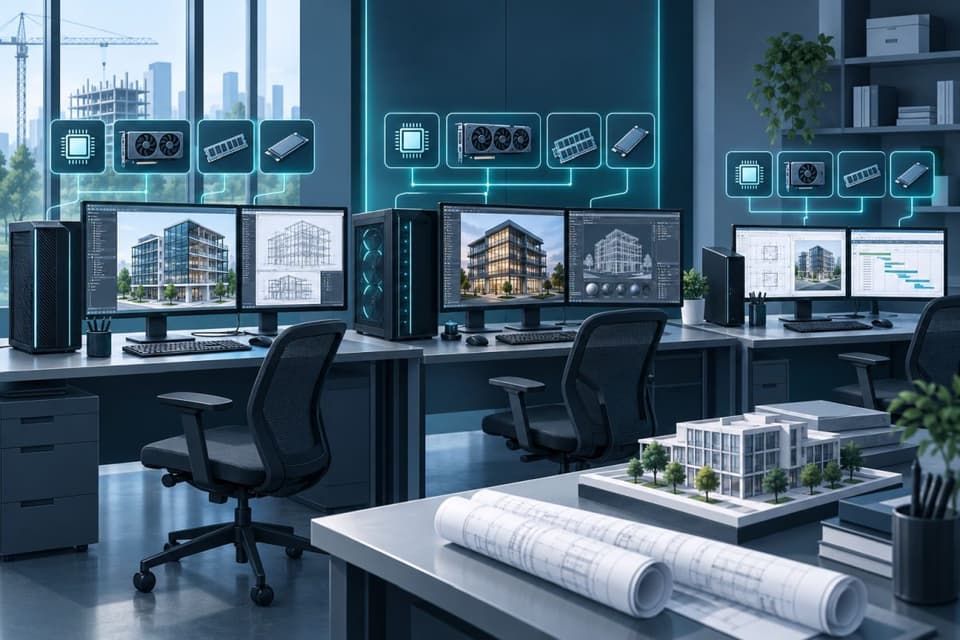
Design software is one of the few business categories where hardware specification still decides productivity daily, and the rules are specific. Most CAD modeling is bound by single-core processor speed, so frequency beats core count for the modeling seat, while rendering inverts the rule and feasts on cores and GPU. Memory is consumed by model size and linked files, and the difference between adequate and generous shows up as saved minutes every hour. The GPU matters for viewport performance and matters differently for real-time rendering. Storage should be fast solid-state locally with the project data on the network, not the reverse. The practical program for a firm is a small set of standard builds, a modeling seat, a heavy rendering or computation seat, and a production or admin seat, refreshed on a rotation so the most demanding users hold the newest machines and the cascade serves everyone else. Guessing at this, or buying office-grade machines with a better sticker, is how firms pay professional salaries to watch progress bars. Laptops deserve honesty too: mobile workstations exist and work, at a price and thermals premium, and the right question is which roles genuinely need the model on the move rather than a remote view of it.
Licensing: The Outage Nobody Plans For
Design software licensing is its own small operations discipline. Network license servers, where they persist, are a single point of failure that can idle every seat at once and deserve monitoring and a documented recovery plan like any production system. Named-user cloud licensing, now the mainstream model, trades the license server for dependency on vendor sign-in services and disciplined account management, deactivating departures promptly, both to reclaim spend and because former-employee accounts with live access to project platforms are a security hole with a subscription fee. Version management sits alongside: consultants and clients exchange files across product years, upgrades ripple through shared projects, and somebody has to own the firm's version policy so a mid-project upgrade never strands a deliverable. A provider fluent in these mechanics saves a design firm real money and real mornings; one who is not will learn on your license renewal. Keep a license inventory the way you keep a hardware one, seats, assignments, and renewal dates, because the renewal that arrives unbudgeted is an annual tradition at firms that skip this.
Remote and Multi-Site Work, Honestly
Heavy files make remote work an engineering problem with three honest solutions, and the right one depends on the firm. Remote access into an office workstation keeps the files and the horsepower in the building and sends only pixels home, simple, effective, and dependent on the office staying up. Cloud collaboration platforms move the project data itself to a shared service, best where distributed teams and consultants are the daily reality. And cloud virtual desktops with GPU classes move the workstation itself into the data center, powerful for burst capacity, contractors, and multi-office standardization, with costs that reward careful sizing. What does not work is pretending the problem away: a designer pulling multi-gigabyte models over home internet through a generic VPN is a productivity incident scheduled daily, and secure remote connectivity for a design firm has to be designed around the files, not around the assumption that they are small. Hybrid patterns are normal, office workstations for staff, a cloud platform for consultant exchange, a handful of virtual desktops for surge, and the architecture holds as long as each file keeps one authoritative home.

Security and the Quiet Value of Drawings
Design firms underrate their attractiveness to attackers. Project files embody fee-bearing intellectual property; site plans and building systems documentation have security sensitivity of their own; and the firm's email sits inside the construction payment chain, where spoofed invoices and diverted payments are an industry-specific fraud pattern. The defensive baseline is the familiar one executed completely, multifactor authentication on email and every project platform, endpoint protection on machines that spend their lives opening files from outside, and backups an intruder cannot delete, plus one design-firm addition: access discipline on project shares and collaboration platforms, so consultants, contractors, and former staff hold exactly the access the current phase requires and nothing left over from the last one. Email discipline matters double during bidding, when spoofed addenda and fake plan-room portals target every firm on the holders list.
The Archive: A Decade Is the Unit of Measure
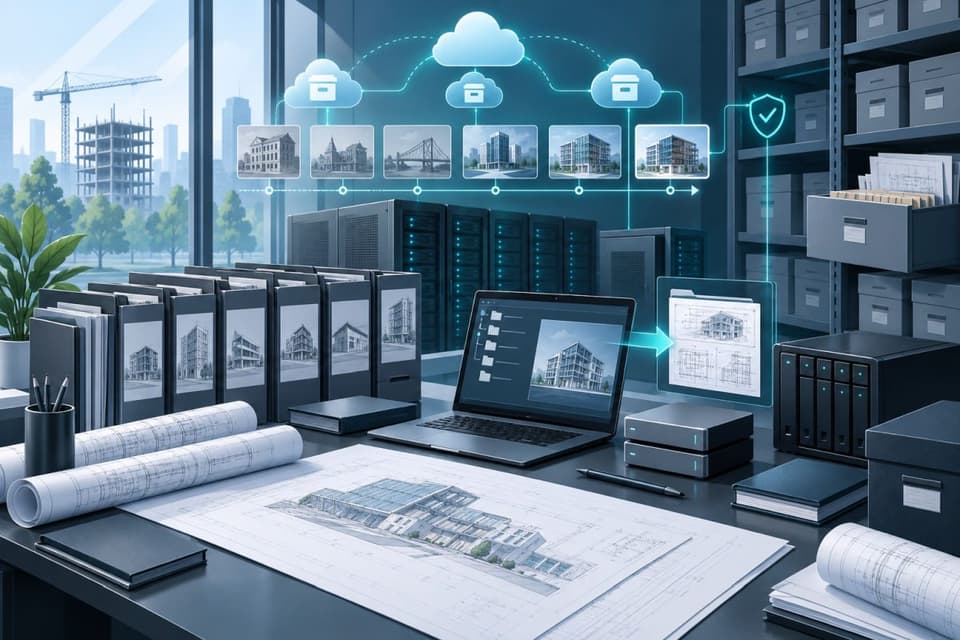
When a project closes, its files begin a second life measured in liability years, and the firm's obligation is to be able to produce them, readable, long after the team has dispersed. That requires an archive practice rather than a graveyard folder: a defined closeout that gathers the record set, models, drawings, correspondence, and submittals, into a structured archive; storage with redundancy and integrity checking rather than a USB drive in a fire safe; a retention schedule aligned with the firm's counsel and its liability tail; and a format-awareness habit, because the native model of fifteen years ago may need its era's software to open, which argues for archiving published record documents alongside native files. Firms that treat cloud document storage tiers as the archive layer get durability and geography cheaply; what no firm gets to skip is the annual test where someone retrieves a closed project end to end and confirms the practice works. Closeout is also the moment to strip access: consultant accounts, shared links, and contractor permissions granted for the project should end with it.
Choosing IT Support for Architects and Engineers
The provider interview is mercifully concrete in this vertical. Ask what they would check first when Revit is slow, and expect a real diagnostic ladder, workstation, network path, central model health, not a shrug toward the software vendor. Ask how they would design backup for active BIM projects and what the restore test looks like. Ask which licensing models they administer today and how departures are handled the same afternoon. Ask how they would support a submittal week, and listen for freeze discipline and priority response. Ask what belongs in a project closeout from the IT side. Practices from design firms across Ventura County to downtown compare notes, and the providers who can answer these questions are known; a firm with the right partner feels it as absence: the render farm that just runs, the archive request that takes an hour, the deadline week where IT support for architects is the one thing nobody mentions. A trial month on one live project settles the choice faster than any proposal.
If deadline weeks keep turning into IT weeks, or your archive would fail a retrieval test you have never run, an assessment built around your projects and toolchain is the shortest path to IT support for architects and engineering firms that simply disappears into the background where it belongs.