
If your business issues iPhones, iPads, or Macs to employees, there is a difference between managing those devices and controlling them, and that difference has a name: supervision. Apple device supervision is a mode for company-owned devices that gives a business far deeper control than standard management alone, giving access to security settings, restrictions, and capabilities that are otherwise off limits. For a business that depends on Apple hardware, understanding supervision is the difference between devices you sort of manage and devices you own and control. This guide explains what Apple device supervision is, how a device becomes supervised, the real benefits it offers a business, the important distinction between company and personal devices, and how to approach it sensibly.
What Apple device supervision is
Apple device supervision is a special mode for devices owned by an organization that grants administrators a much greater level of control than ordinary management provides. When a device is enrolled in a management system without supervision, a business can do a certain amount, but its control is limited, and the user can override some settings. Supervision changes that by establishing that the device belongs to the organization, and in return Apple grants the business access to a wide range of additional settings, restrictions, and capabilities that are not available on an unsupervised device. In practical terms, supervision is a deeper level of management reserved for devices the business owns, and it is what makes serious, consistent control of an Apple fleet possible. The management layer underneath it is covered in our guide to Apple MDM.
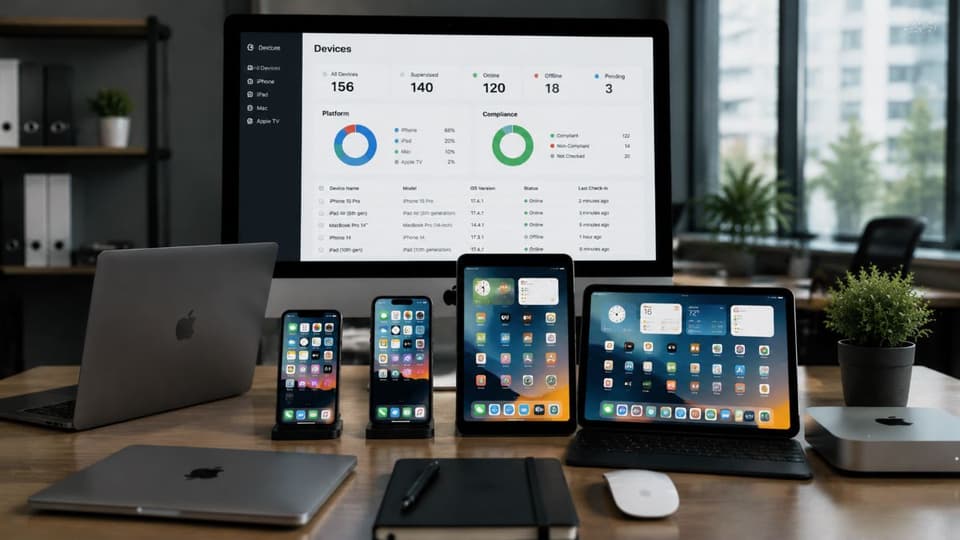
Supervision compared with standard management
It helps to be clear about the difference, because the two are easy to confuse. Standard management, applied through a mobile device management system, lets a business deliver apps and settings and provide a degree of oversight, which is appropriate for a range of situations including devices the business does not own. Supervision goes further, giving the organization control over many more settings and configurations than management alone, from enforcing restrictions the user cannot remove to deploying apps silently in the background. Think of supervision as a special subset of management that proves the device is company-owned and, on the strength of that ownership, provides the deeper control a business needs over its own equipment.
| Capability | Standard management | Supervised |
|---|---|---|
| Install and update apps | Needs the user to approve on iPhone and iPad | Silently, in the background |
| Lock a device to one app (kiosk) | Not available | Available |
| Stop the user removing management | Not with manual enrollment | Yes, with automated enrollment |
| Locate a lost device through management | Not available | Available through Managed Lost Mode |
| Activation Lock on returned devices | Can leave a device locked to a former employee | The organization can clear it |
| Restrictions (AirDrop, account changes, app installs) | A limited set | The full set |
| Who it fits | Personal devices (BYOD) | Company-owned devices |
How a device becomes supervised
There are two main ways to put an Apple device into supervised mode, and which one fits depends on how a business acquires and deploys its devices. Understanding them matters because the timing is important and, for some devices, hard to change after the fact.
Automated enrollment through Apple Business
The cleanest way to supervise devices is automatically, over the air, through Apple's automated enrollment using Apple Business, the free portal that replaced Apple Business Manager in April 2026. When a business buys devices and adds them to its Apple Business account, they can be set to enroll in the management system and become supervised the moment they are switched on. Nobody needs to handle them first. This is the approach that scales, because it requires no physical preparation of each device and ties supervision to the devices the business owns. It also connects directly to how a business keeps track of its equipment through sound IT asset management. It is the method most businesses should aim for.
Manual supervision with Apple Configurator
The other method is to supervise a device manually using Apple Configurator, which requires connecting the device to a Mac, usually by cable. This approach erases the device and applies supervision directly, and it is best suited to smaller numbers of devices or situations where automated enrollment is not available. It is more hands-on than the automated path, since each device has to be connected and prepared individually, but it achieves the same result. For a business with only a handful of devices, this can be a practical option, while a larger fleet is far better served by the automated approach.
An important point about timing
One detail matters a great deal. For iPhones and iPads, supervision generally has to be applied when the device is new or freshly reset, and it cannot be turned on for a device already in everyday use without erasing it first. This is why planning supervision into how you acquire and set up devices is so important, because retrofitting it onto devices already in people's hands means wiping them. Macs work somewhat differently, since a Mac enrolled through automated device enrollment is supervised automatically. For the mobile devices most businesses hand out, the rule of thumb is to decide on supervision before the device reaches the employee, not after.
The top benefits of Apple device supervision for business
The reason supervision is worth understanding is what it lets a business do. The additional control translates into concrete benefits across security, management, and the practical realities of running a fleet of devices.
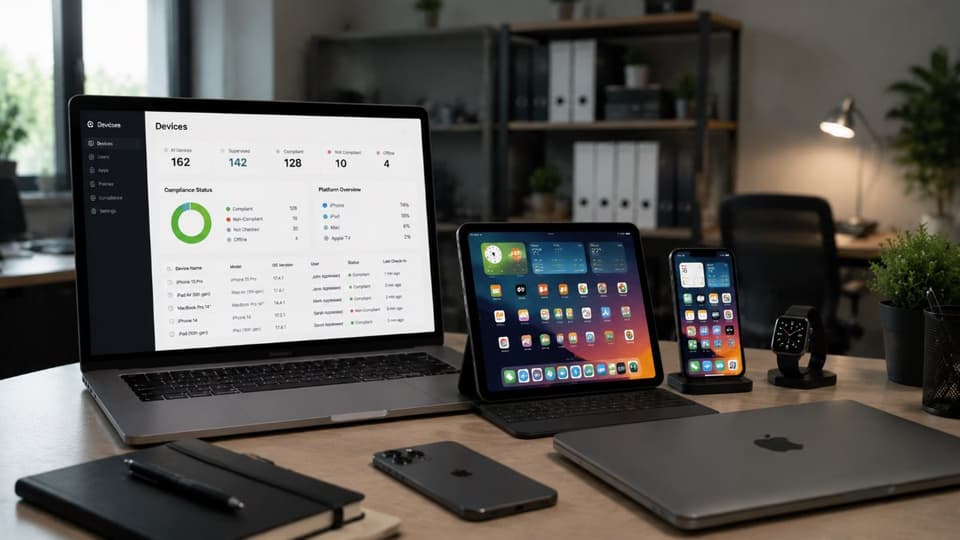
Stronger, enforceable security
Supervision lets a business apply security settings and restrictions that the user cannot undo, which is the foundation of consistent protection across a fleet. A business can enforce configurations, lock down settings, and apply restrictions that stay in place rather than relying on each employee to leave them alone, so the security posture of every device is under the organization's control. This enforceable consistency is exactly what broader cybersecurity solutions depend on, since a protection that a user can switch off is not a reliable protection at all.
Silent app deployment and tighter app control
On a supervised device, a business can install and update apps silently in the background, without requiring the employee to do anything, and can control which apps are allowed or blocked far more tightly than on an unsupervised device. This means the tools people need can be pushed out automatically and kept current, while unwanted or risky applications can be prevented entirely. For a business deploying software across many devices, this removes a great deal of manual effort and ensures everyone has what they need without the gaps that come from relying on individuals to install things themselves.
Single-app and kiosk capabilities
Supervision gives a business the ability to lock a device to a single app or a limited set of apps, often called kiosk or single-app mode. This is valuable for specific uses, such as a tablet at a check-in desk, a point-of-sale device, or any situation where a device should do one job and nothing else. Without supervision, this kind of locked-down, purpose-built deployment is not possible, so for businesses that use Apple devices in fixed roles, supervision is what makes those deployments work the way they are meant to.
Theft protection and recovery
Supervised devices give a business stronger tools for dealing with loss and theft. The business can put a device into Managed Lost Mode to help locate and recover it, and can clear the Activation Lock that would otherwise tie a company device to someone's personal account. This matters because a lost or stolen device represents both a hardware loss and a potential data risk, and supervision gives the business more control over protecting and recovering it. Combined with the ability to enforce encryption and other protections, this makes a supervised fleet more resilient to the everyday reality of devices going missing.
Consistent, controlled configuration
Beyond any single feature, supervision lets a business configure its devices consistently and keep them that way, from settings and restrictions to how the device behaves, across the whole fleet. Rather than a collection of individually configured devices that drift apart over time, supervision allows a standard, controlled setup that the business maintains. This consistency makes devices easier to support and more predictable to manage, and it is part of what ties device management into a broader, well run technology environment supported by ongoing remote monitoring and management.
Company-owned versus personal devices
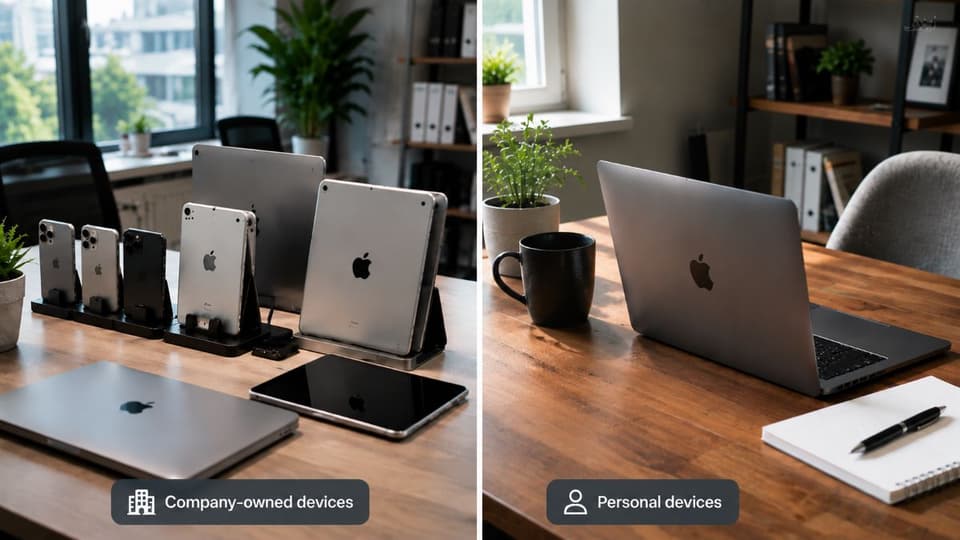
An essential point about supervision is that it is meant for devices the business owns, not for employees' personal devices, and this distinction matters for both control and privacy. Supervision gives the organization extensive control over a device, which is entirely appropriate for company-owned equipment but would be intrusive on a device someone owns personally. For personal devices used for work, a lighter form of management is the right approach, providing access to business apps and data while leaving the rest of the device, and the user's privacy, alone. Supervision is a sensible way to draw that line, applying deep control to company devices while keeping personal devices managed only to the extent appropriate. A business deciding how to handle its devices benefits from being clear about who owns what, which is part of building a thoughtful approach to devices within its wider managed IT services.
Common mistakes businesses make with device supervision
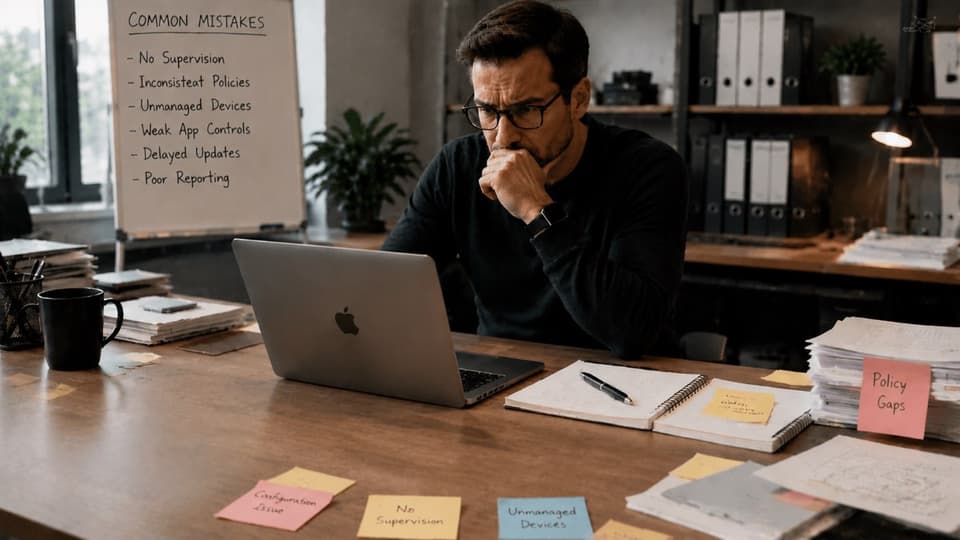
Supervision is powerful, but a few mistakes come up often enough to be worth avoiding. The most common is not planning for it, then discovering that devices already in employees' hands cannot be supervised without being wiped, which forces a business to either erase devices people are using or leave them outside proper control. A second mistake is attempting to apply supervision-level control to employees' personal devices, which oversteps on privacy and tends to create friction and resistance rather than security. A third is treating supervision as something configured once and forgotten, when in reality the control it provides is only as useful as the ongoing management behind it, which has to be maintained as the business and its needs change.
There is also a balance to strike in how much to restrict. Supervision makes it possible to lock down a great deal, but restricting devices so heavily that employees cannot do their jobs comfortably can backfire, prompting people to look for workarounds or slowing them down. The aim is to apply the control that improves security and consistency while leaving people able to work, which is a matter of judgment rather than enabling every restriction available. Getting that balance right is part of what separates supervision that helps a business from supervision that merely frustrates the people using the devices.
How to approach supervision in your business
Putting supervision to good use comes down to planning it into how you handle devices from the start. The most practical path is to acquire company devices in a way that lets them be enrolled and supervised automatically. Each device then arrives ready to be controlled and secured without manual setup, which also keeps work and personal devices cleanly separated.
Because supervision on mobile devices is best applied at setup, building it into your procurement and deployment process avoids the painful alternative of wiping devices later. From there, the control supervision provides is only as good as the management behind it. It works best as part of a considered approach to deploying, securing, and supporting Apple devices, including making sure they work well alongside other systems such as Microsoft 365. Approached this way, supervision turns a fleet of Apple devices into equipment the business controls.
For companies in Woodland Hills and across the Valley, managed IT and cybersecurity for San Fernando Valley businesses is where this setup gets done properly, so Apple devices are both productive and secure.
If you want your company's Apple devices to be secure and under your control, talk to GlobeVM. We help businesses through managed IT services in Los Angeles set up Apple device supervision and management that fits how they work.