
Every business shopping for IT help desk services hears the same promises: fast response, friendly technicians, round-the-clock availability. Then the contract starts, and the differences that never appeared in the sales deck appear in the first month: the ticket that bounced between three people, the "response" that was an auto-reply, the after-hours call that rang into voicemail. A help desk is the part of IT your staff touches every single day, which makes it the purchase where the gap between marketing and operations costs the most. This guide is the buying manual: how desks are actually structured, the metrics and commitments that matter, the pricing models, the questions that expose a weak desk before you sign, and the one test almost nobody runs.
The scope here is the buying decision. How remote sessions technically work, and what a technician can and cannot do over a remote connection, is its own subject, covered in our guide to remote IT support; this article assumes the mechanism and evaluates the service wrapped around it.
What You Are Actually Buying
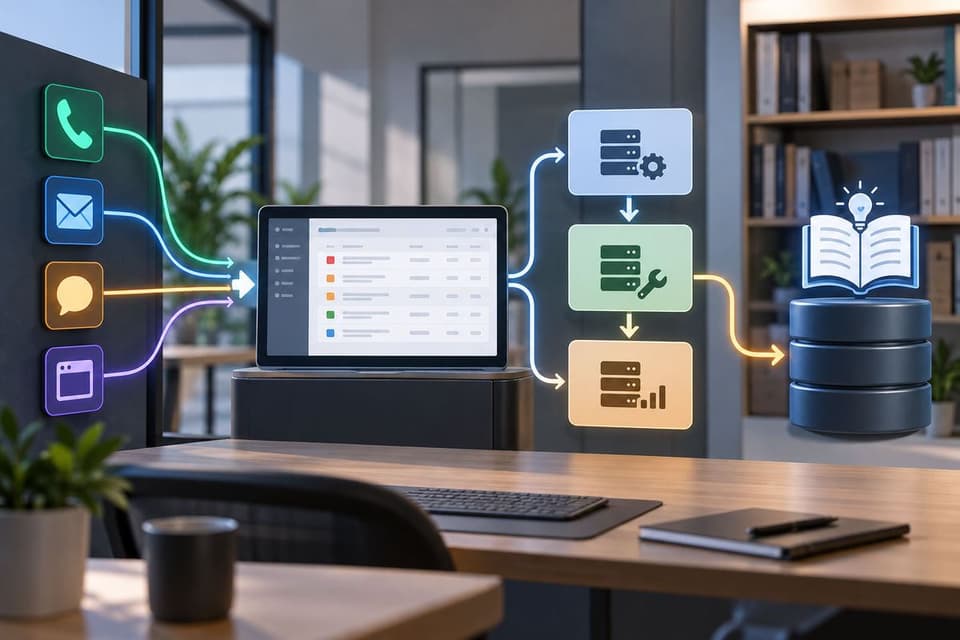
Strip the branding away and a help desk is three things: a front door, a skills ladder, and a memory. The front door is how issues arrive, phone, email, chat, portal, and a real desk offers more than one, because a staff member whose email is broken cannot email about it. The skills ladder is the tier structure: first-line technicians who resolve the everyday majority, password resets, printer fights, software hiccups, a second tier for problems that need deeper access and diagnosis, and an escalation path to engineers for the genuinely hard ones.
The memory is the ticketing system and documentation behind it, where every issue, resolution, and piece of your environment's knowledge accumulates, so the desk gets faster about your business over time instead of meeting it fresh with every call. When any of the three is missing, you did not buy a help desk; you bought a phone number with optimism attached.
The Metrics That Matter, and the One That Lies
Four numbers describe a desk honestly. First response time: how quickly a human engages, which is what vendors advertise. Resolution time: how quickly problems actually end, which is what your staff experiences. First-contact resolution: the share of issues fixed in the first interaction, the single best proxy for technician quality and desk design.
And satisfaction scoring, ideally per-ticket, because averages taken quarterly hide the Tuesday everyone remembers. The metric that lies is response time in isolation: a desk can acknowledge in five minutes and resolve in five days, and a contract built only on response numbers rewards exactly that behavior.
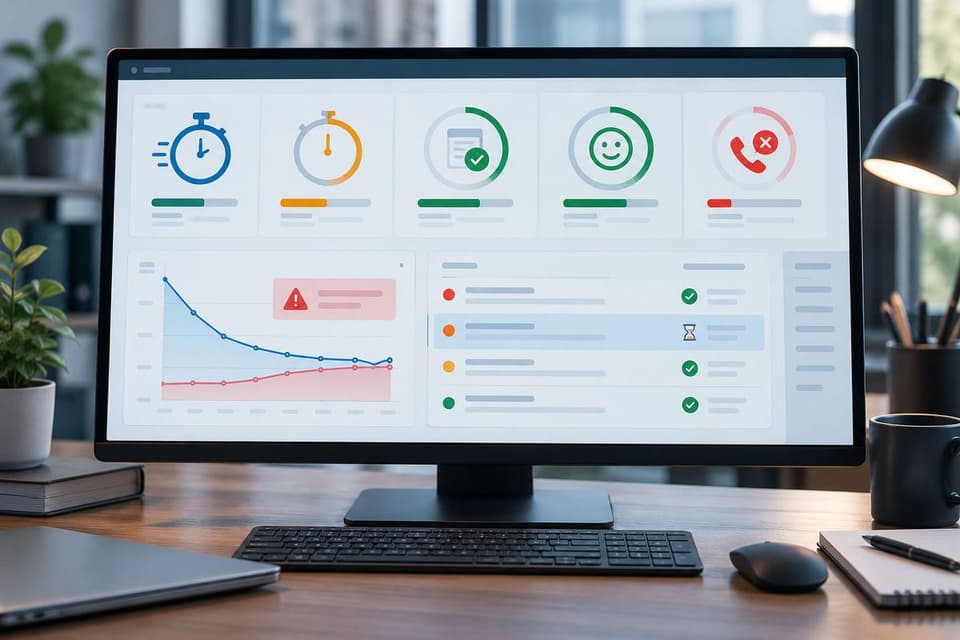
A fifth number is worth one glance: call abandonment, the share of callers who gave up waiting, because a desk that loses callers before intake never even generates the tickets that would make its averages look bad. Insist on seeing resolution and first-contact numbers from the vendor's real reporting, delivered on a monthly cadence you will actually receive, and ask for them segmented by issue severity, because a blended average across password resets and server outages describes nothing.
Commitments in Writing: The SLA Layer
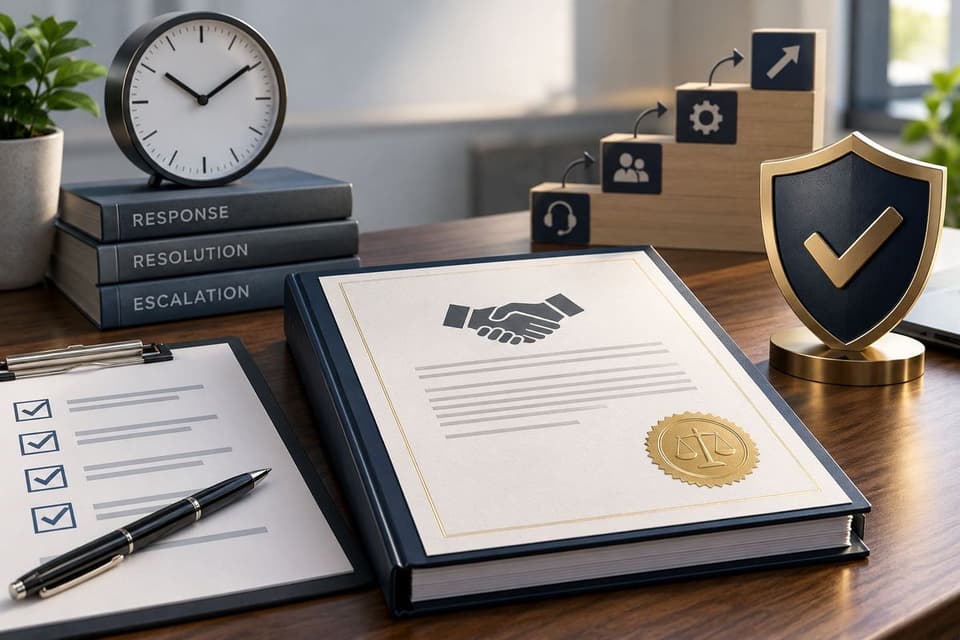
Every promise that matters belongs in the service level agreement, defined severity levels with response and resolution targets for each, severity definitions negotiated to your business rather than copied from a template, since a down workstation means something different in a two-chair clinic than in a twenty-person office. The agreement also needs coverage hours stated plainly and escalation triggers when targets slip. It also needs the remedy that applies when commitments are missed, because a target with no remedy is a hope with a font.
The anatomy of those commitments, and the difference between marketing SLAs and enforceable ones, is dissected in our guide to service level agreements, and the buying rule compresses to one line: if it was said in the sales call, it appears in the SLA, or it was not said. The coverage-hours line deserves special attention, since "24/7 available" can mean a staffed overnight desk or an on-call pager with a surcharge, two different products at two different price points, and the honest version of the always-on question is mapped in our piece on 24/7 IT support.
Delivery Models and What They Trade
Desks come in three shapes. A dedicated desk assigns named technicians to your account: they learn your systems and your people, at a premium price that small businesses rarely need to pay.
A pooled desk, the standard model, shares a technician team across clients, trading a little familiarity for a lot of economics, and a well-run pooled desk with strong documentation feels dedicated in practice, because the ticket history substitutes for personal memory. A hybrid assigns a primary contact backed by the pool. One more dimension belongs in the model conversation: security on their side of the glass.
Desk technicians hold remote access to your systems, so ask how their staff are screened, how their own accounts are protected with multi-factor authentication, and how access to your environment is logged, because your help desk is also one of your most privileged vendors. Two questions matter more than the label: where the desk physically operates and in what time zones, which you are entitled to ask plainly, and whether the people answering can actually see your environment. The reason: a desk connected to your remote monitoring behind the desk diagnoses from data, while a desk without that visibility interviews your staff about symptoms like a call center reading scripts.
What Is in Scope, and the Caps That Bite
Scope is where cheap quotes hide their price. Confirm in writing which users, devices, and applications the desk covers, whether your line-of-business software is supported or merely "escalated to the vendor," and how new hires and offboarding requests are handled and how fast. Onboarding and offboarding speed deserves its own line in scope, with a committed turnaround, since a new hire waiting three days for accounts is a cost nobody invoices but everybody pays.
Then hunt for the caps: monthly ticket limits, per-incident time caps, after-hours surcharges, and the "reasonable use" clauses that convert unlimited into limited when you need it most. A desk quoted meaningfully below market usually contains one of these, and it converts into hourly billing the first busy month. None of this makes capped models illegitimate, a small office with light needs may price well under them, but the cap must be a choice you made, not a clause you discover.
Outsourced, In-House, or Both
For most small businesses, a full-time internal help desk is arithmetic that never closes: one salary buys forty hours of one skill set, while an outsourced desk buys a ladder of skills across all your business hours for less. Run the after-hours math explicitly too: covering evenings and weekends internally means multiple salaries or burnout, while a desk spreads that coverage across its whole client base, which is why always-on service is affordable outsourced and brutal in-house.
The calculation shifts as companies grow or run specialized environments, and the middle path is common: an internal IT person who owns the environment and the relationships, with an outsourced desk absorbing the daily ticket flow, the shape of co-managed IT services. The decision framework is less about headcount than about interruption cost: when your team's minutes are expensive, the desk that resolves in one contact is the cheap option regardless of its line-item price.
The Questions That Expose a Weak Desk
Six questions in the sales process do most of the work:
- What are your actual first-contact resolution and average resolution times, from your reporting, for clients our size?
- Walk me through severity levels: what counts as critical, and what happens, step by step, when a critical target is missed?
- Who exactly answers at 7 p.m. on a Tuesday, a staffed desk or an on-call rotation, and what does it cost?
- Which of our applications will your desk resolve directly, and which get escalated to the software vendor?
- How does your desk see our environment: what monitoring and documentation will your technicians work from?
- What are all the caps: tickets, hours, after-hours, and what happens the month we exceed them?
An seventh ask costs nothing and reveals plenty: request a redacted sample of the monthly report a real client receives, because the report they show is the report you will live with. Vague answers to two of these predict the relationship, and so does a proposal that quotes a price before asking how many users, locations, and applications you run, because a desk that did not ask will support you exactly that generically.
The Test Almost Nobody Runs
Before signing, call the vendor's desk. Not the sales line, the actual support number, ideally at an inconvenient hour. Ask a reference client for the number, or ask the vendor for a trial ticket during evaluation; a confident desk will let you. How long until a human, how the intake felt, whether the person could explain next steps clearly, five minutes of this tells you more than the entire proposal, because you experienced the product instead of reading about it.
Listen less for polish than for process: did the person capture details, set an expectation, and name a next step, because that muscle memory is what your staff will meet every day. Pair it with two reference calls where you ask one question above all: tell me about the worst ticket of the last year, and how it ended. Companies remember their worst ticket vividly, and the story reveals the desk's escalation reality better than any metric sheet. We are happy to be tested exactly this way, which is the confidence behind our helpdesk and IT support practice, serving businesses from the Westlake Village area across the Valley and Los Angeles.
Buying IT help desk services well comes down to verifying the ladder, the memory, and the commitments instead of trusting the brochure, so if you want to run the test on us, book a help desk walkthrough with GlobeVM and we will hand you the support number first.